In this page, it is described how to add theproject to your solution and how to use the functionality in it.
To use the project functionality, you need to first add the library to your solution.
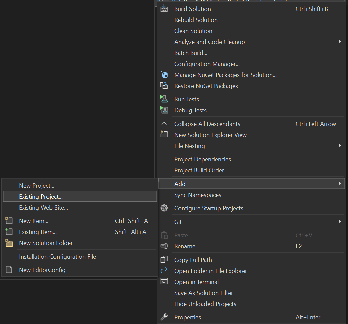
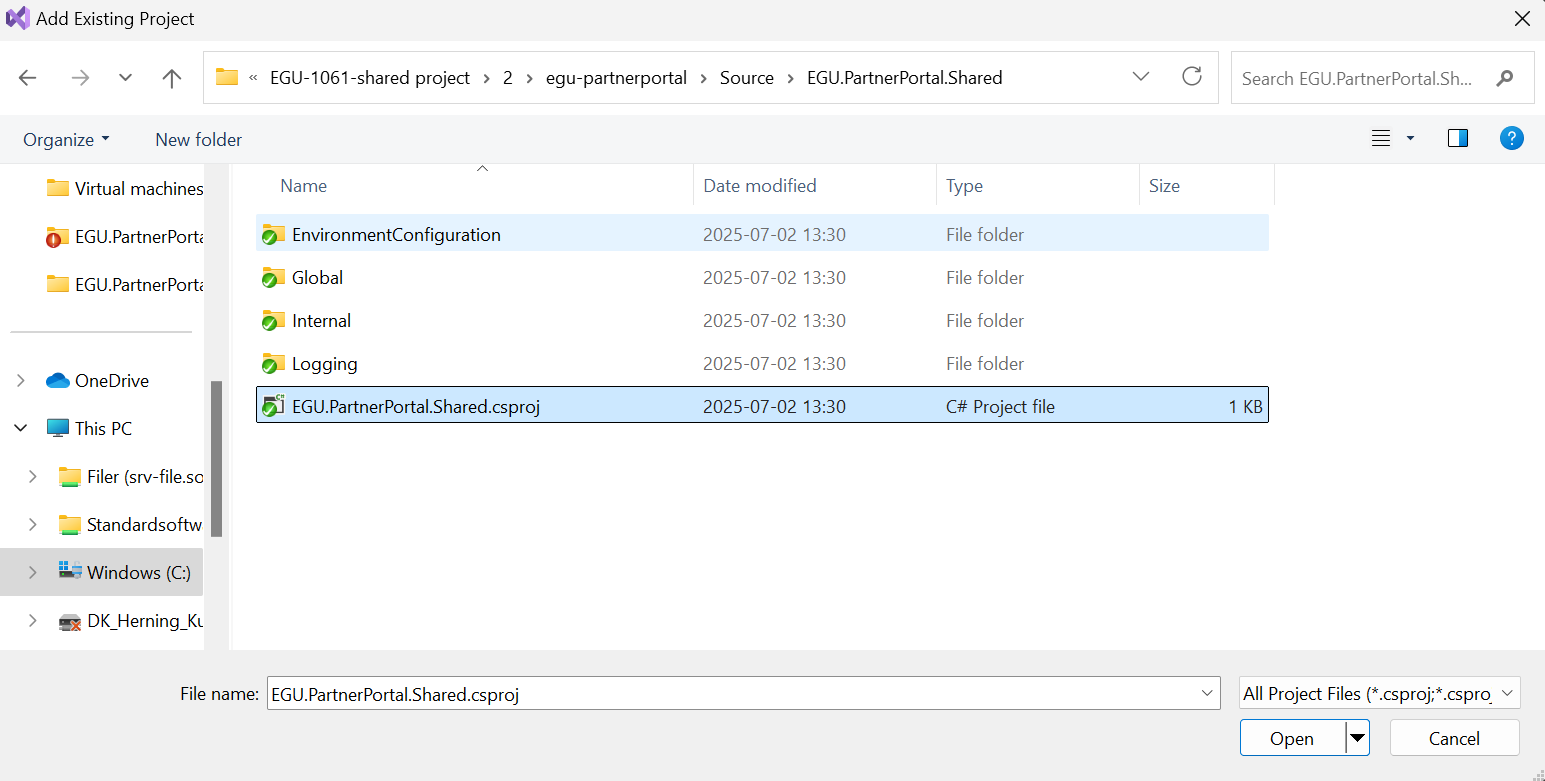
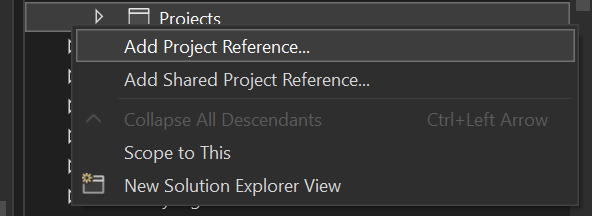
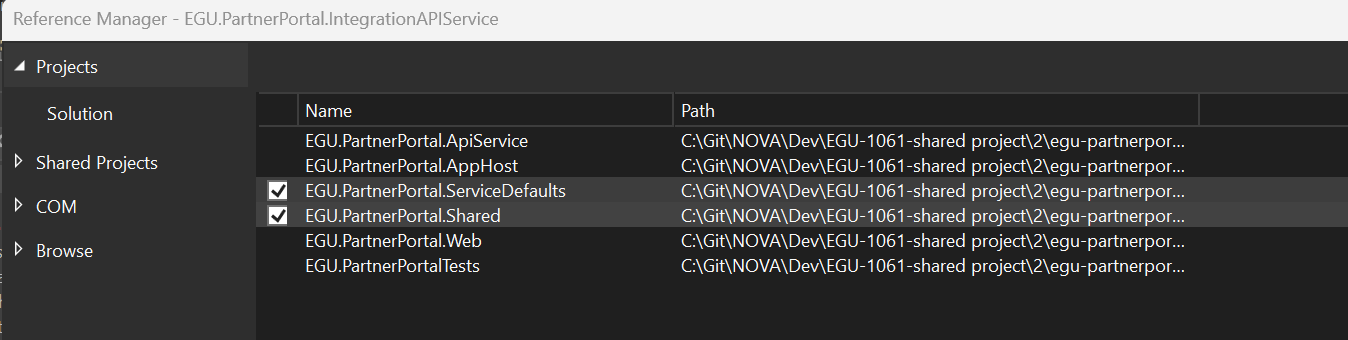
It is done in Visual Studio by following those steps:
The project is now ready for use.
The way the logging work is, that it checks an environment setting on the application level in the hosting weather or not to log.
Therefore, it is important that you setup the following variables:
To set the variables one should do the following:
The application will restart and is now ready for use.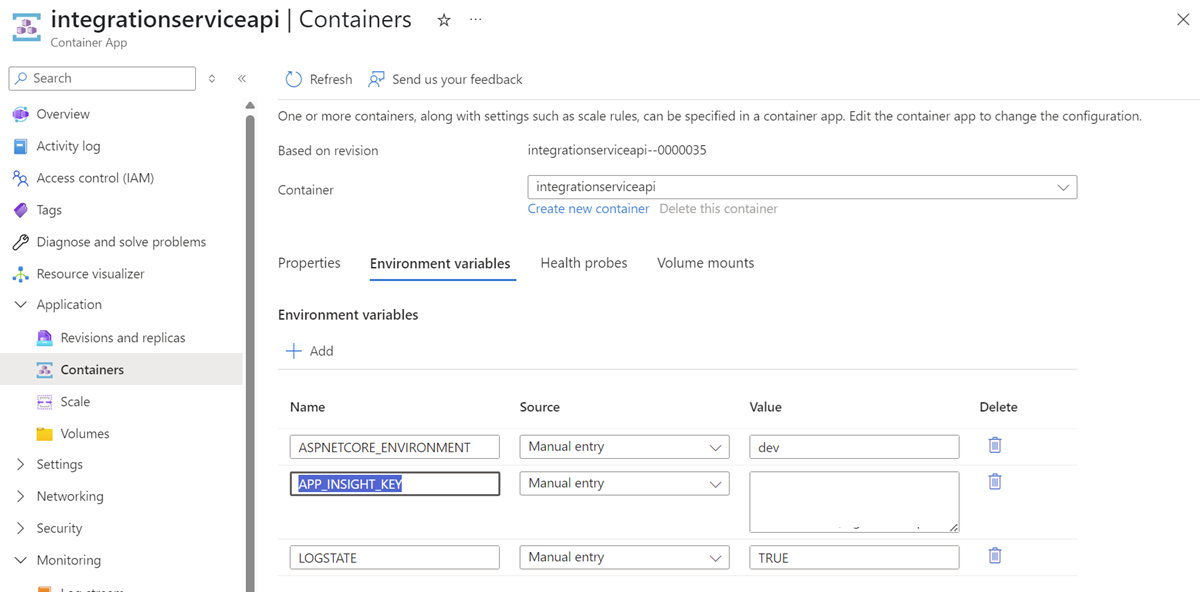
The Logging functionality can be accessed from the static class simply called Log.cs.
Before being able to log through the project you need to initialize the logger. (Should always be done when your application starts up, and is only done ones)
Initializing is done in this way:
string invoker = "IntegrationApi"; 									    /*The name of the application using the log*/

Log.Initialize(invoker); 												/*Initializing the logger, making it ready for use*/
Log.LogInfo("Integration api started.");								/*Initial message showing that teh logging and application have started*/
Log.LogInfo("Logger running"); |
When wanting to create a logentry do the following in the code:
/*The logger have the following options:*/
Log.LogInfo("This is an info message");
Log.LogDebug("This is a debug message");
Log.LogWarn("This is a warning message");

Log.LogException(new Exception("This is an exception message")); |
Having logged in this way will make the messages appear in the application insights logs.
On how to view those, view the documentation for the integration service.
In here , you can store the enums that are to be used throughout the systems.
Use this class to get environment variables from Azure.
The methods provide options for getting various types of data.
This folder is reserved for DTO entities.
Please keep a good order and follow the guidelines for putting them here: