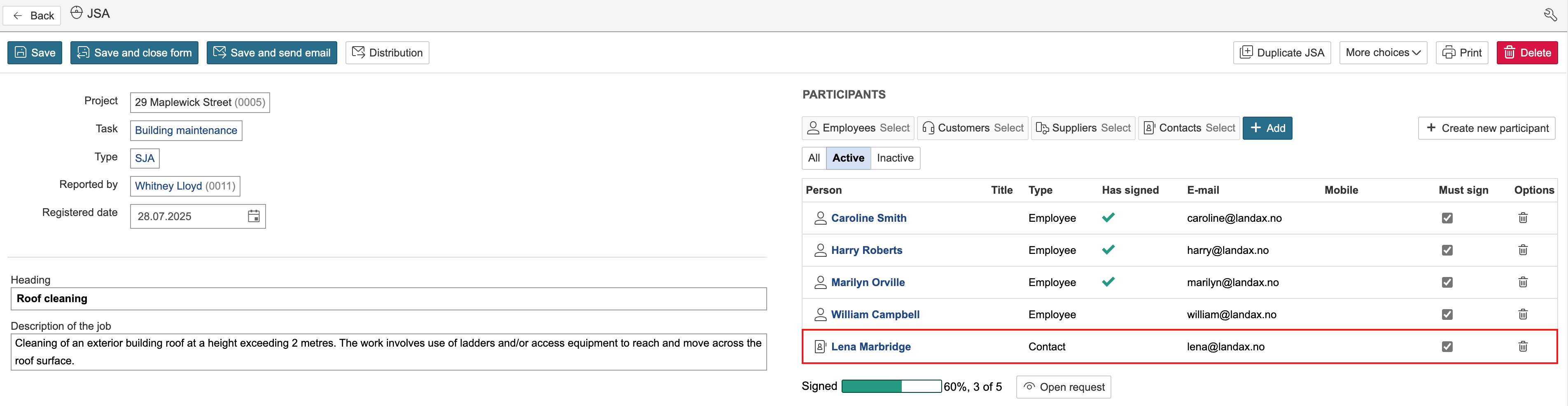
You can add coworkers, customers, suppliers, and contact persons as participants. Participants can also be created directly from a JSA.
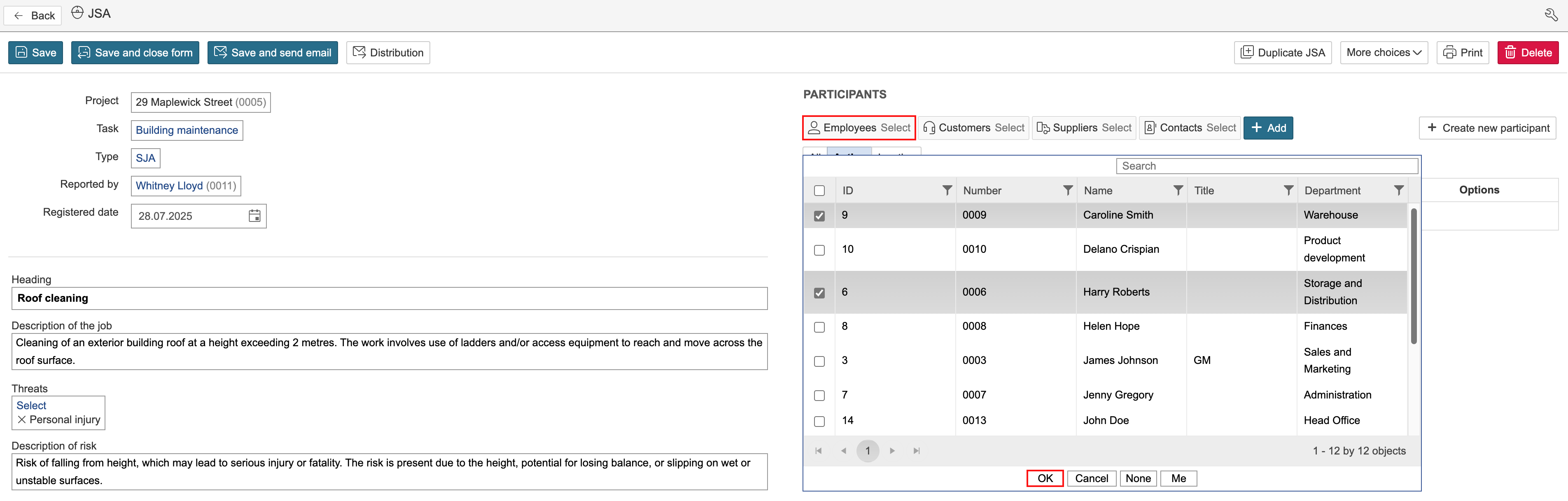
1. To add participants, click Select for the relevant module, tick the boxes to select participants, and click OK.
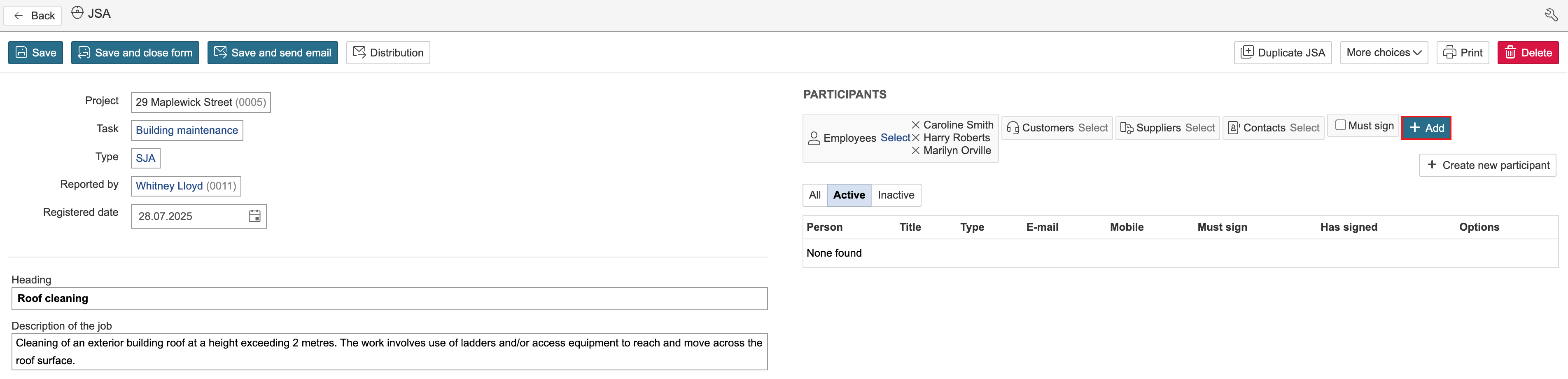
2. Click Add.
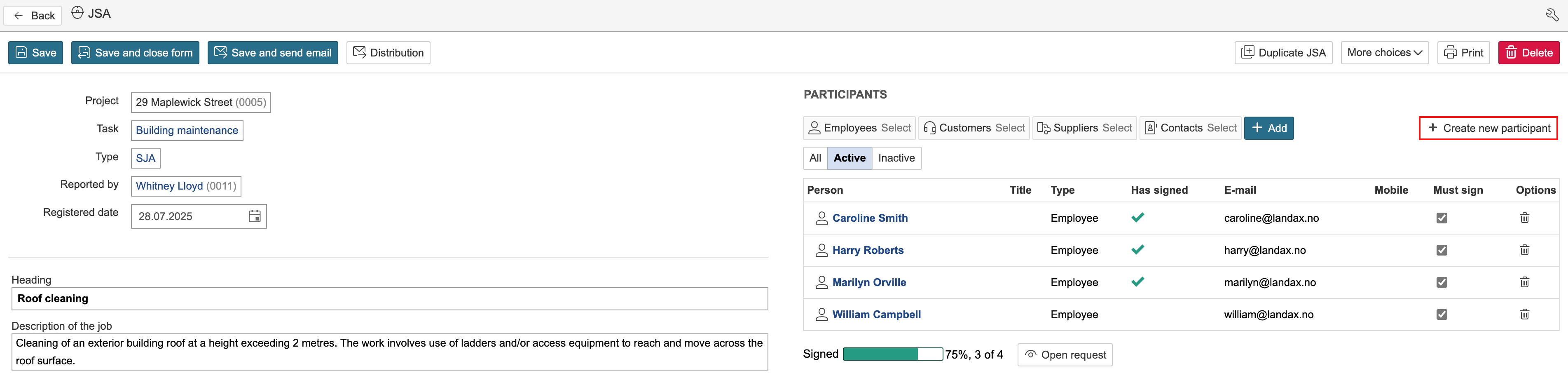
If the person you want to add is not already registered in the system, you can create a new participant directly from the JSA.
1. To create and add a new participant, click Create new participant on the right-hand side of the page.
2. Enter the participant’s name, email address, and mobile number, and click Create.
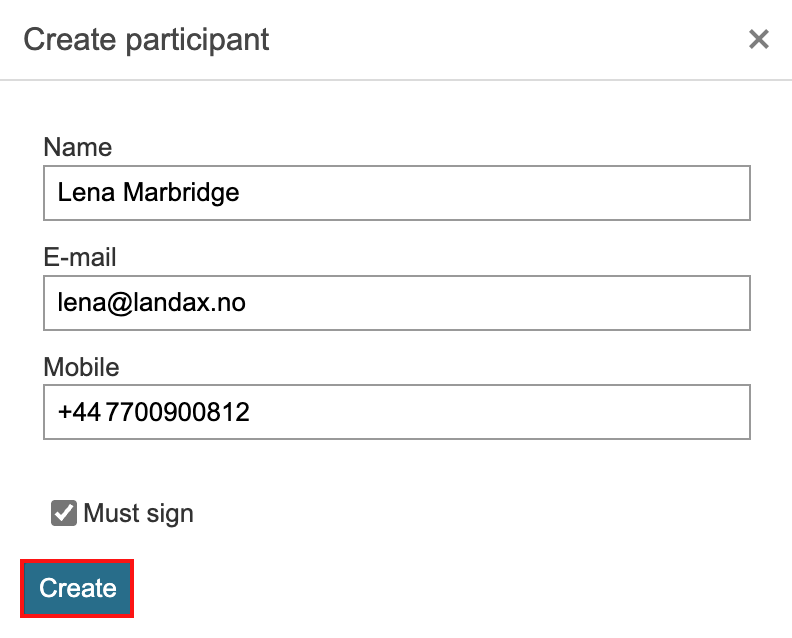
3. The participant will be added to the contact person register.