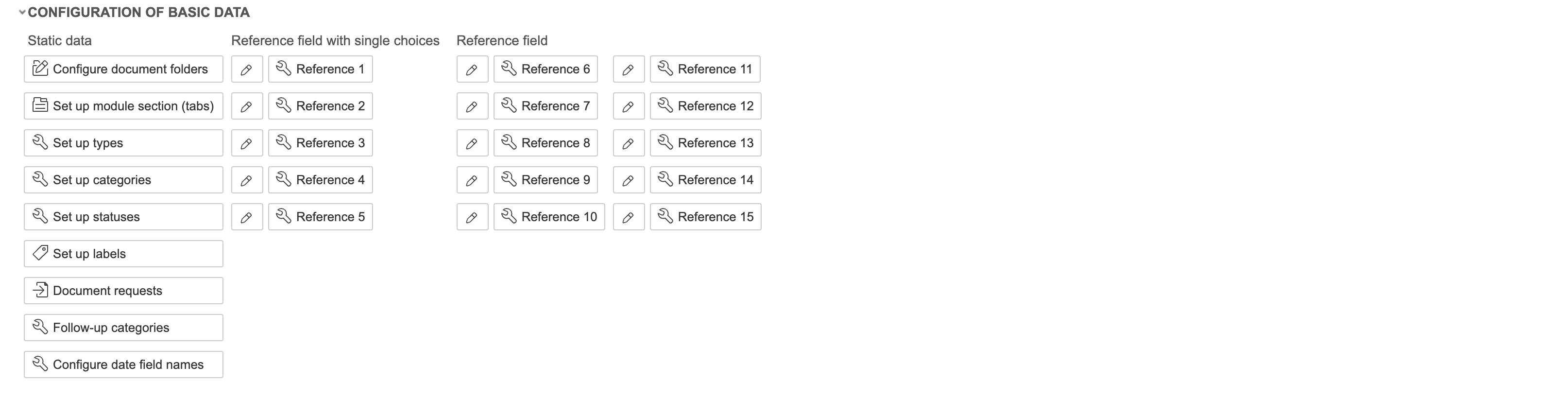
Under Configuration of basic data, you can edit types, statuses, categories, and labels.
1. Click Set up types to edit project types. To create a new one, click Create new. To edit an existing one, click 'Edit'. To delete a type, click 'Delete'.

2. Enter a name, select the settings for the type, and click Save and close form. 'Separate field configuration' means that changes to the form only apply to this type. If you select project statuses for the type, only the statuses you selected will be available for projects with that type. This can also be configured directly on the statuses. View in project creation dialog' means that the type will be visible when creating a new project. If 'Allow non-conformance registration' is disabled, non-conformances cannot be registered on projects of this type. To create a tree structure in project types, select a parent type in the Parent field.
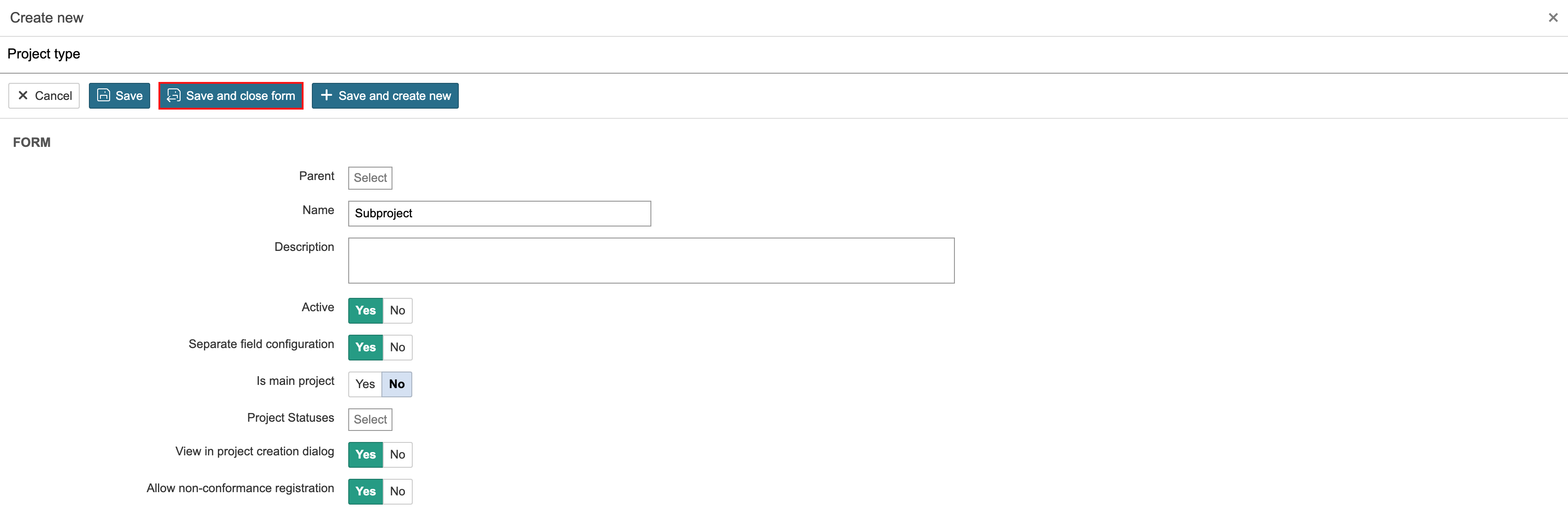
Info: After saving, you can also configure specific permissions for the project type. |