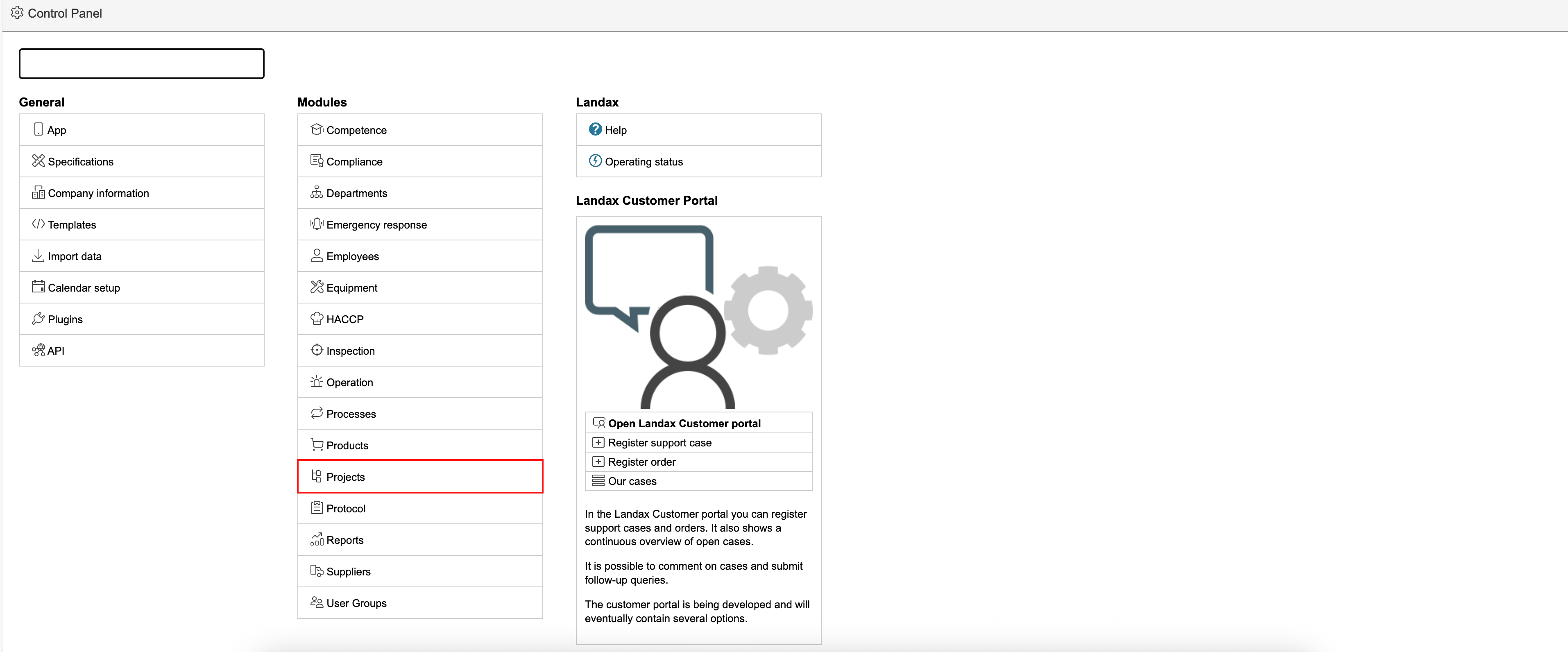
In the control panel, you can select settings and configure basic data for the project module.
1. To access the project module page in the control panel, click the gear icon in the top right corner of the page to open the control panel, and select Project in the middle column.
2. This page is used to configure settings and basic data for the project module.Click the question mark icons next to the fields for more information. If you have any questions about fields without a description, contact us via the Landax Customer Portal.
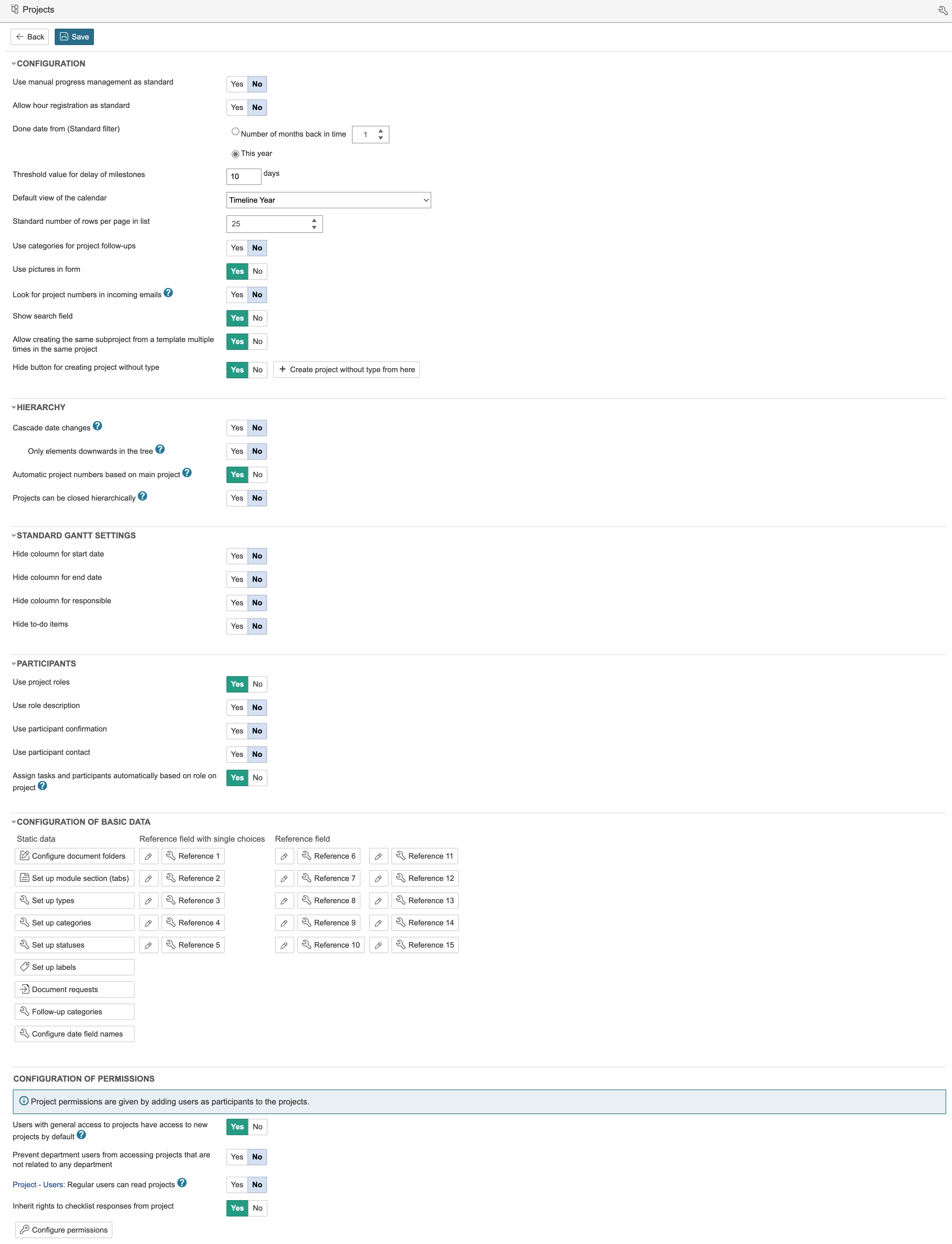
Gantt diagram settings for the project module are managed in this section.
To use roles for participants in a project, this option must be enabled. By using roles in a project, you can add participant requests based on roles and automatically assign tasks when individuals are added to those roles within the project.
Click here for guidance on configuring basic data.