
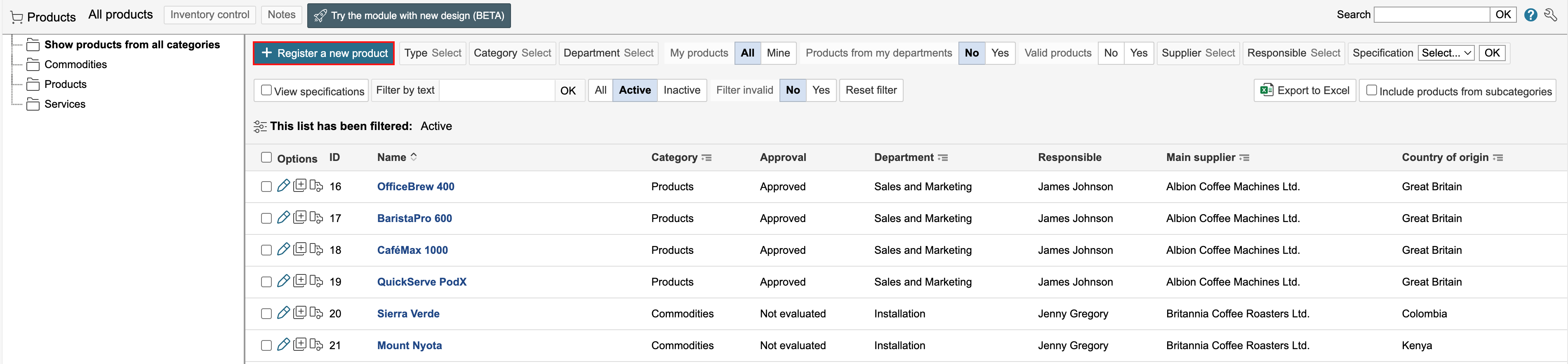
1. To create a new product, go to the product module and click Register a new product.
2. Enter the product information and click Save or Save and close form.

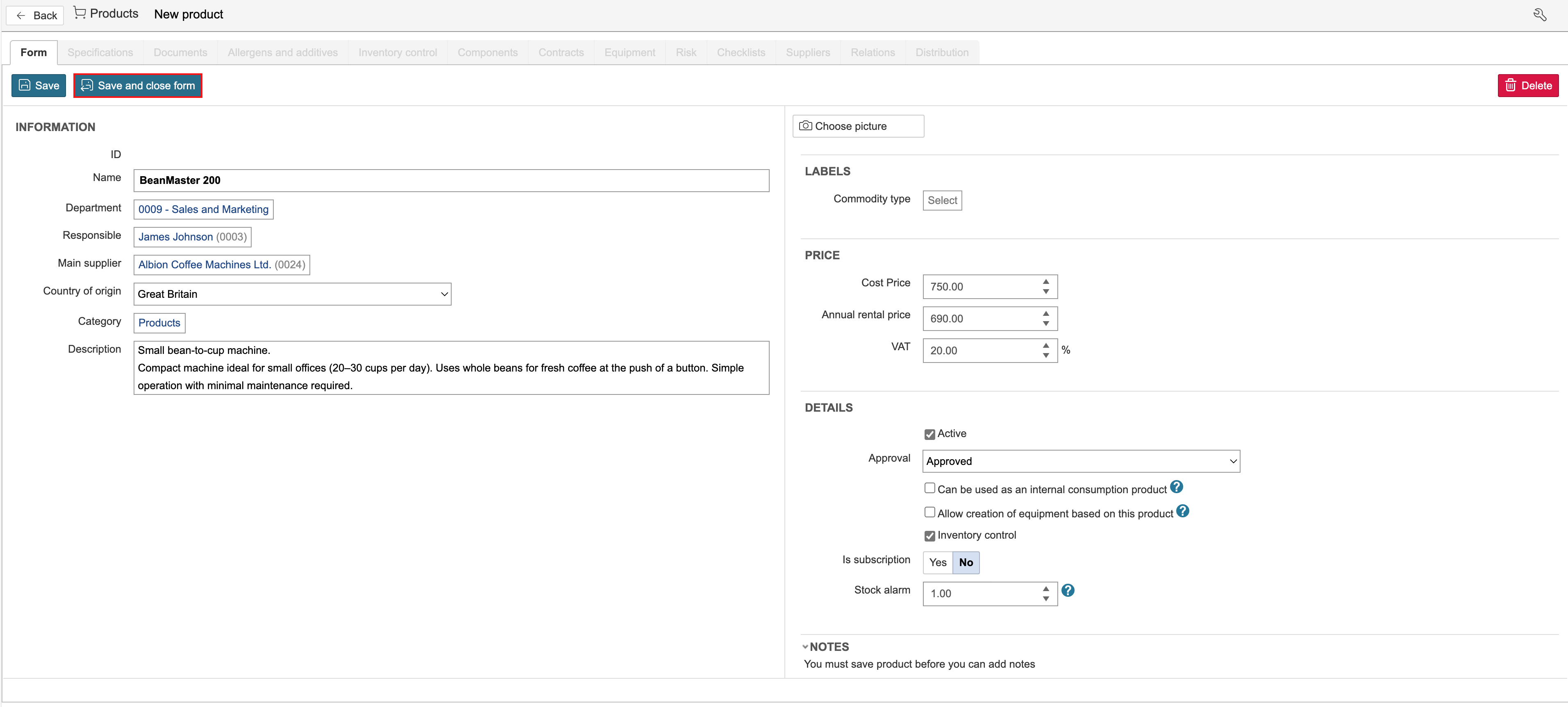
Info: Types, Categories, Statuses and Allergens are static data set up in the control panel. |
The quantity entered here indicates the quantity that must be in stock for the inventory status to be displayed as red. Inventory status can be found under the Inventory control tab.

It is possible to register allergens for the product. Click the Allergens and additives tab to add allergens.

Info: It is possible to add allergens to the product and which allergens there may be traces of in the product. |