How to refund a single Commission invoice
- In Hallinta: Company - Billing lower left corner Comissions
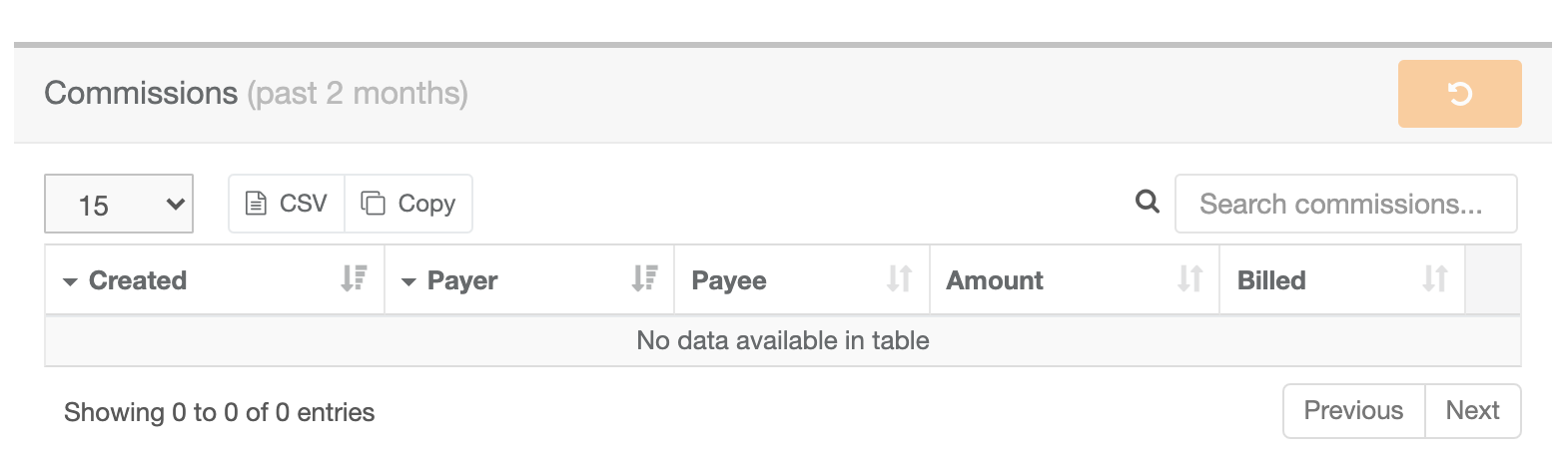
Unbilled commission (invoice has not been sent yet):
- To refund commission(s), choose row to be refunded and press the orange refund-button
- New bill is created automatically at change of month, where refunded commissions have been acccounted for
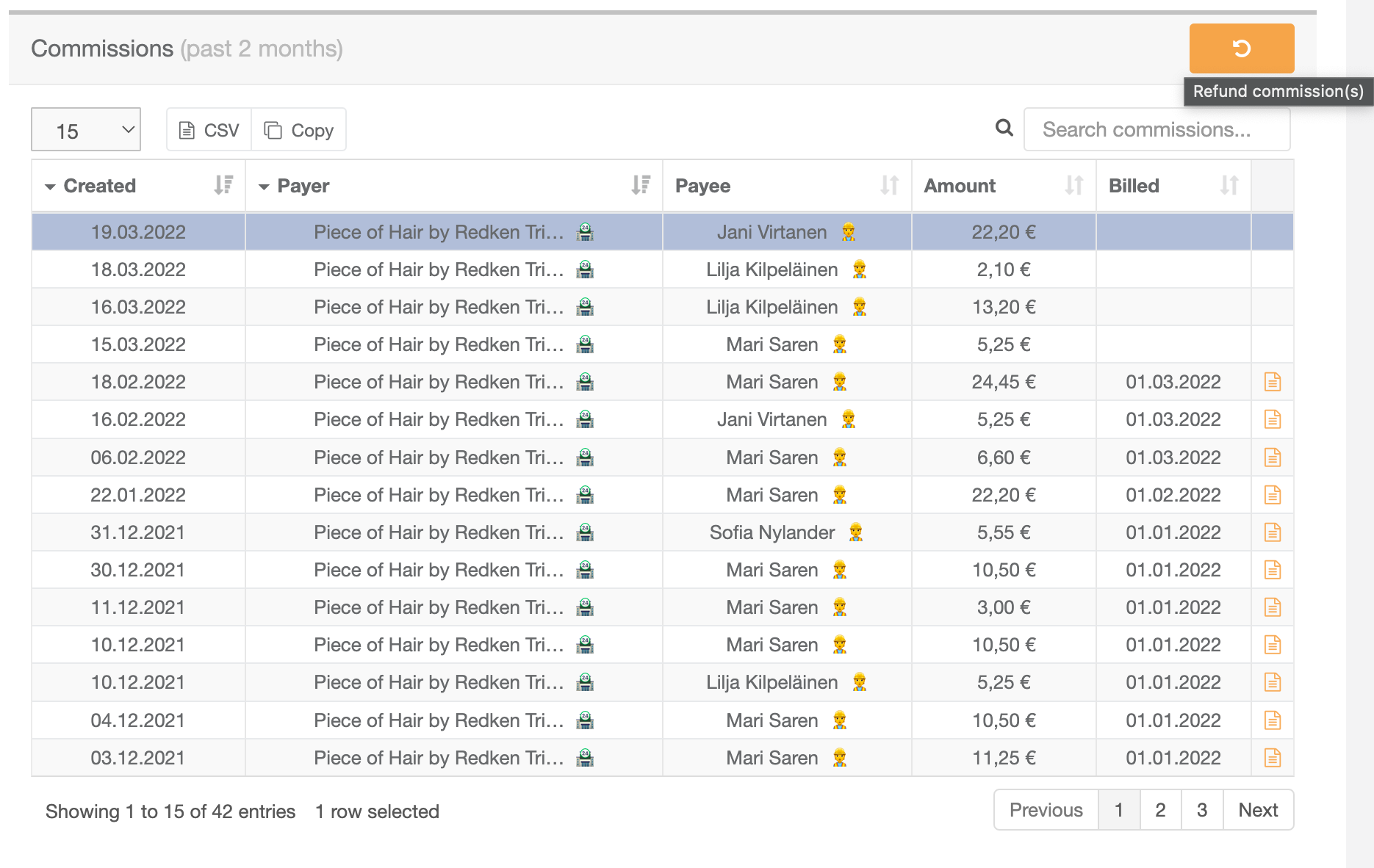
Billed commission:
- Commission can be refunded via Billing, Bills, or the Comissions table, for single commissions use the Commissions table
- Existing bill is refunded automatically (possible refund for consumer after this does not result in double refund)
- System creates new commission invoice for the time period (if there still is commission to be billed), invoice is dated of the current day
- All commissions that are on the same bill as the refund are removed and replaced by new copies with billing (if any).
| You may also want to use visual panels to communicate related information, tips or things users need to be aware of. |
Related articles
Related articles appear here based on the labels you select. Click to edit the macro and add or change labels.
