If your company produces or handles food products, allergies and additives can be registered on the product to display which substances it contains.
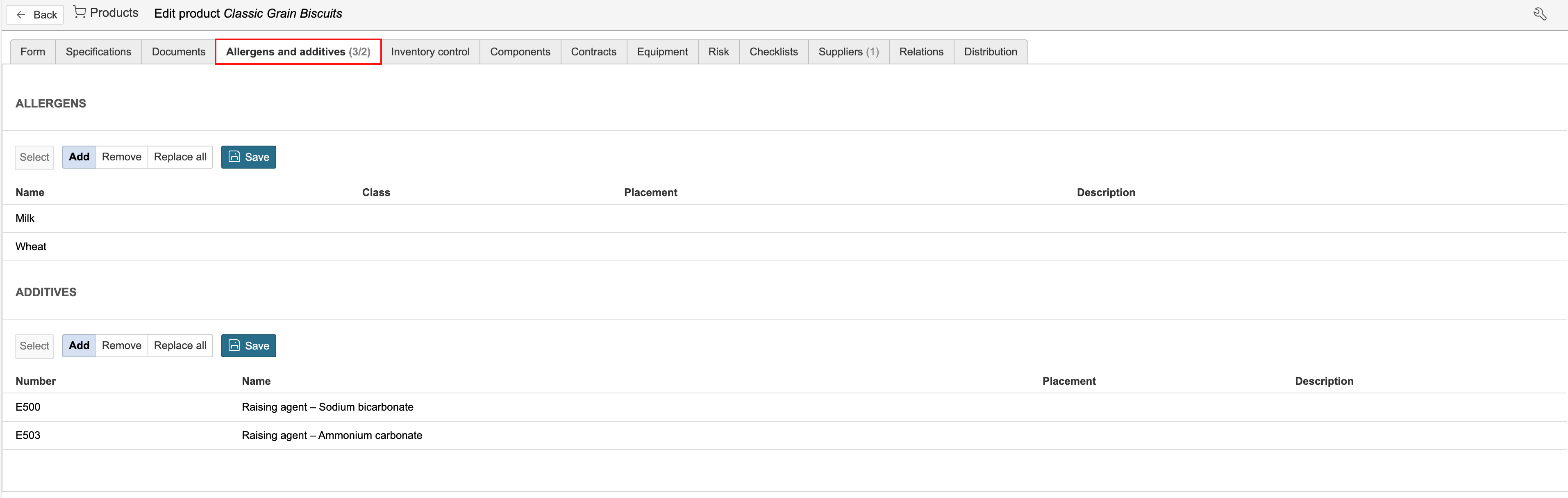
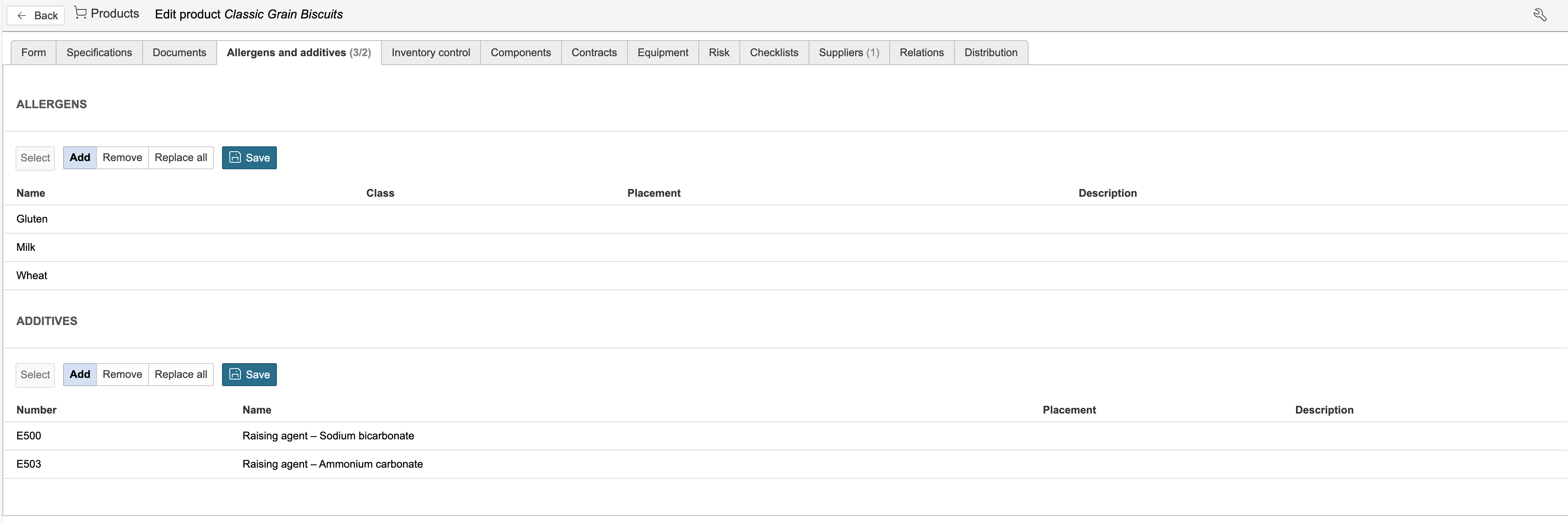
1. Go to the Allergies and additives tab to register and display allergies and additives.
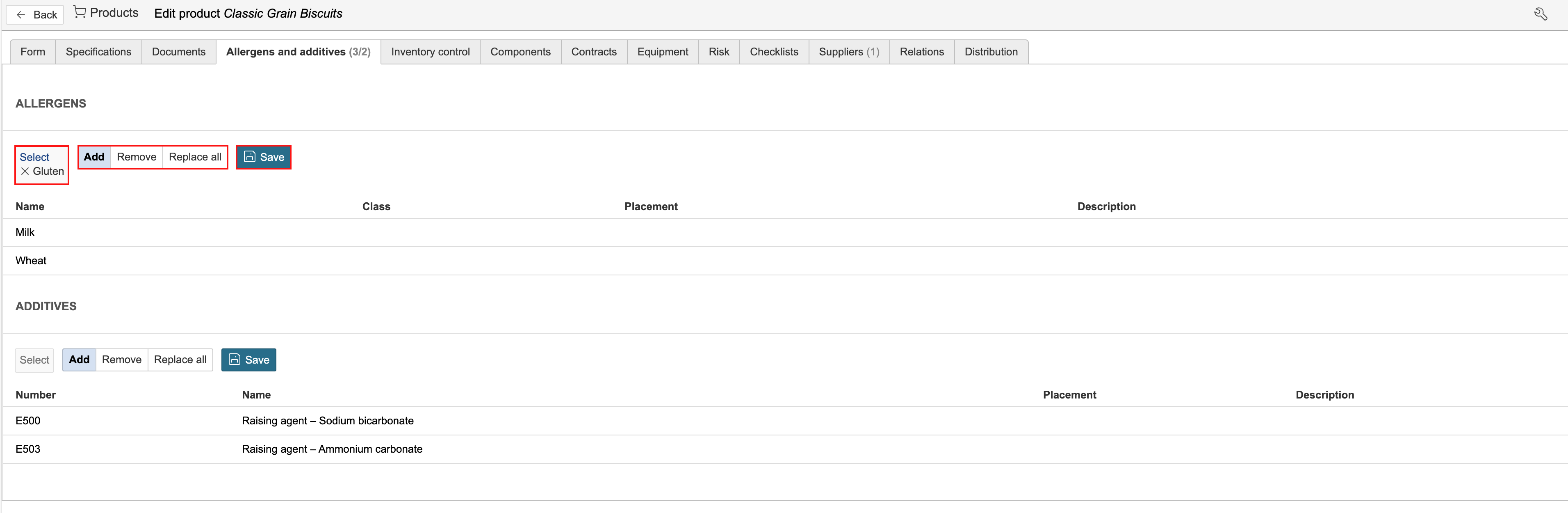
2. To add an allergy or additive, click Select under the relevant section and select from the list. Multiple options can be selected simultaneously. Select whether the option should be added, removed, or replace all existing selections. Click Save to add it.
| Info: The options for allergies and additives are configured in the control panel. |
After all allergies and additives have been added.
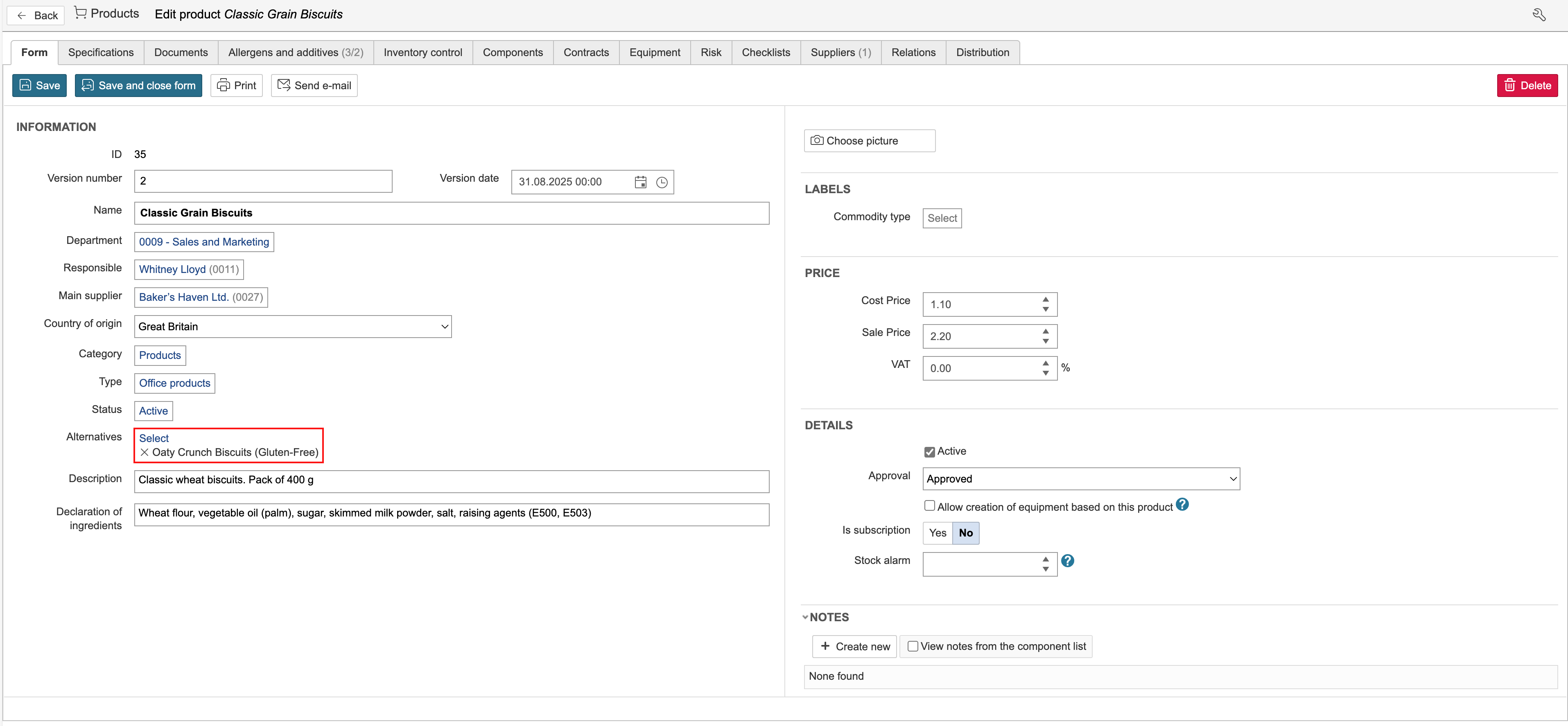
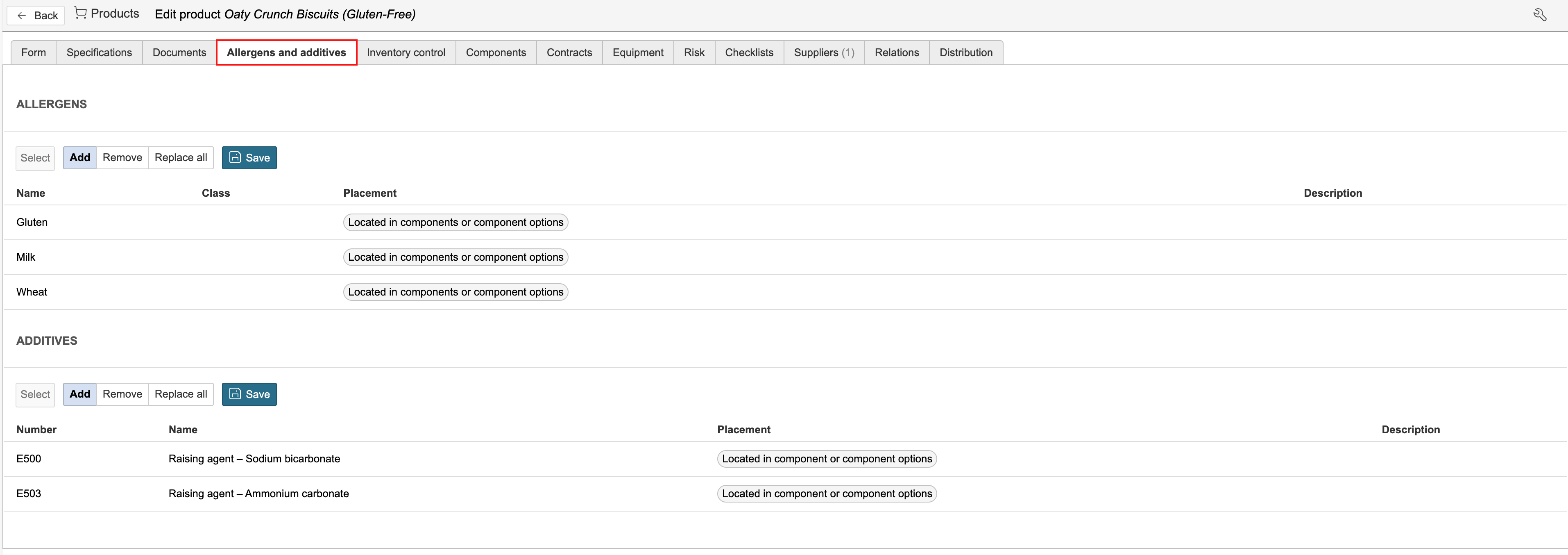
If an alternative has been selected for the product, the substances registered for the original product are also displayed under the Allergies and additives tab for the alternative product.