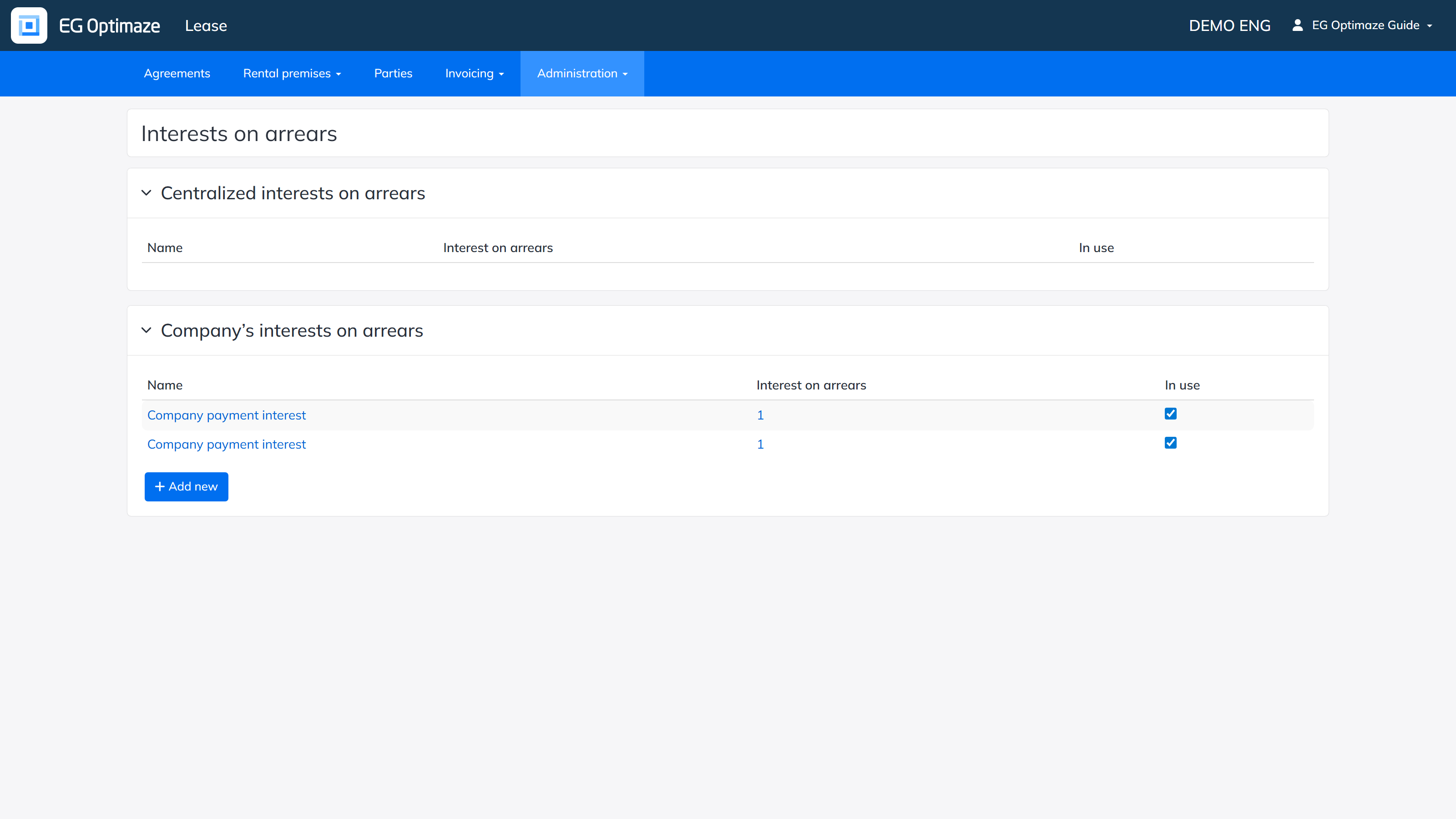
Interests on arrears define the penalty interest percentages that can be applied to late payments.
Open Administration → Computation details → Interests on arrears.
The view contains two lists:
Each row shows the Name, the Interest on arrears percentage and whether the rate is In use. Add a new rate with Add new; the Name is entered separately for each language (EN, FI, SV).
Click a rate’s Name to open it for editing; Delete removes it entirely without asking for a confirmation. Click the Interest on arrears percentage value to open the rate’s history, where a new percentage can be added together with the date it takes effect — the list view always shows the percentage that applies today based on these effective dates. Note! Use a period, not a comma, as the decimal separator for the interest percentage.