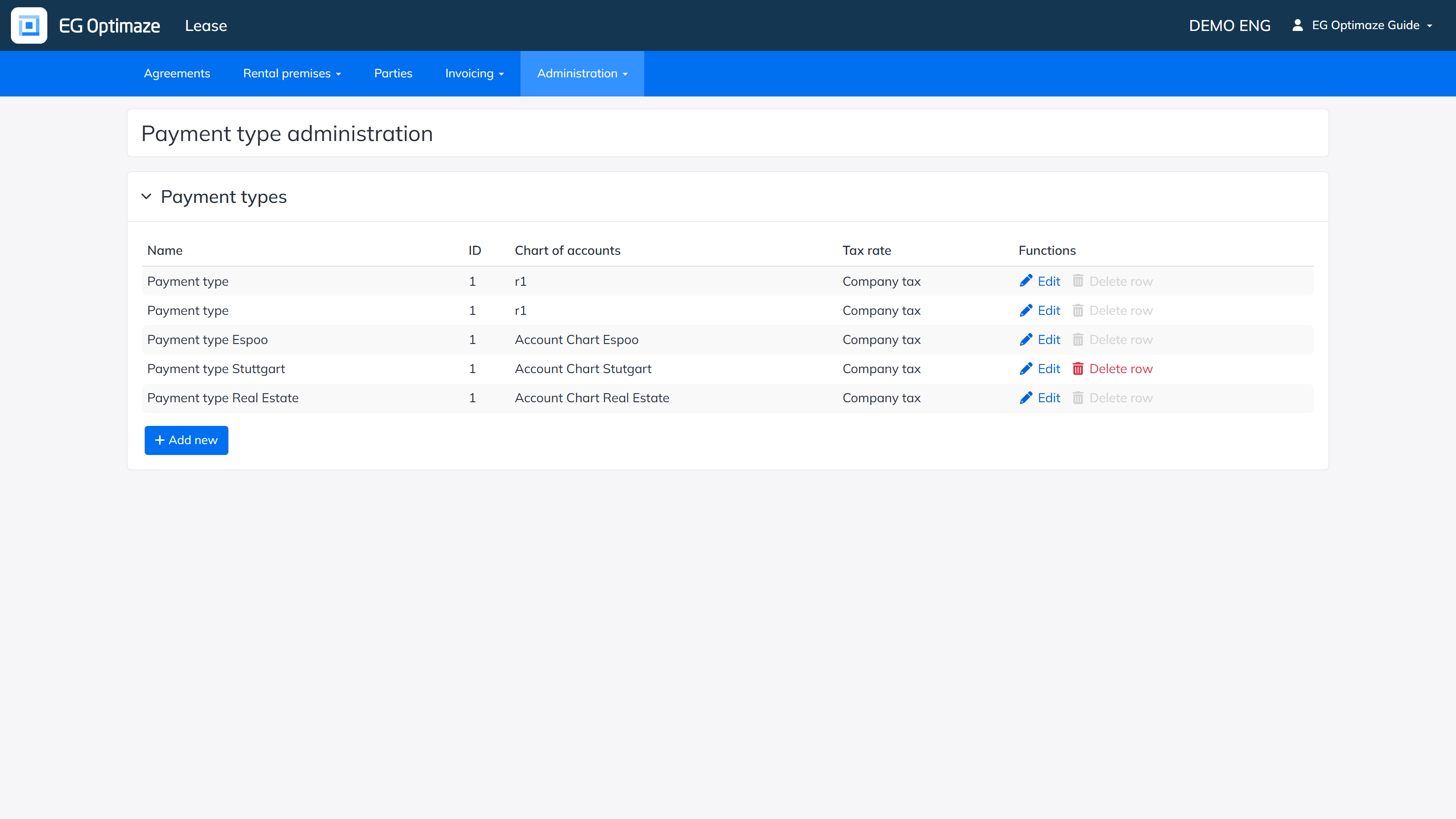
Payment types define the payment rows that can be used on agreements and invoices. Each payment type is linked to a chart of accounts and a tax rate.
Open Administration → Agreement property details → Payment types.
Each type shows its Name (with optional translations into English and Swedish), ID, Chart of accounts and Tax rate. Add a new type with Add new; existing types can be edited or removed using the links in the Functions column.
The Tax rate field can also be set to No tax rate if needed; the dropdown shows each rate’s name followed by its actual calculation percentage in parentheses. Note! Deleting a payment type asks for a confirmation.
Charts of accounts are maintained in the Charts of accounts view and tax rates in Computation details → Tax rates.