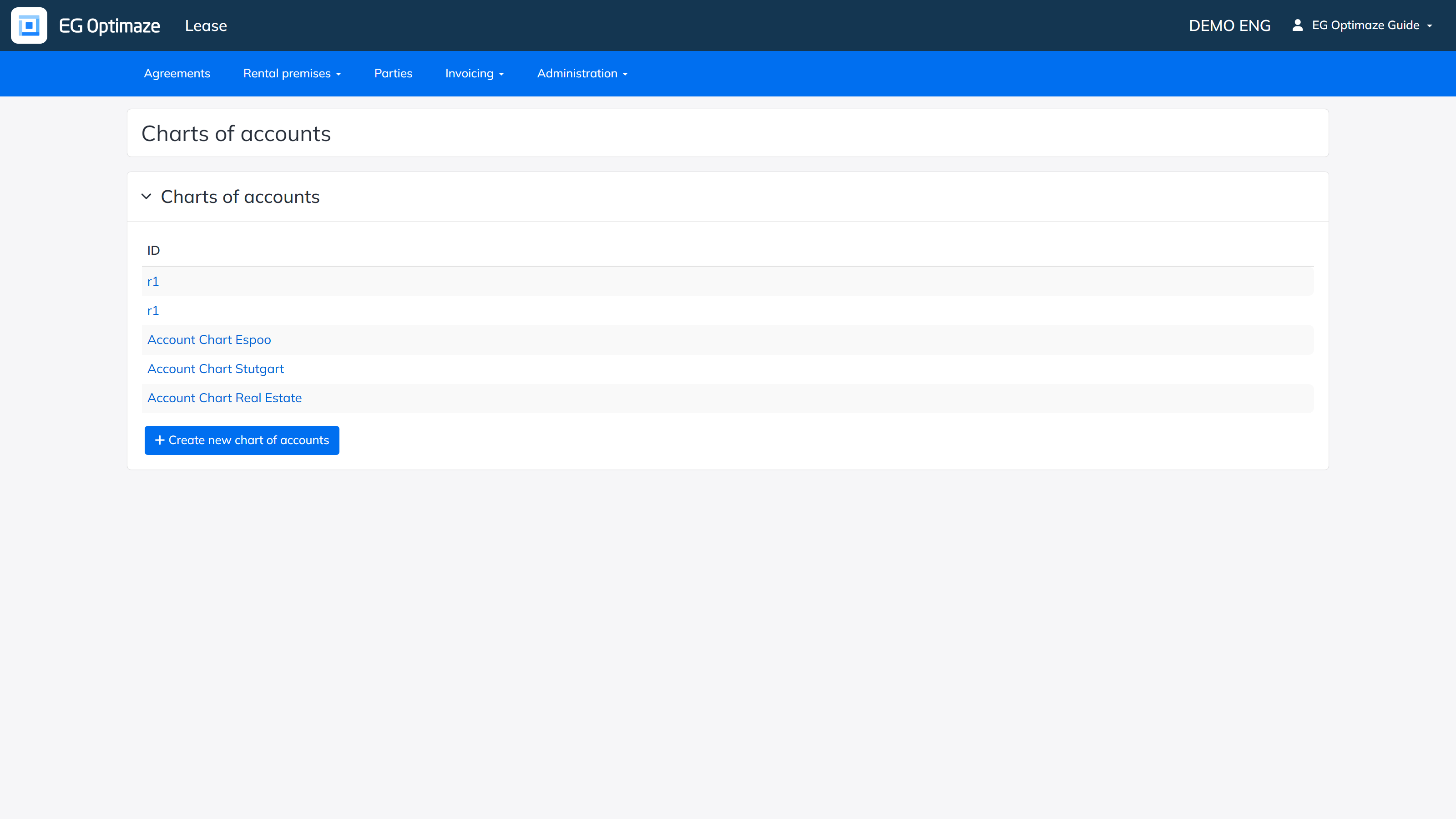
Charts of accounts contain the bookkeeping accounts referred to by payment types.
Open Administration → Agreement property details → Charts of accounts.
The list shows the existing charts of accounts by ID. Open a chart by clicking its ID, or create a new one with Create new chart of accounts.
A chart of accounts needs at least an ID/Name. It can also be used to restrict, per target, whether the payment type is selectable on an agreement row; if no targets are set, no restriction is applied. Targets can also be added in bulk by property cost center (the area level of Moment’s target hierarchy).