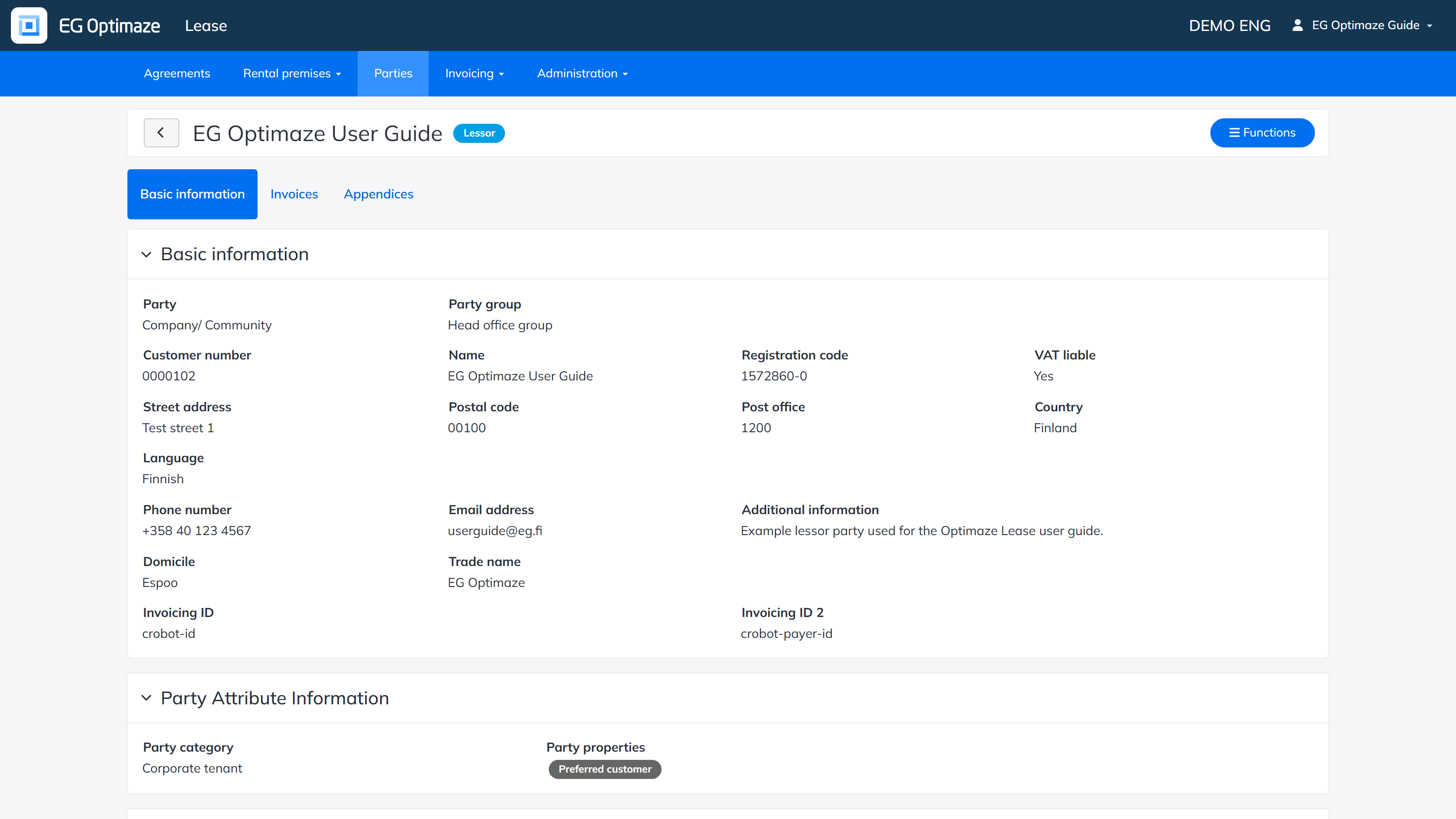
A single party is opened by clicking its name in the parties list. The party view has three tabs: Basic information, Invoices and Appendices.
Basic information
The Basic information tab is divided into panels:
- Basic information — the party’s core details: Party (Company/Community or Person) and Party group; Customer number (assigned automatically), Name, Registration code and VAT liable; the address (Street address, Postal code, Post office, Country) and Language; Phone number, Email address and Additional information for the party itself; Domicile and Trade name; and the e-invoicing Invoicing ID / Invoicing ID 2 used to match invoices to this party.
- Party Attribute Information — the company-specific Party category, Party properties and Party group used for filtering and reporting across parties (see Agreement parties for how these work as list columns and filters); maintained in the Administration section.
- Contact information and Invoicing contact information — the name, phone number, email and additional information of a contact person and, separately, an invoicing contact person representing the party; the invoicing contact can also have a BIC and IBAN for refunds. Both are available when creating an agreement, pre-filled from what has been saved here.
- Default e-invoicing address — the party’s E-invoicing ID and Operator ID, used as the default when sending e-invoices to this party.
- Default invoicing details — the default Invoice sending method, Due date, Interest on arrears, Your reference, Additional information and Payment term used when invoicing this party; can still be overridden per agreement.
- Default invoicing address — an invoicing address that differs from the party’s own address in Basic information, if invoices should be sent elsewhere.
- Agreements’ invoicing data — lists the agreements the party is connected to, where the invoicing details above have been overridden specifically for that agreement.
- Signed parties — signatory details (Name, Title, Company, Email address, Social security number, Registration code) saved in advance, so they can be added to an agreement’s signature details without retyping them.
Invoices
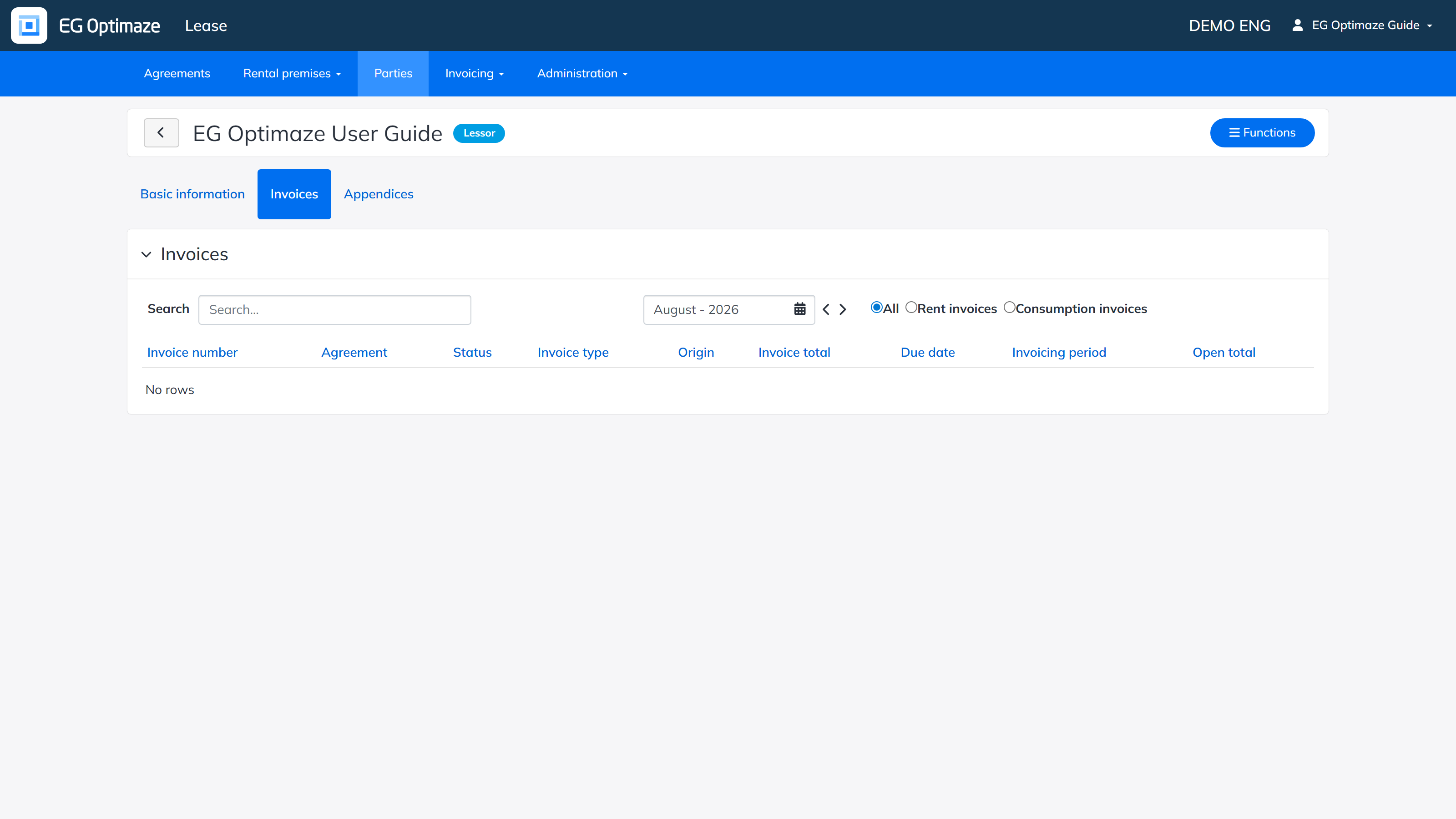
The Invoices tab shows the invoices related to the party: its Invoice number, Agreement, Status, Invoice type, Origin, Invoice total, Due date, Invoicing period and Open total, filterable by month and by whether they are rent or consumption invoices.
Note! Invoices that have been created without an agreement are visible only in this view.
Appendices
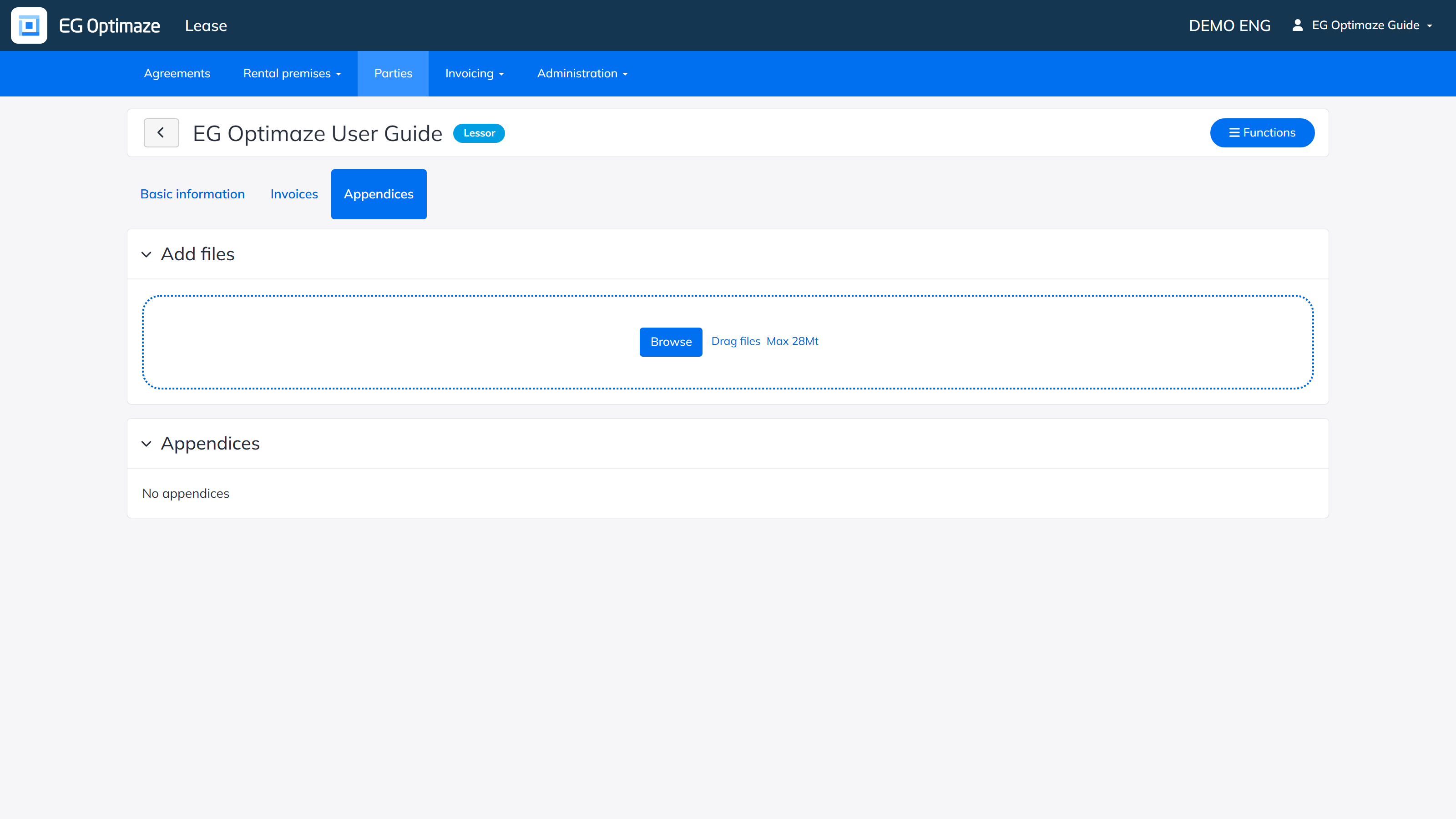
On the Appendices tab you can store attachment files for the party that you do not necessarily want to store on an agreement, for example a signed framework agreement or a company extract. Files are added with Browse or by dragging them onto the upload area (max. 28 Mt).