The edit mode is opened from the party’s Functions menu with Edit data. The same menu can also be used to create invoices for the party and to delete the party.
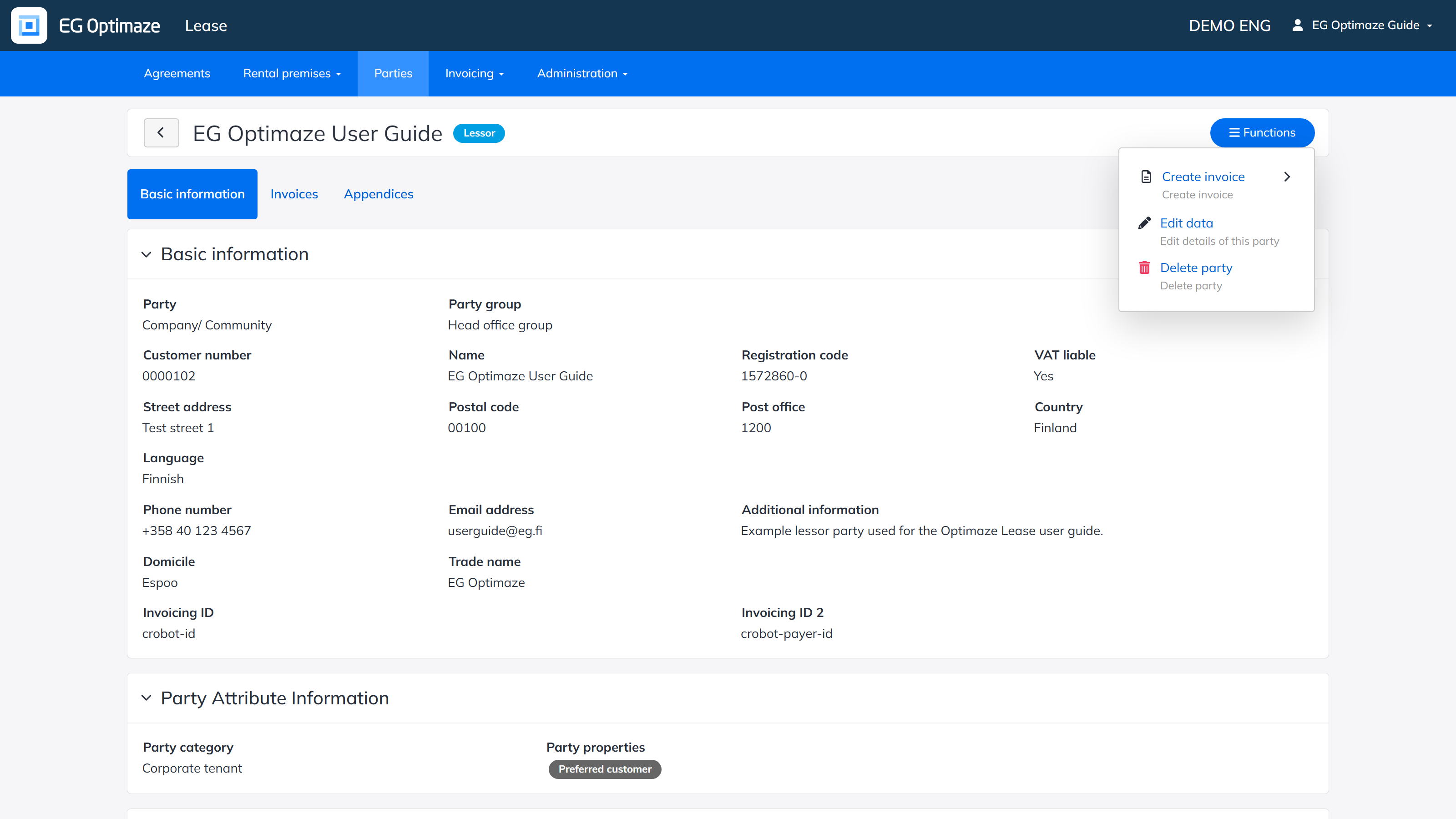
The edit view
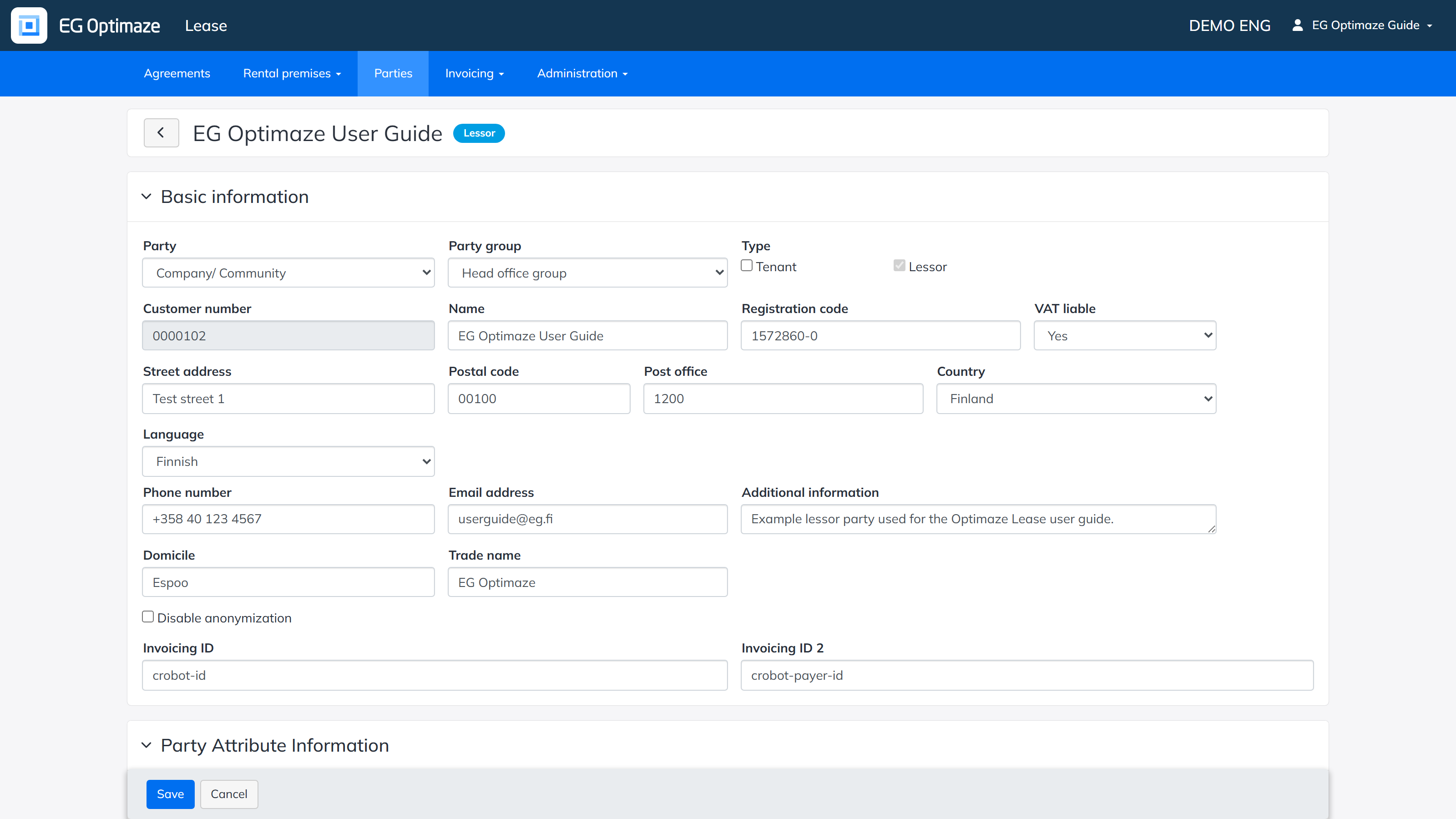
The edit view is divided into the following panels:
- Basic information — the most central details of the party are maintained here.
- Party Attribute Information — the company-specific party values defined in the Administration section can be set here.
- Default e-invoicing address — the e-invoicing ID and operator ID needed by the e-invoicing integrations.
- Default invoicing details — the invoicing terms relevant for the invoice recipient, for example the due date, payment term and invoice sending method.
- Default invoicing address — address details for invoicing that differ from the basic information.
- Contact information — the details of a contact person representing the party. The information is available when creating an agreement, based on what has been saved for the party.
- Invoicing contact information — the details of an invoicing contact person representing the party, also available when creating an agreement. Note! The invoicing contact person details must be entered for lessor parties whose agreements are used for rent invoicing.
- Agreements’ invoicing data — lists the agreements the party is connected to. The invoicing details entered in the panels above can also be overridden per agreement here.
- Invoicing groups — groups of agreements can be created here, which makes it possible to invoice several agreements with one invoice. The payment rows of the agreements selected into the group are combined into a single invoice.
- Signed parties — the signatory details of the party can be saved in advance, so that they can be conveniently added to an agreement for the signature details.
Save the changes with Save.