
We’ve given our knowledge base a new look – you can now find it here in Confluence!
When you enter our new Knowledge Base, you’ll be greeted by this landing page. Here you’ll find three different sections, as shown in the image below.
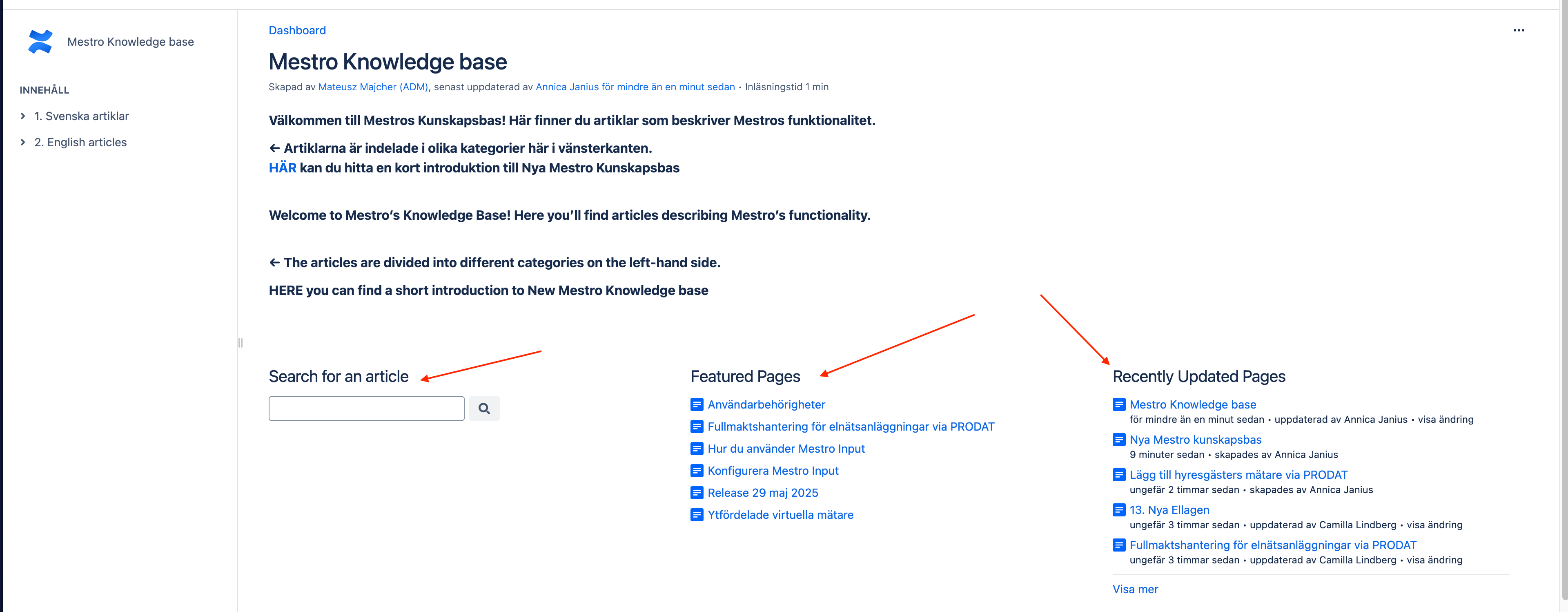
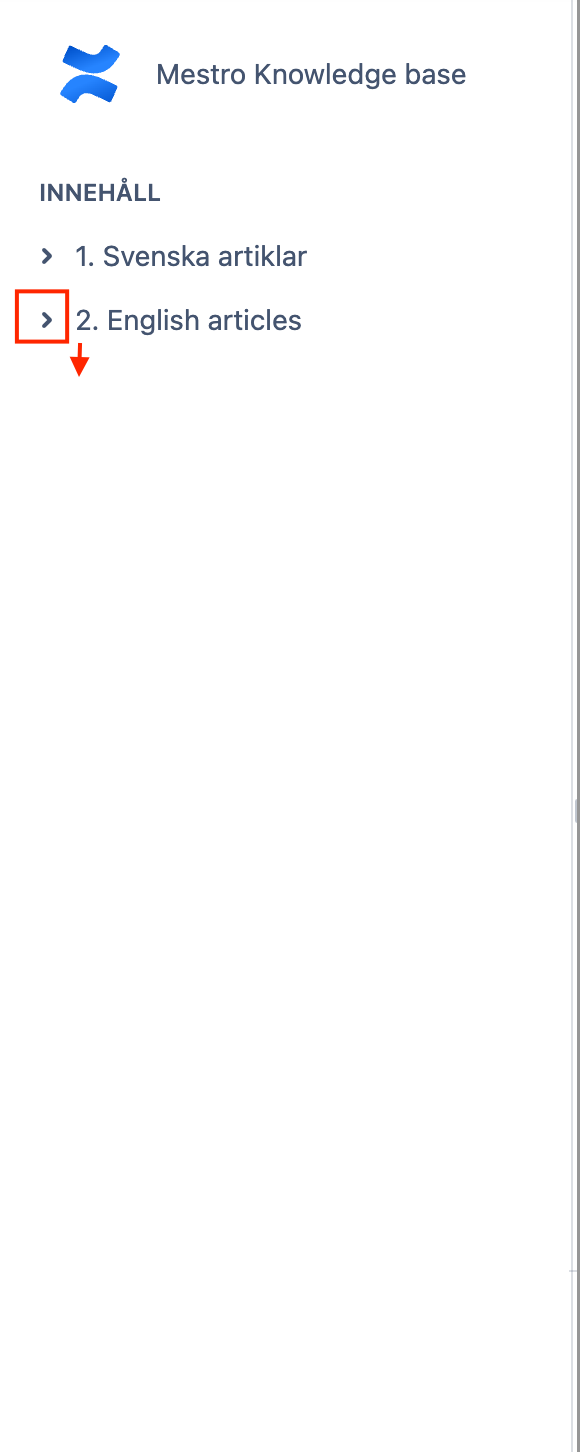
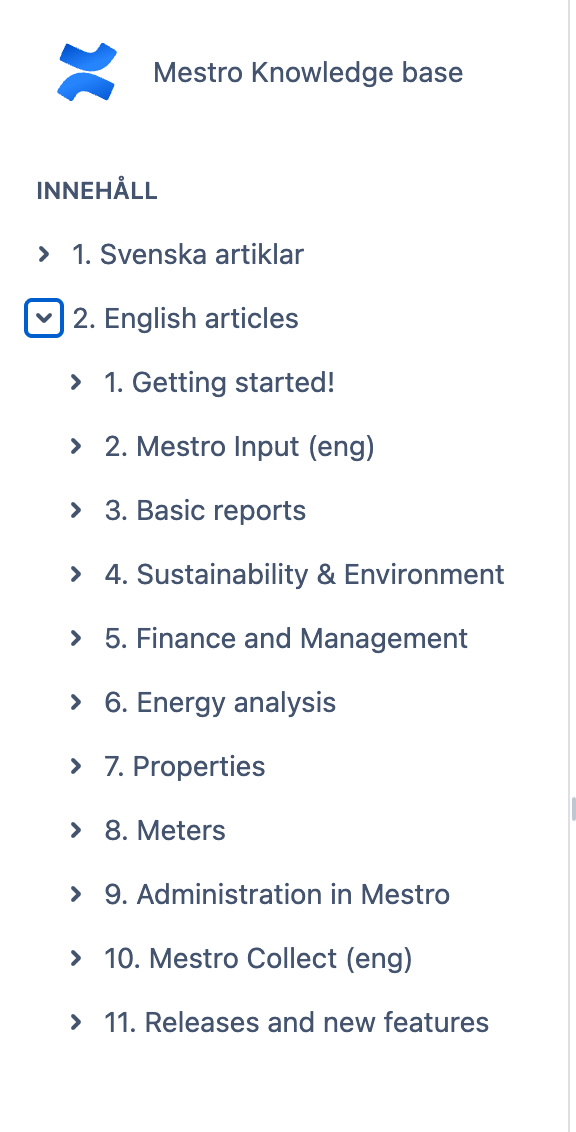
On the left side of the knowledge base, you’ll find all the different articles, divided into Swedish and English. When you click the small arrow to the left, subcategories will expand. Under these headings, we’ve gathered relevant articles — as long as there’s a small “>” symbol to the left, you can expand a new section. If you prefer to search for an article, you can do so from the main page using the “Search for an article” box.
Common questions
- How do I use the new knowledge base?
- Where do I find documentation about Mestro?
- How do I search the knowledge base?