
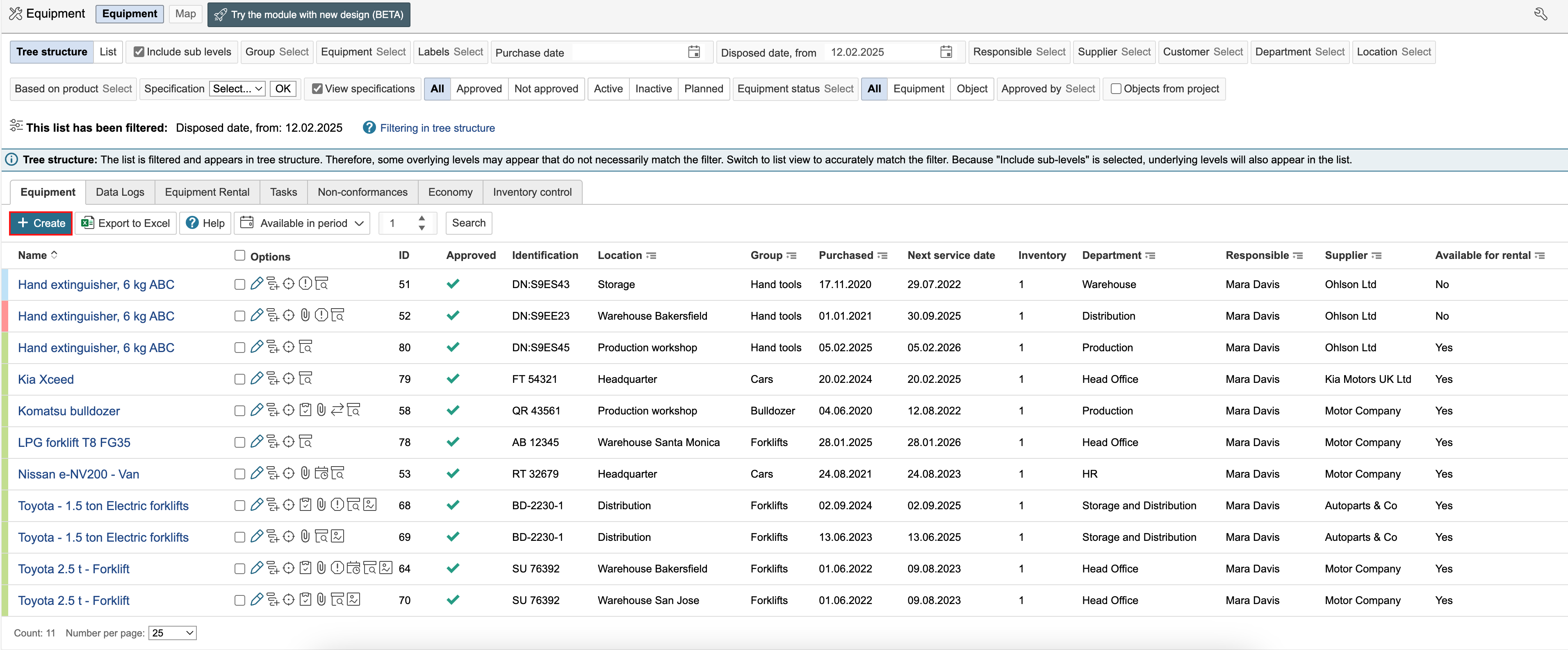
1. Go to the equipment module and click Create.
2. Select an equipment group by clicking on it.
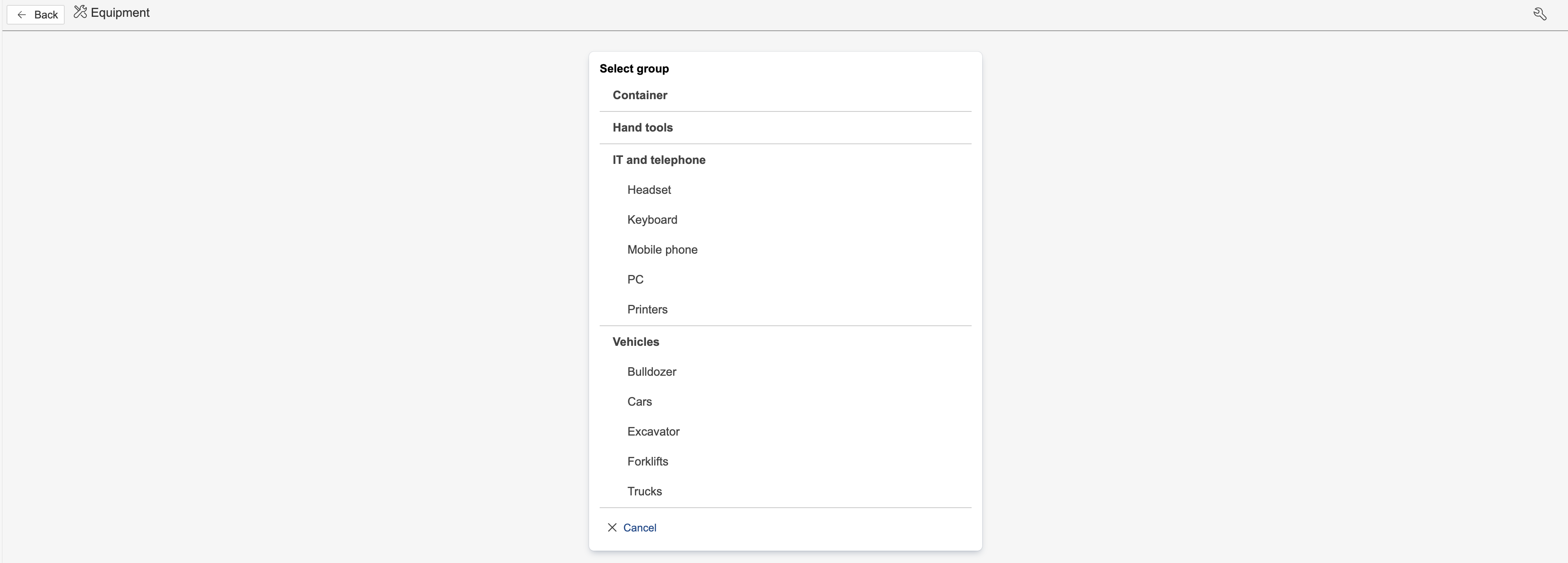
Info: Equipment groups and other settings are configured in the control panel.
3. Enter information about the equipment in the fields and click Save.
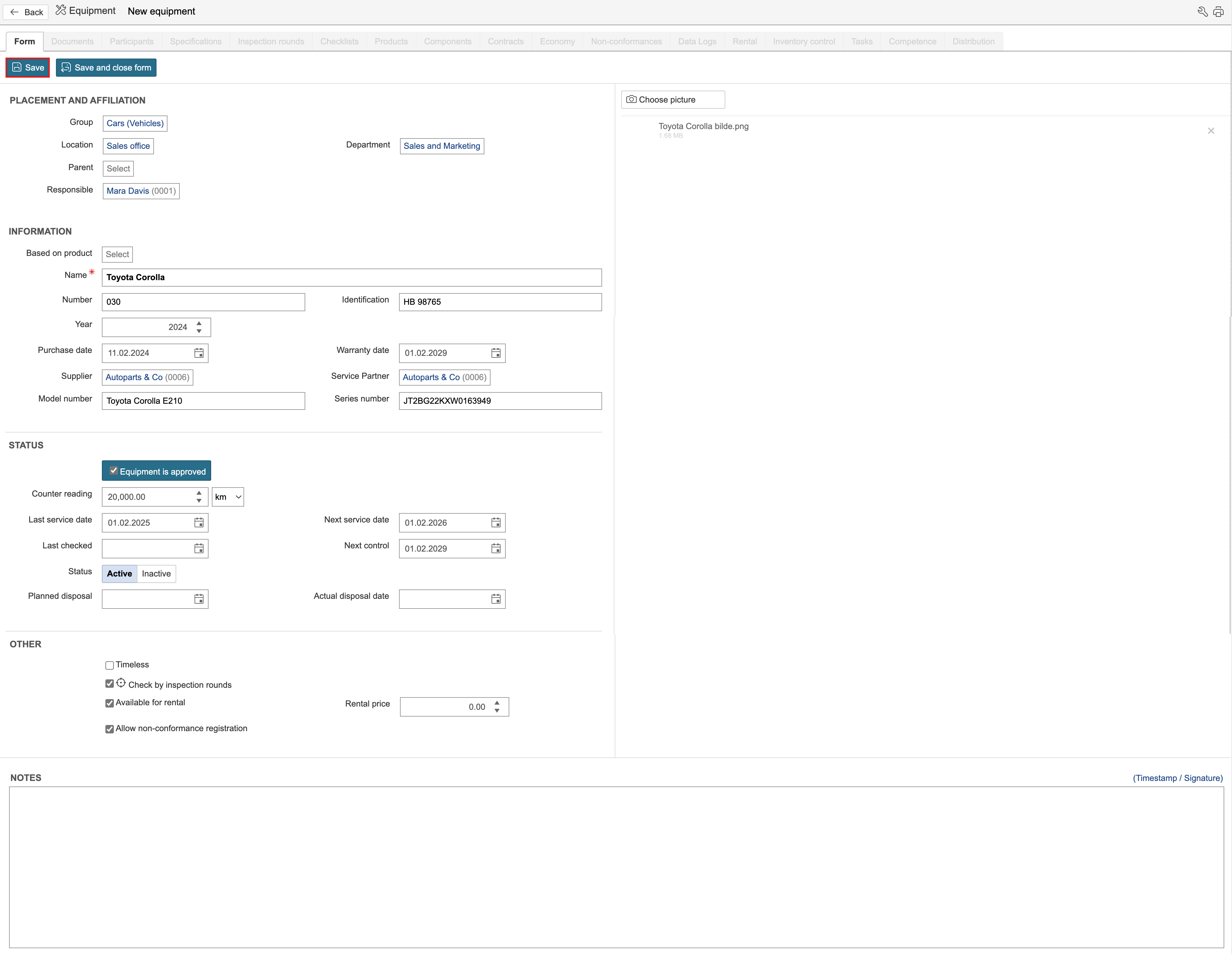
Info: Equipment groups can have separate field configuration, which is why the forms may look different from each other. Separate field configuration can be set for each group under Configuration of basic data in the control panel.