
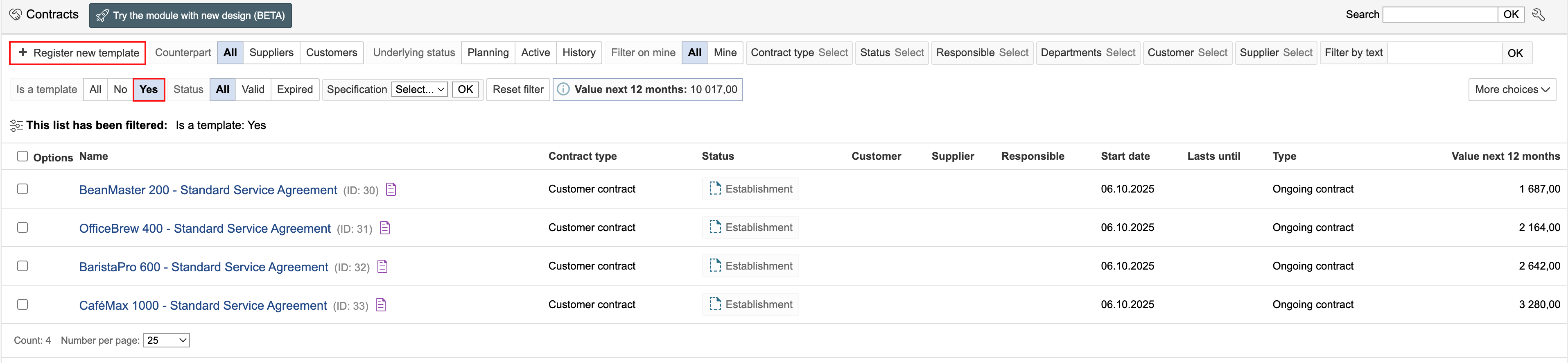
1. To create a contract template, select “Yes” in the Is a template filter and click Register new template.
2. Fill in the template information and click Save and close form. Only the common details for all contracts are filled in within the template. The remaining fields are completed for each individual contract created from the template.
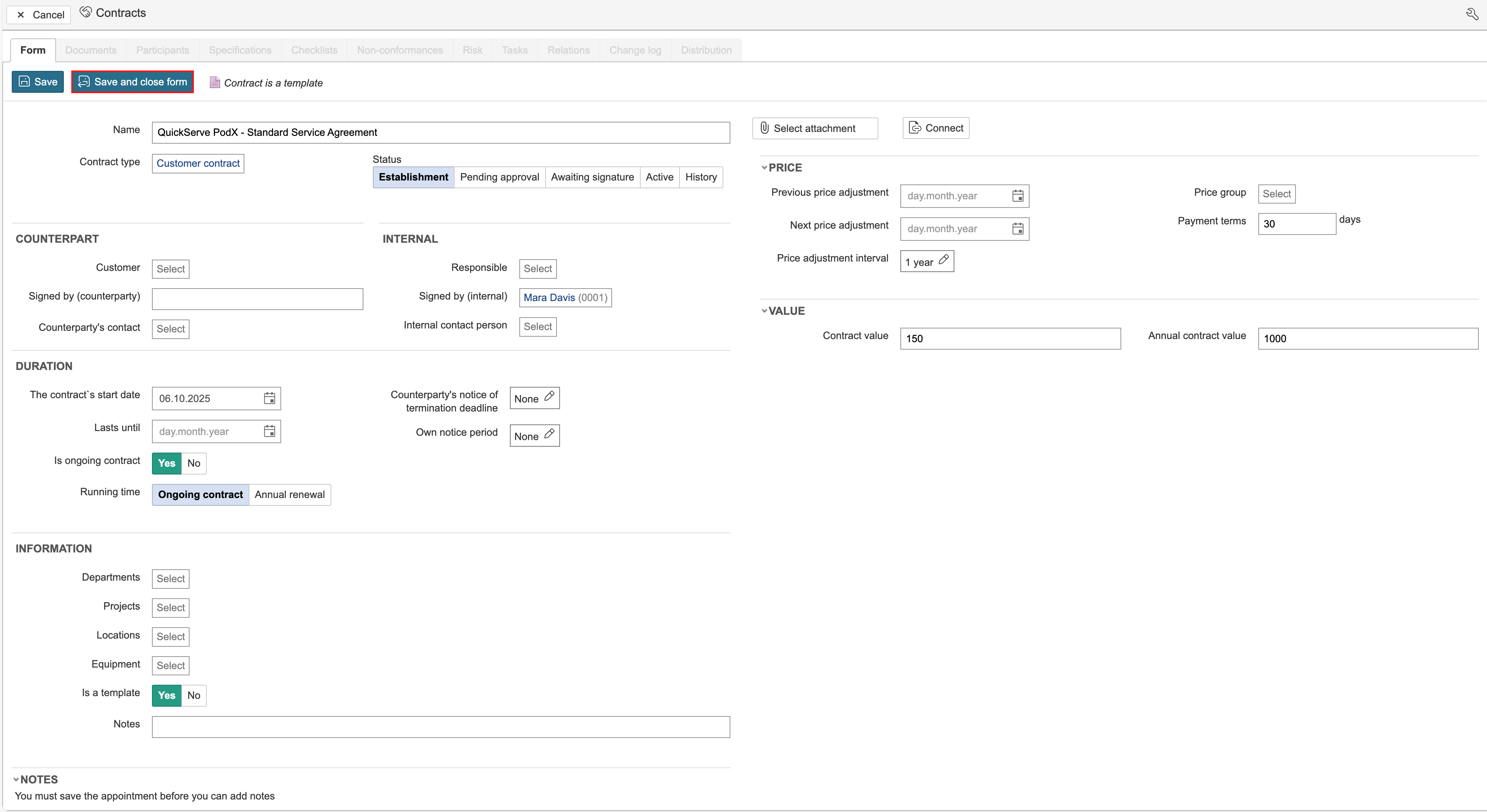
Note: To view information about the fields in the form, go to the page for creating a new contract.