
About
Environment Variables are needed in the Azure environment for the applications to be configurable.
This page informs you on how to do so.
Overall
For making sure that the environment variables are always created, and not lost over a faulty commit, the variables are created as GitHub Secrets.
To create a GitHub secret please follow theese steps:
- Open Github
- Navigate to 'Settings' on your environments
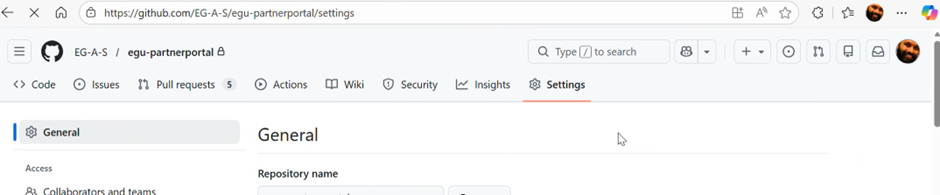
- Scroll down and find the section of the page containing secrets
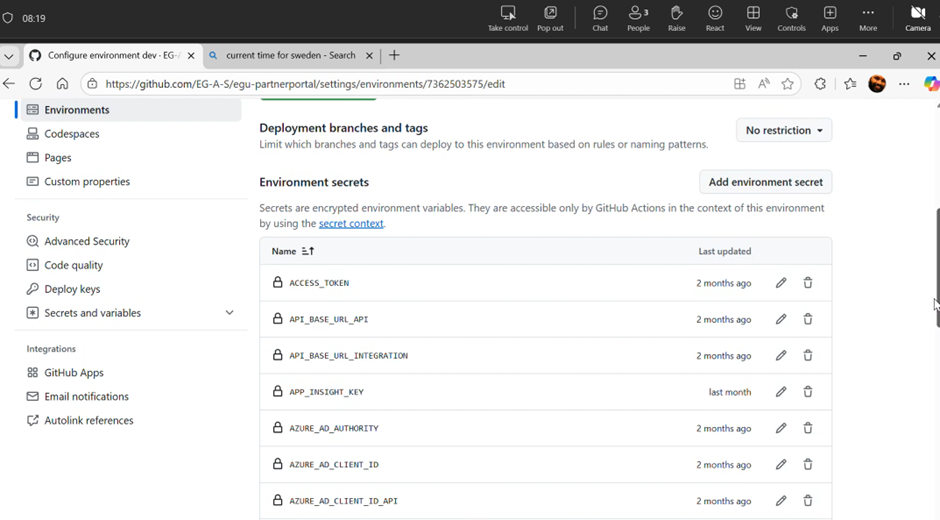
- Push button to add new environment secret
- Fill out the fields with a keyname and secret (Be aware that you cannot see the data in the secret)
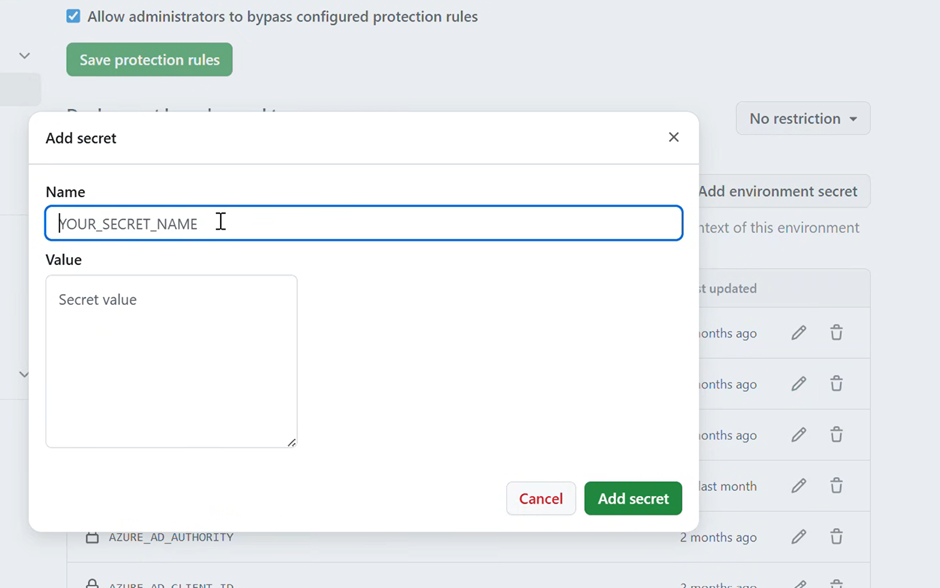
- Save the setting
GitHub
For the Azure environment to get the secrets, it is nessesary to edit the yaml build files.
Ín this file, we will extract the github secret and add the new env var on the Azure environment.
Secret to hosting (Github to Azure)
- Pull down the repository
- Open the following file:
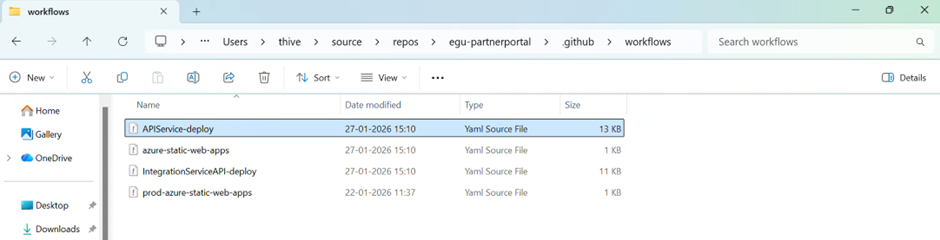
- Add the Environment Variable and the data from which the data is comming (secret).
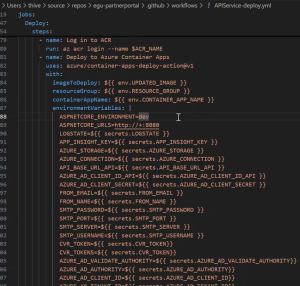
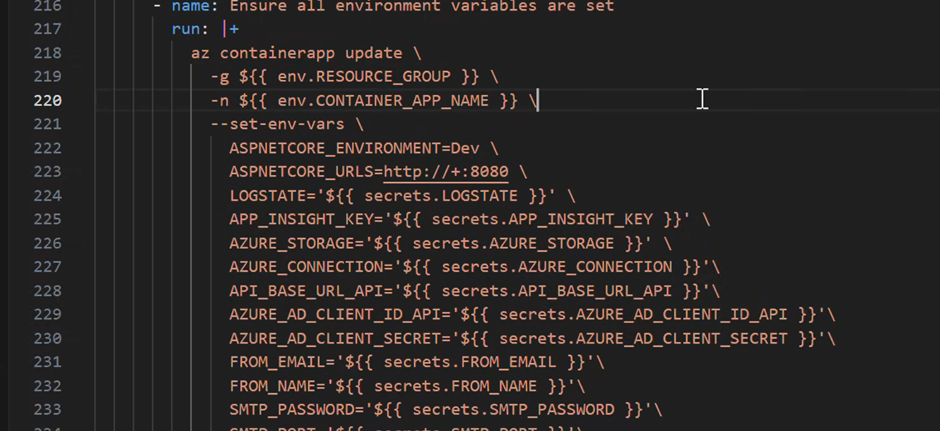
OBS The variable is added in TWO places in the file!! - Save and push the file
- Extract the variable by using the following syntax:
