
Add Building
If you want to divide your property into different buildings, proceed as follows:
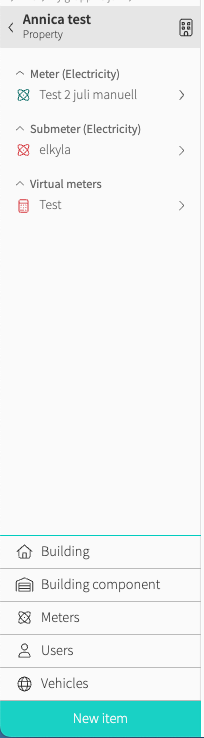
- Go to the property you wish to create a building on
- Select Building after pressing New Item
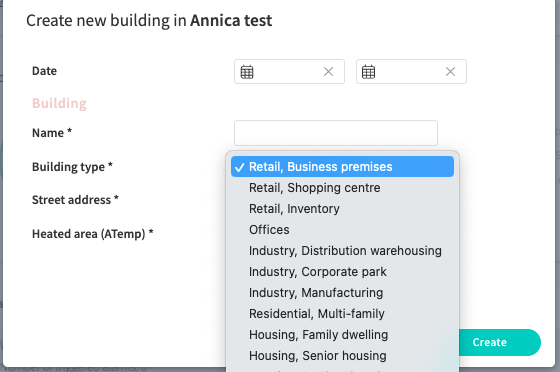
- Fill in the required information and press Create
Useful further reading:
The digital images are the frames of your monitoring, meters with associated data are the walls and roofs and property information paint, windows, the interior and so on. Once in place, you are able to make full use of the portal's powerful tools to analyze the usage of your portfolios. Our most popular tool is the usage report. Continue reading to learn more!
Common questions
- How do I add a building in Mestro?
- How do I divide a property into buildings?
- How do I create a building under a property?