I kartsökning kan du granska byggnader med kartan. Med kartgränssnittet i Optimaze Moment kan du granska fastighetsbeståndet på karta samt på satellit- och flygbilder.
Byggnadernas placering fastställs på kartan utifrån de adressuppgifter som inmatats i fastighets- och byggnadsregistret.
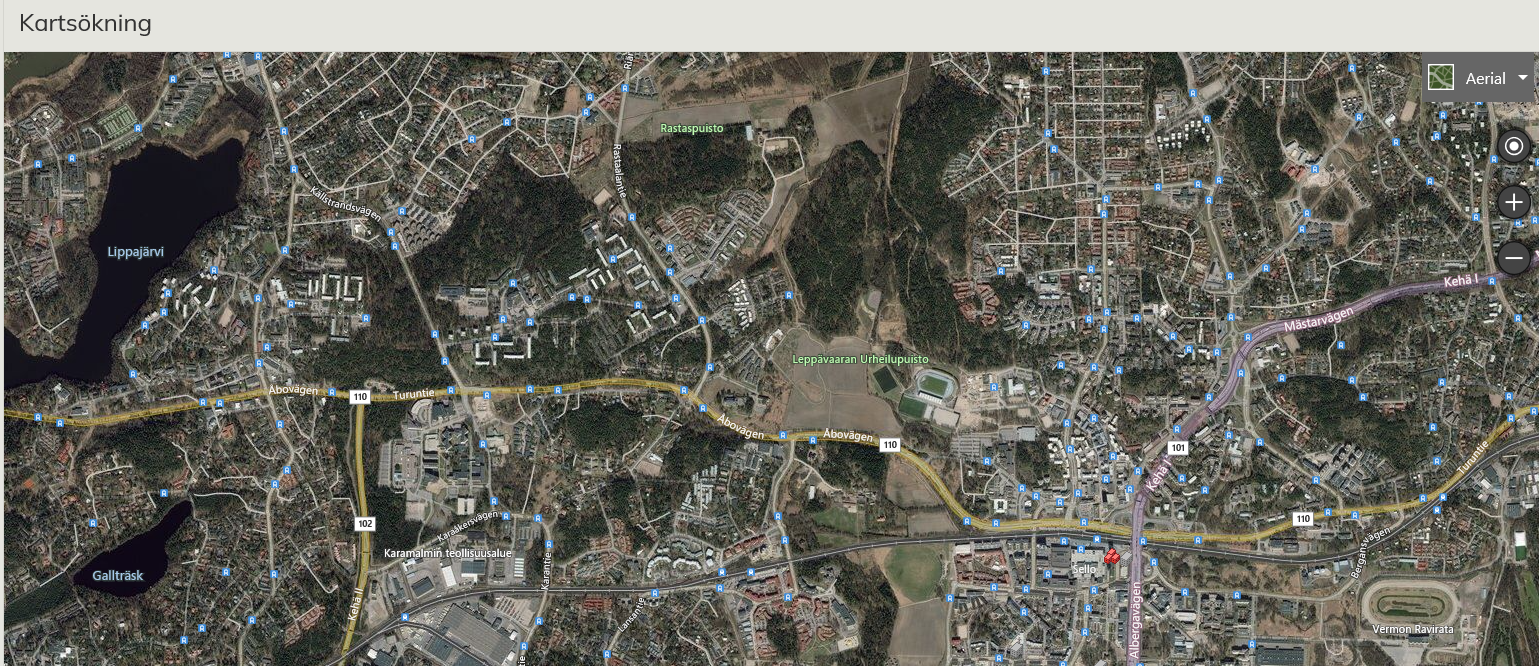
Flygbild vid kartsökning
Starta kartsökningen
Kartsökning är en separat sökapp, som visas för kunden endast om kunden har tagit i användning denna tilläggsdel i Optimaze-applikationen. I kartsökningen kan du granska och administrera byggnader via kartan. Starta kartsökningen i huvudmenyn under punkt Sökning och Filtrering / Kartsökning.
In the Map Search, you can view the buildings on a map. The map search in Optimaze Moment can be used to view buildings on a map, in a satellite image or in an aerial view.
Buildings are located on the map according to the address information in the property and building register.
...
Aerial view in Map Search
Starting the Map Search
Map Search is a separate search application that is available for the customer only, if it has been enabled in the Optimaze application. In Map Search, it is possible to view and manage buildings on a map. You can start using Map Search by selecting first Search and Filtering and then Map Search from the main menu.
NOTE! IE 8.0 will check whether you want to view only content that is delivered securely. Select
...
It is important to answer so that using unsecured connection is allowed.
Map Search Icons
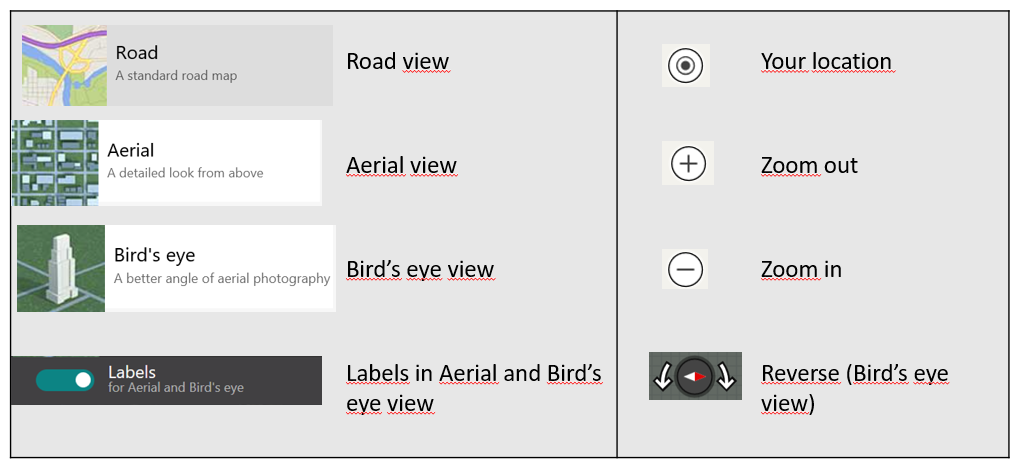
Below you can see explanations for the icons that are used in Map Search.
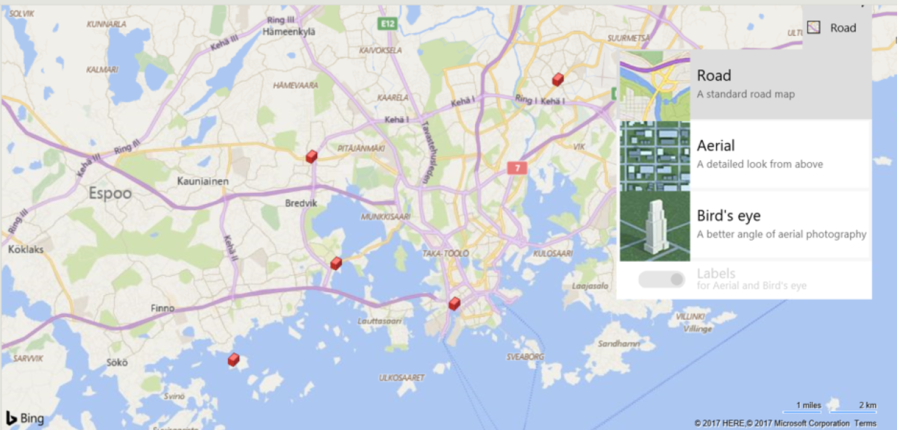
The actions that can be used at that moment are marked with white text. For instance, the Bird’s-eye view cannot be used unless the map has been zoomed in enough.
Map Search and registers
You can access the Map Search directly from the property and building register by selecting the last tab, Map, from the Building register.
...
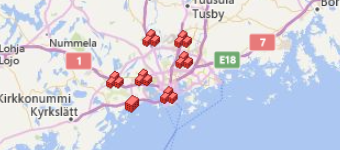
If you zoom out enough and there are several buildings in the same town or area, you can see them as a set of blocks  on the map. In this case, you can access all of the buildings’ drawings and lease agreements.
Views
For each situation, there are different kinds of views to select from. The logo and the text on the upper right corner show the currently active view.
...
Bird’s-eye view images have been taken from a perspective and a lower altitude, so that the building or location can be recognized. In this view, you can rotate the image in different directions and see the same building, for example, from the front and from the back 
Moving the map and changing its size
You can move the map in the workspace on your desktop in three different ways:
...