
...
- Open http://portal.azure.com
- Log in with your credentials
- Locate the environment that you want to access and (Usually PROD)
- Click the FacilityTaskExchangeApi

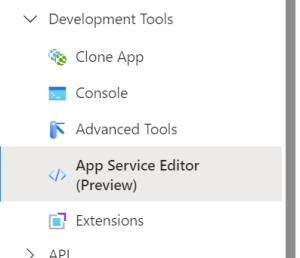
- In the left most menu pane, scroll down untill you reach the menu named DevelopmentTools, open it and click the sub-menu named App Service Editor
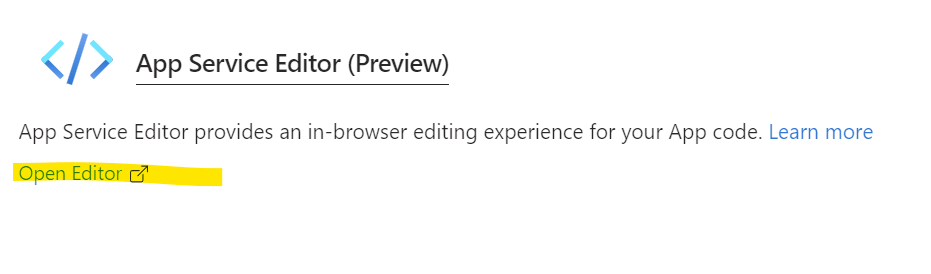
- In the window to the right click the link named Open Editor
- In the window that opens select the file ypou want to view
Services in
...
the hosted environments
The services have different names regarding what environment they are hosted in.
Here is a list of the names:
| Hosting | Service name |
|---|---|
| PROD | FacilityTaskExchangeApiPROD |
| TEST | FacilityTaskExchangeApiTEST |
| STAGING | FacilityTaskExchangeApiSTAG |
| DEV | FacilityTaskExchangeApiDEV |