
A JSA can be signed in both the web version and the app. In the app, it can be signed either by confirming digitally or by signing on a touchscreen. In the web browser, only digital confirmation is available.
Web
1. To sign a JSA in the web browser, go to the JSA module and click on the JSA to be signed.
...
4. A dialog opens where you can enter a comment and confirm the signature.

The JSA has been signed.

App
Sign digitally
1. Open the app, select JSA from the menu and click on the JSA to be signed.
...
4. A dialog opens where you can enter a comment and confirm the signature.
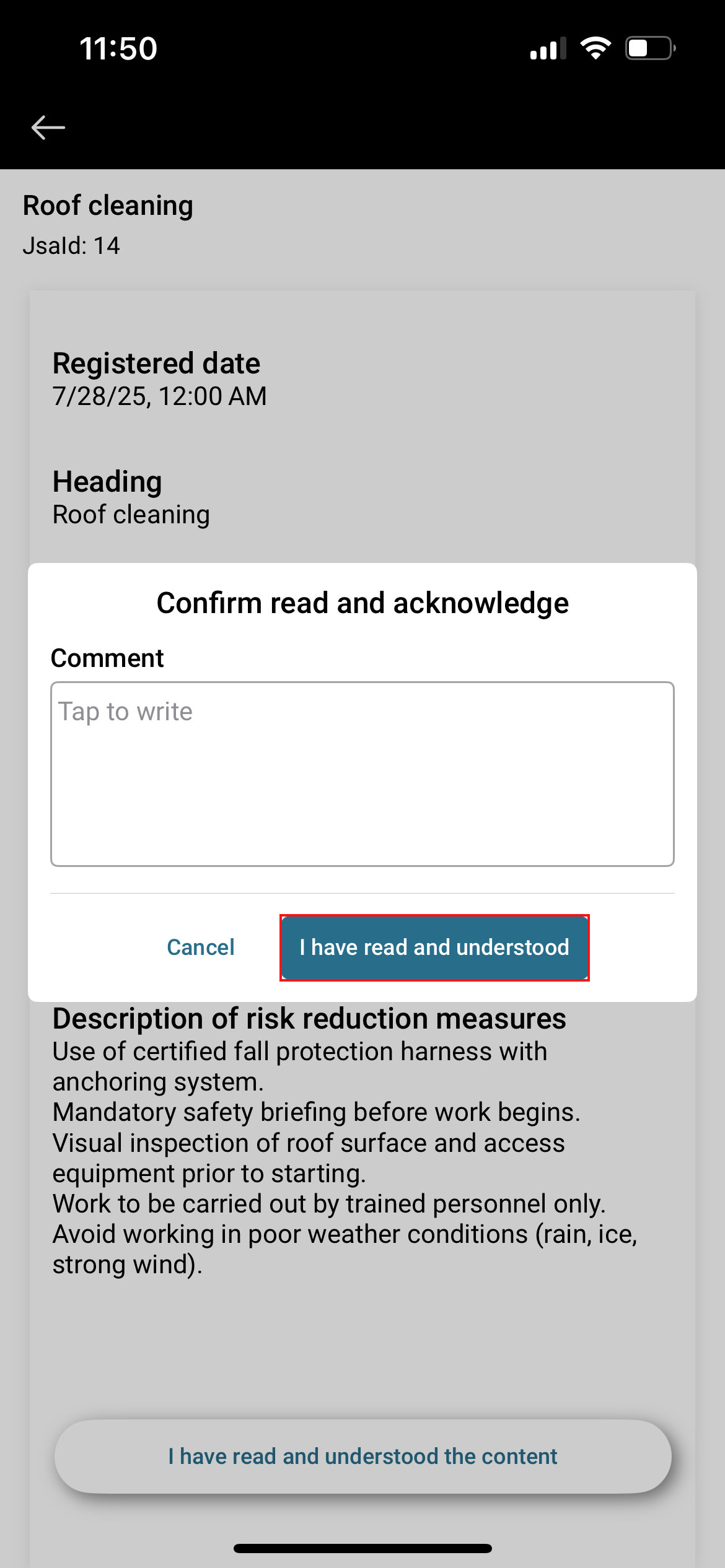
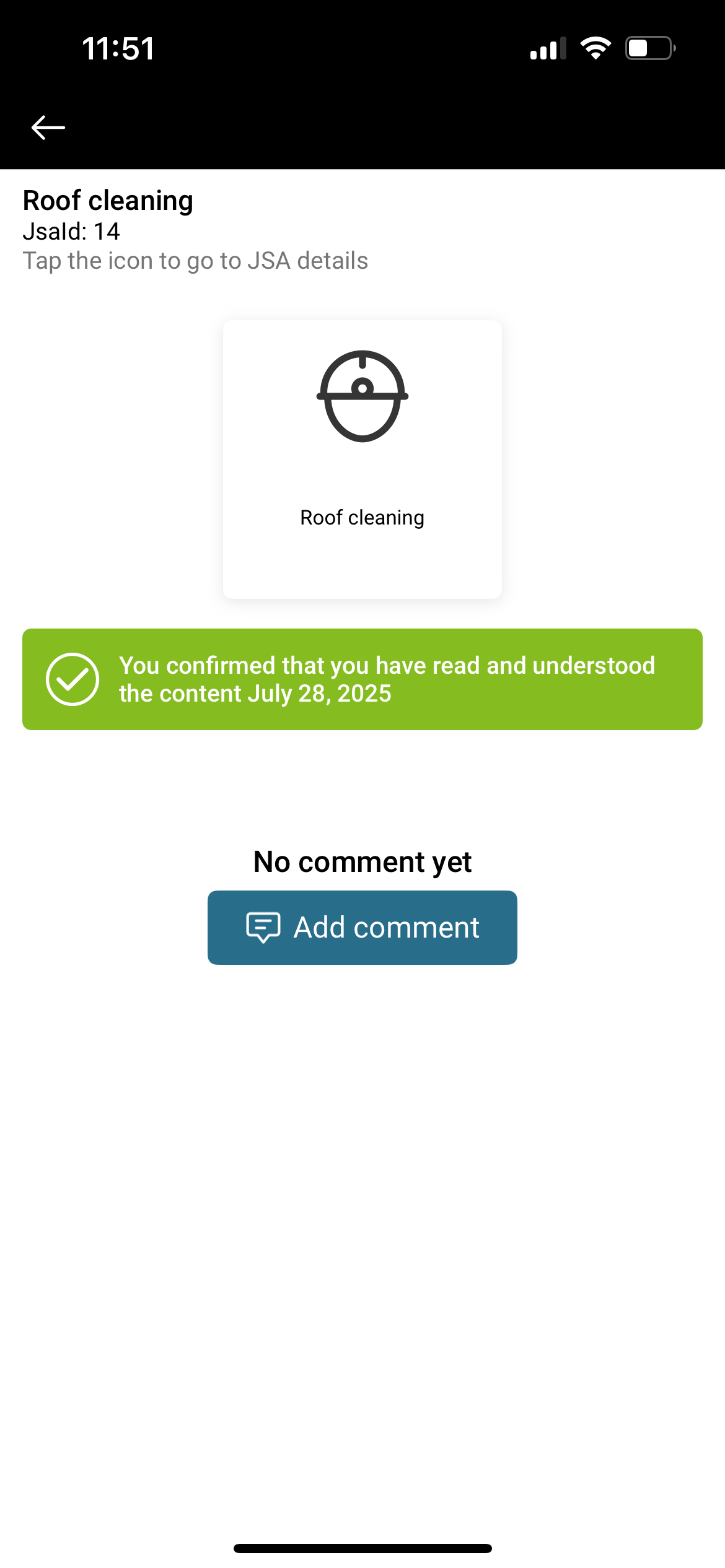
The JSA has been signed.
Sign with touch
1. Open the app, select JSA from the menu and click on the JSA to be signed.
...