This is an instruction on editing building address information in Optimaze Space.
You must have Space management role in Optimaze portal to edit building information.
Instructions
1. Login to Optimaze portal
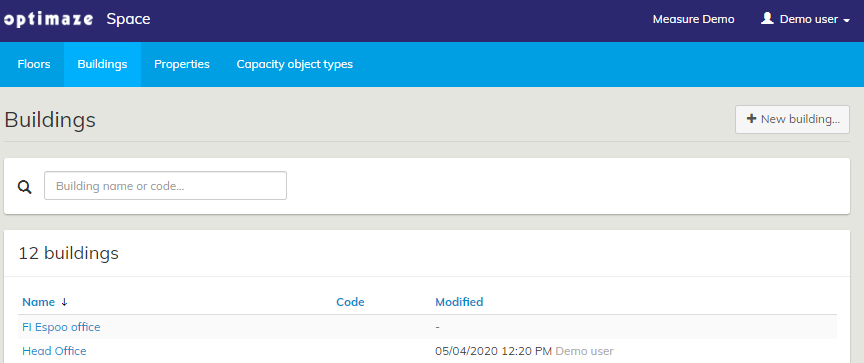
2. Go to Optimaze Space, select the ‘Buildings’ tab and select the building you want
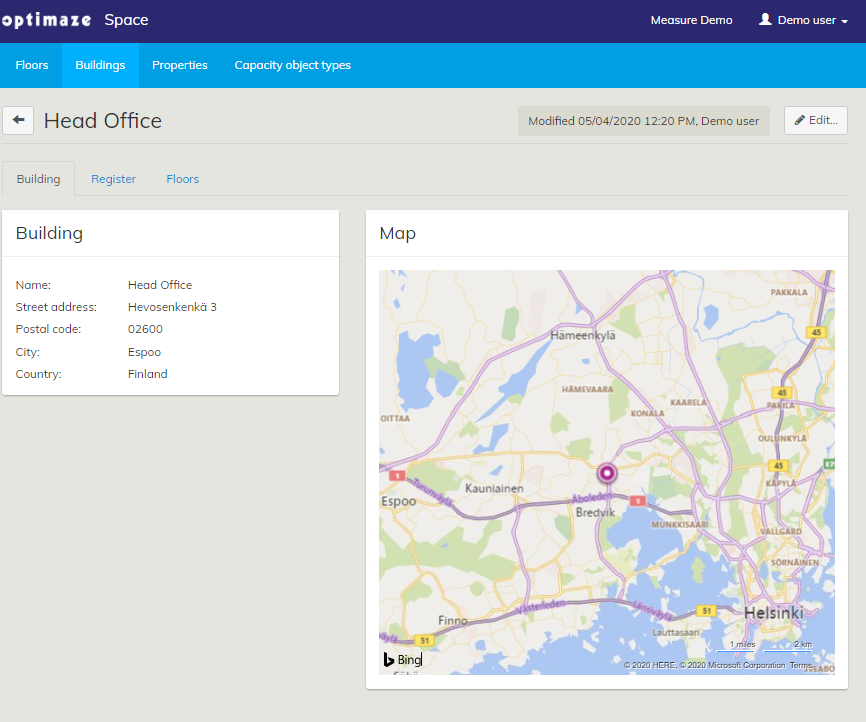
3. Click the ‘Edit…’ button to make changes to the building information
4. Add the correct building information and then click ‘Save’

You can also adjust the location coordinates of the building on the map by dragging the pin to the exact desired location. This has no impact on the address.