Versions Compared

Key

  • This line was added.
  • This line was removed.
  • Formatting was changed.
Info

You need permission to EG Optimaze.

This is an

instructions for ordering a space management

instruction toorder floor plan production as a service.

If you are not sure what type of floor plan you need, check here.If you need

 The same order form is used for ordering new floor plans and to make a change request to an existing floor

plan, follow the same instructions

.

You must have Space Management role in Optimaze Portal to order a smart floor plan as a service.

Instructions

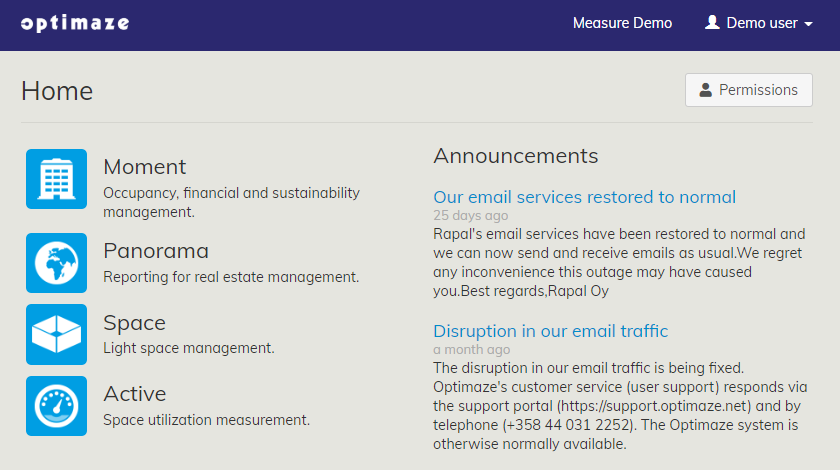
  1. Login to EG Optimaze

portal
  1. Navigate to

Optimaze
  1. Space

Image Removed
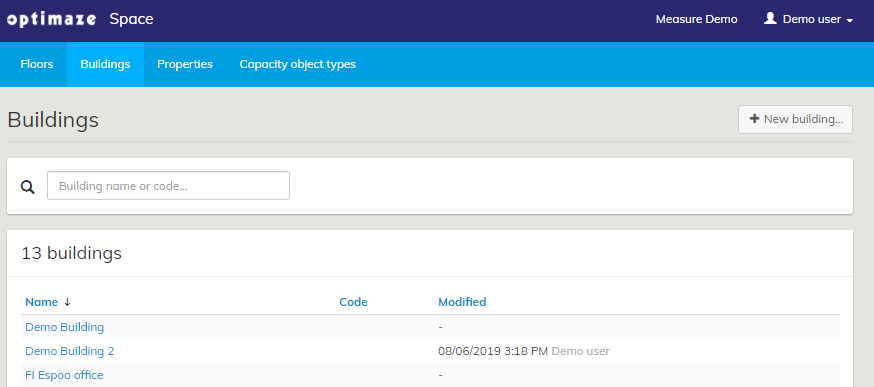
2. Then, go to the ‘Buildings’tab and click on the ‘New building…’ button
  1. application

  2. Click Buildings -tab and click + New building... 

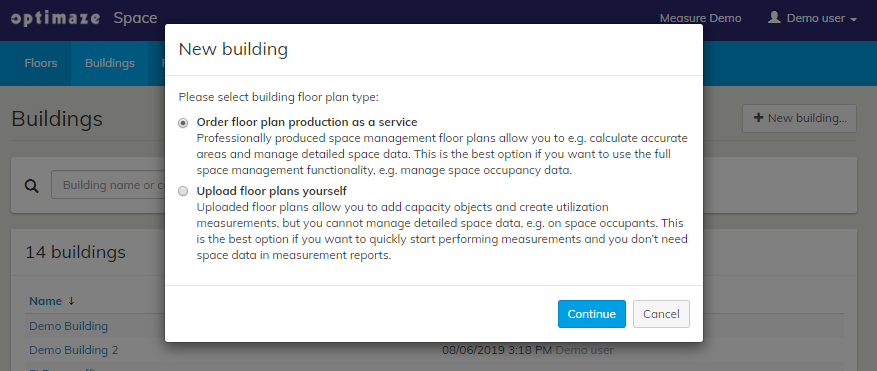
  3. Select Order
Image Removed
3. Select ‘Order
  1. floor plan production as a
service’
  1. service
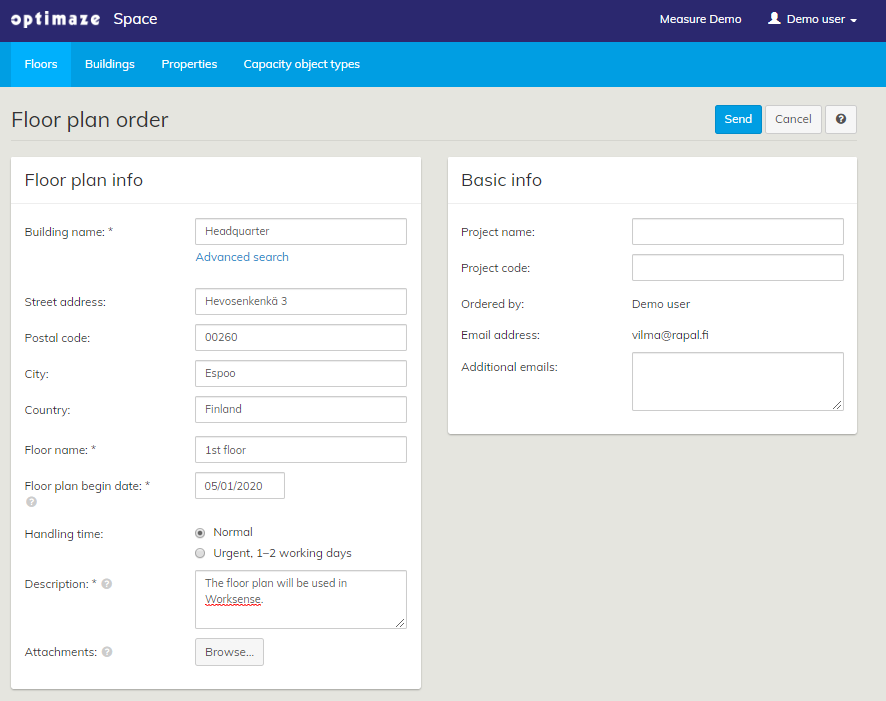
  2. Fill in Floor plan order
    1. If the building does not exist yet, write the building name as you want it show in the building list.
    2. If you
a) If you want to
    1. make a change request
for
    1. to an existing
floor plan
    1. building,
choose the same order form
    1. search the correct building.
Image Removed
4.
    1. Fill in rest of the
Floor plan order form and click ‘SendImage Removed
    1. form with as detailed information as possible and include attachments.