| Info |
|---|
This is an instruction on editing building address information in Optimaze Space.
You must have a Space management role in EG Optimaze |
...
Instructions
1. Login to Optimaze portal
2. Go to Optimaze Space, select the ‘Buildings’ tab and select the building you want
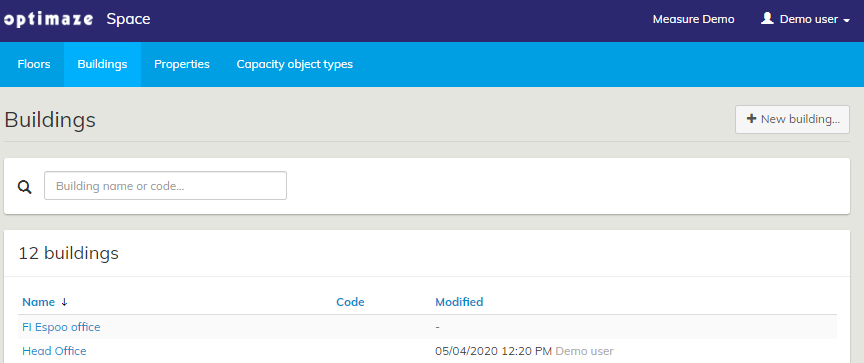
3. Click the ‘Edit…’ button to make changes to the building information
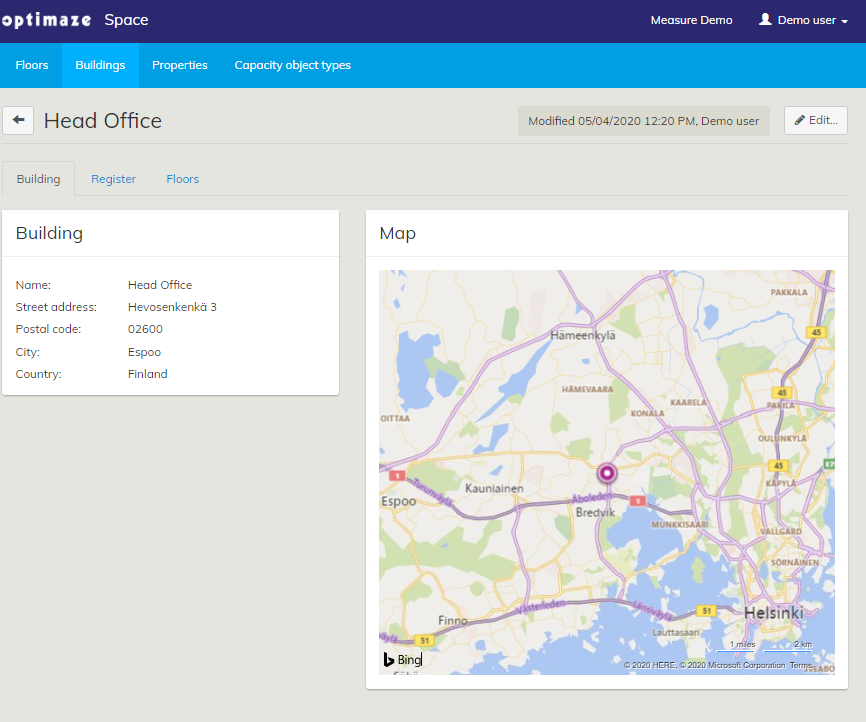
4. Add the correct building information and then click ‘Save’

...
to editing building address. Every building must have building address in order to present data correctly on reports in Panorama. |
- Log in to EG Optimaze
Navigate to Space application
- Click Buildings tab
- Search and select a building
- Click Edit...
- Make changes to the building information and/or adjust the location on the map
- Click Save