In the Car parks view you can view all car parks, or the ones selected with filters, in the same way as rental areas in the rental areas view.
Opening the view
Open Rental premises → Car parks.
The Car parks view
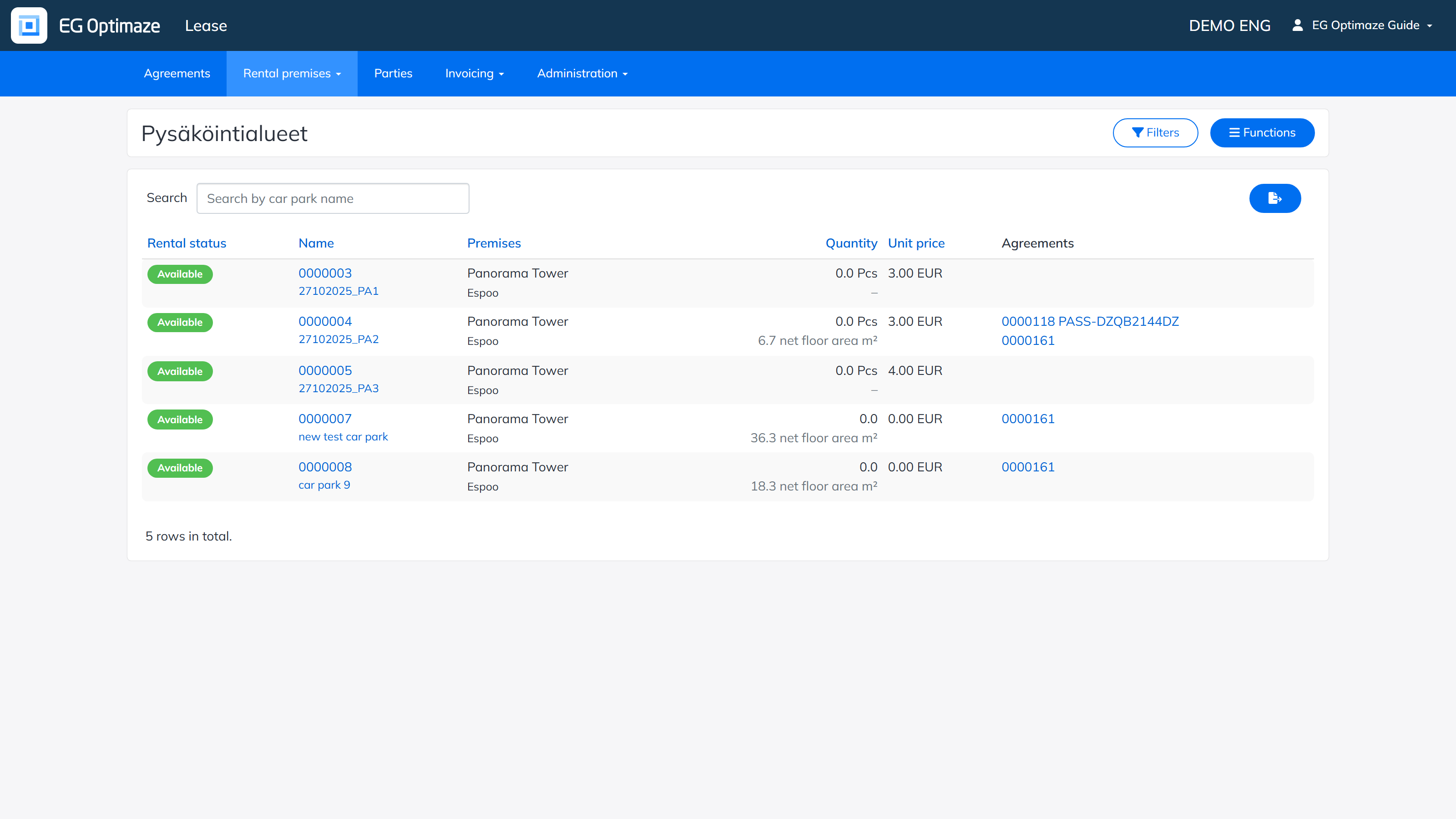
The list shows each car park’s Rental status, Name, Premises, Quantity, Unit price and the connected Agreements.
A new car park is created via Functions → New car park. The basic information is entered for the car park in the view that opens, in the same way as for a rental area.