A rental premise is edited by first opening the premise in the rental areas, car parks, land areas or other rental products view (click its name in the list).
The single premise view
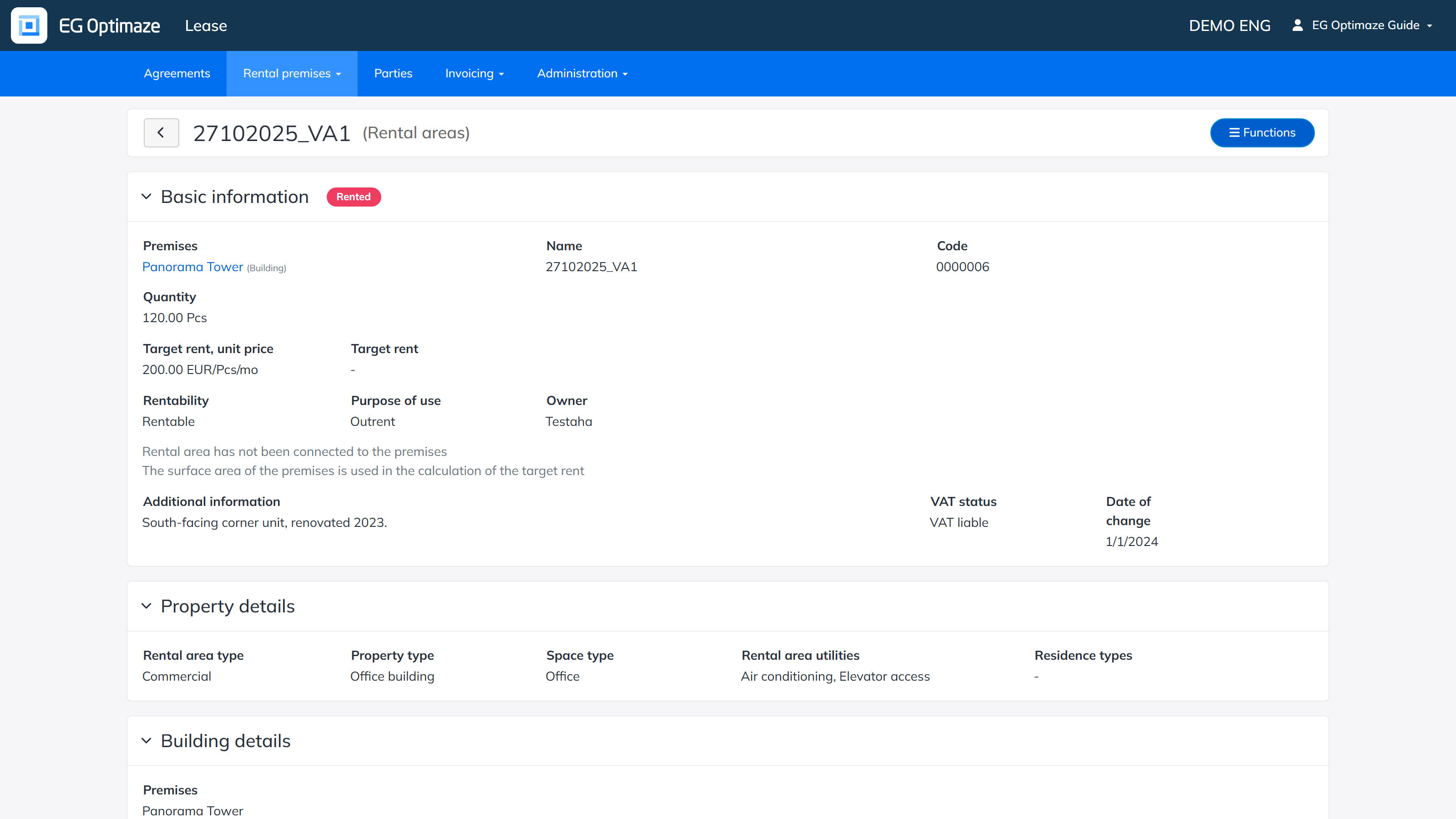
The view shows the premise’s basic information, property details, building details and the agreements connected to it.
Editing and deleting
Open the edit mode via Functions → Edit rental area. Make the needed changes and click Save. The same menu can also be used to create a new premise or to delete an available one.
A rental premise that is connected to a rental agreement cannot be deleted. To delete an available premise, select the delete action and confirm the deletion; the premise is then removed from the list as well.