On a single invoicing period you can view the invoices it contains and their details in more depth. The period is opened by clicking it in the invoicing periods list. The invoices are divided into tabs by status.
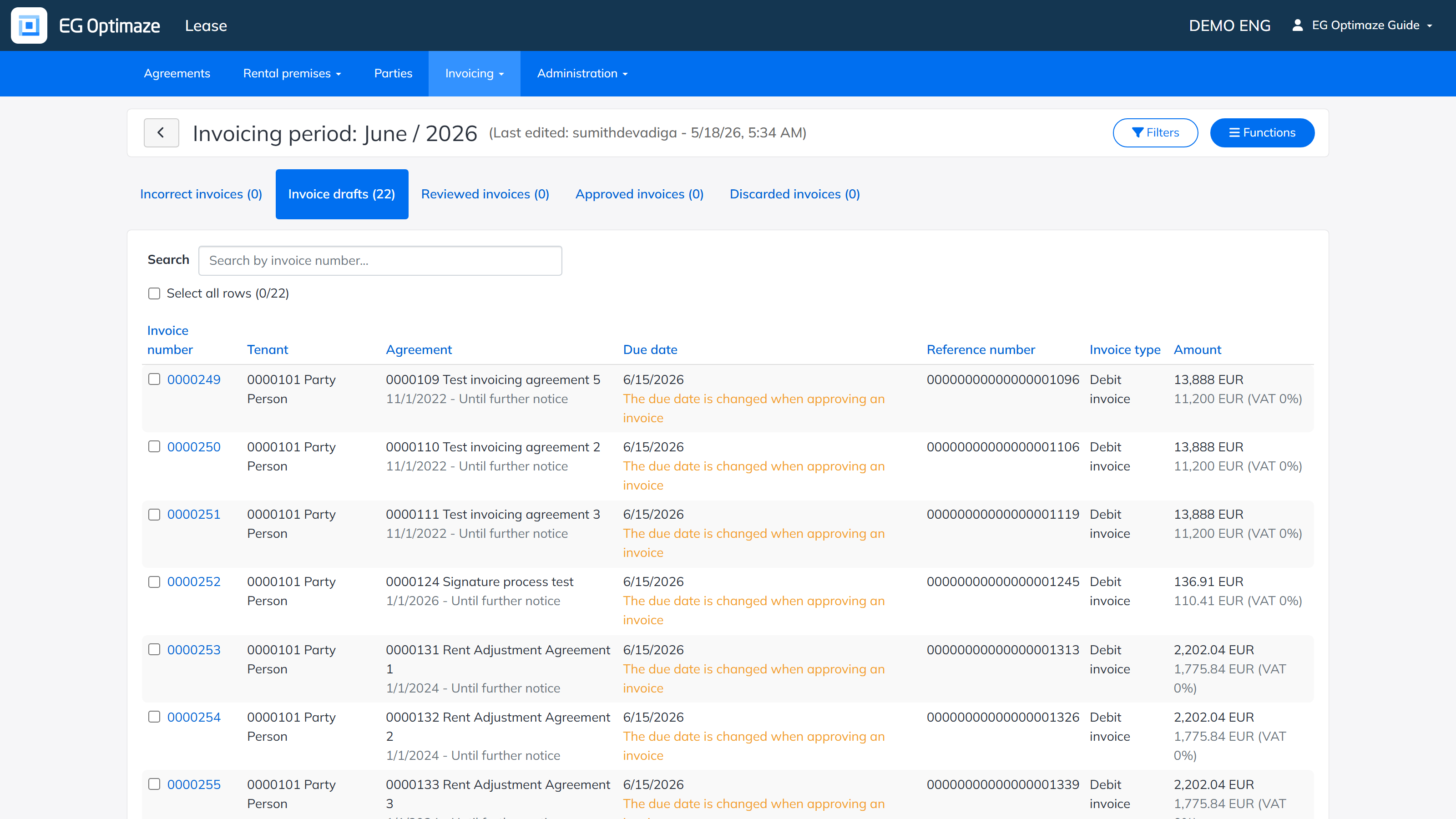
The invoice tabs
- Incorrect invoices — invoices that contain errors, which must be corrected before the invoices can be turned into drafts and then reviewed. The error messages indicate how and where to start correcting the errors.
- Invoice drafts — invoices waiting for review. Via the Functions menu, the selected invoices can be marked as reviewed, removed or recreated.
- Reviewed invoices — invoices that can be approved or returned to draft status.
- Approved invoices — all invoices marked as approved.
- Discarded invoices — invoices that have been discarded.
On every tab, the invoices can be filtered and searched with the Filters button based on different criteria.
Functions of the period
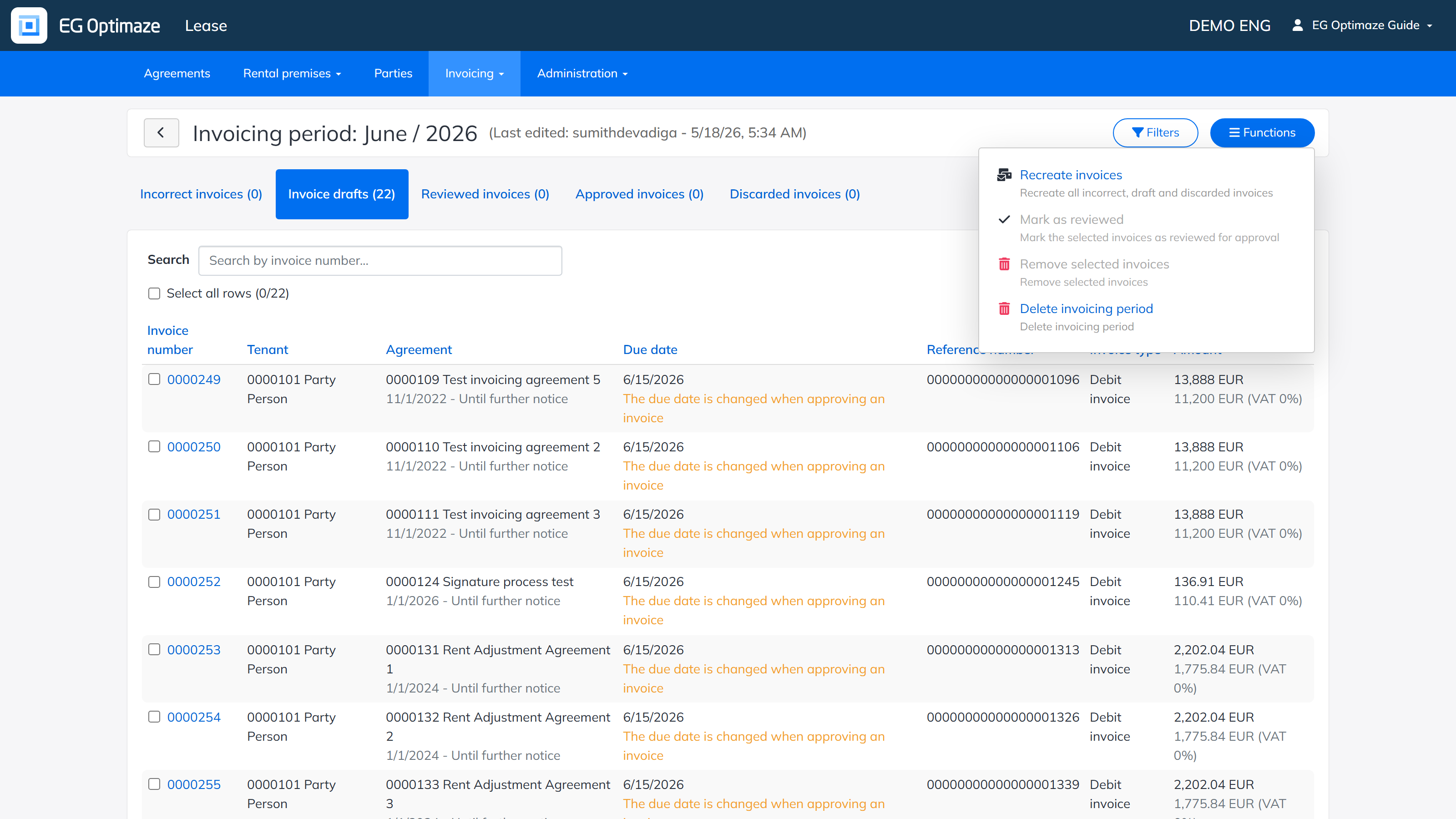
The Functions menu of the period contains:
- Recreate invoices — recreate all incorrect, draft and discarded invoices.
- Mark as reviewed — mark the selected invoices as reviewed for approval.
- Remove selected invoices — remove the selected invoices.
- Delete invoicing period — delete the whole invoicing period.