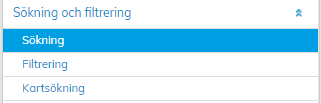
Under rubriken Sökning och Filtrering finns sök- och filtreringsfunktioner samt kartsökning. Om dessa funktioner kan du läsa mer under respektive rubrik.
Du kan avgränsa sökningen genom att använda filtreringar intill knappen Sök.
I punkten Filtrering får du en mer detaljerad instruktion.
Välj ur menyn dina sökvillkor. Skriv på raden sök ditt sökvillkor och välj Sök

Lägg till uppgifter från Sökning-sidan
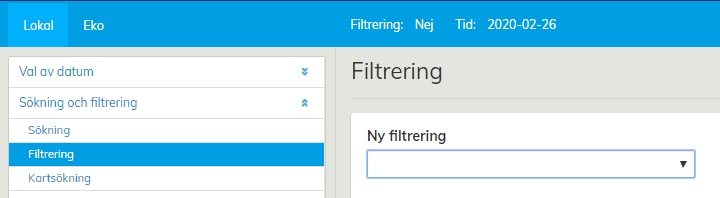
Lägg till uppgifter från Filtering-sidan
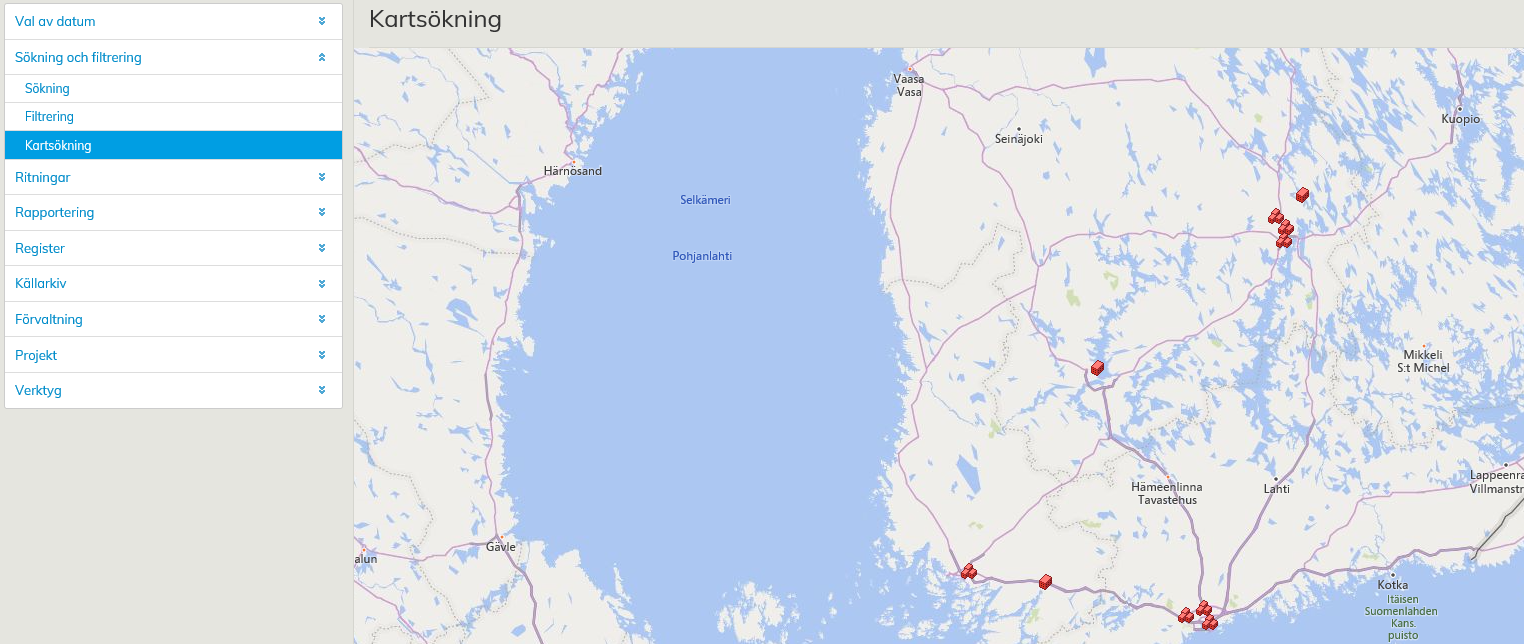
Lägg till uppgifter från Kartsökning
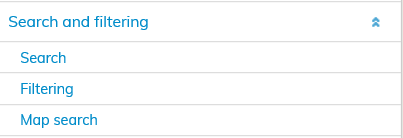
Search and filtering functions, as well as the map search, can be found under Search and filtering.
For more information on these functions, see the related sections.
If you want to limit the search results, use Filtering next to the Search button. You can find more detailed instructions in the Filtering section.
Choose what type of information you want to search for from the menu bar. Enter the search word(s) in the empty field and click Search.

More information on the
Search page.

More information on the
Filtering page.