Agreement templates are document templates maintained by the company for use with agreements.
Opening the view
Open Administration → Agreement property details → Agreement templates.
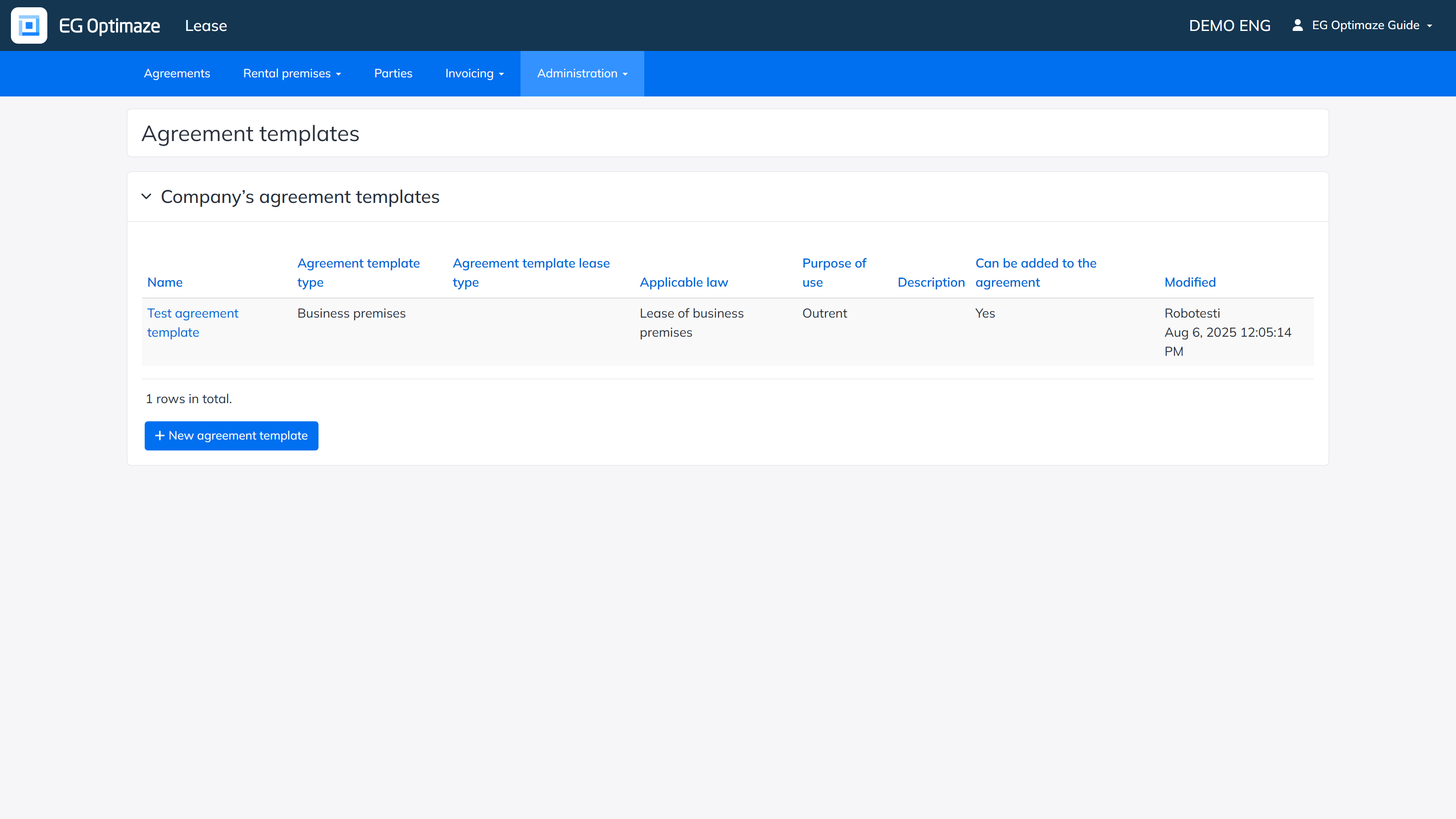
The Company’s agreement templates view
Each template shows its Name, Agreement template type, Agreement template lease type, Applicable law, Purpose of use, Description, whether it Can be added to the agreement, and when it was last Modified. Add a new template with New agreement template.
Editing and deleting
Click a template’s Name to open its summary view, where the sections to include are selected in the Shown on agreement template column; some sections are mandatory and cannot be hidden.
The Can be added to the agreement setting controls whether the template can still be edited or deleted: when set to Yes, the template is in active use and cannot be edited or deleted. When set to No, it is not offered for new agreements, and can only be edited or deleted if it is not currently used on any agreement — the Edit and Delete buttons become unselectable automatically once these conditions apply.
Edit opens the same view used when adding a template. Delete removes the template permanently and asks for a confirmation. Any edit to a template also updates the editor and timestamp shown in the Modified column.