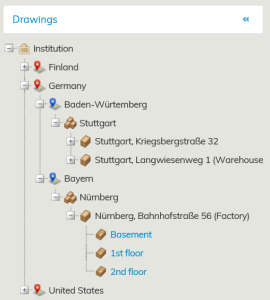
Under the Drawings header, you can find the tree structure of the drawings, where the floor plans of the buildings are listed according to the real estate hierarchy.
The property and building register, the real estate hierarchy of Object management, as well as the rental area hierarchy of the Lease management have the same order.
If you select All from the tree structure, the highest level of the real estate hierarchy will open up.
By clicking + icon, you can access the lower levels of the real estate hierarchy
When you are on the building, the icon is 
By clicking this icon, the floors of the building will be displayed. If you click the floor written in blue, you can open the floor plan of the selected floor.
rubriken Ritningar ser du ett s.k. ritningsträd, där byggnadernas planritningar visas enligt objeksthierarkin.
Fastighets- och byggnadsregistret, fastighetsobjekthierarkin i Objektadministrationen samt hyresadministrationens hyresområdeshierarki följer samma ordning.
Då du i ritningsträdet väljer Alla öppnar sig den översta nivån i fastighetshierarkin. När du klickar på +-tecknet kommer du till allt lägre nivåer i fastighetshierarkin.
När du är vid byggnaden är tecknet
När du klickar på detta tecken öppnar sig våningarna i byggnaden och när du klickar på våningen med den blåa texten öppnar sig planritningen för den aktuella våningen.
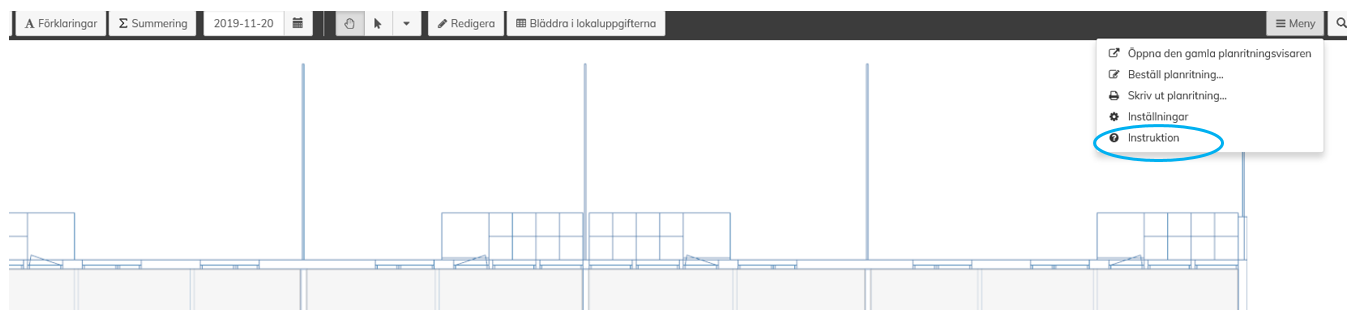
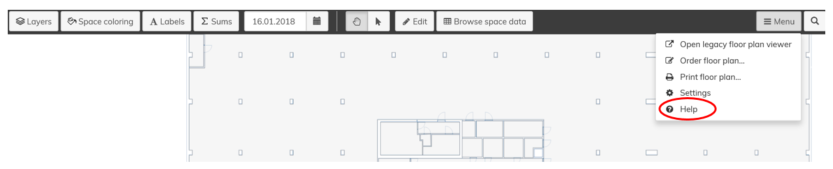
Under menyn som finns i högra övre hörnet i planritningsvyn finns Instruktion, som i detalj förklarar funktionerna i planritningenUnder the Menu displayed in the upper right corner of the floor plan view, you can find Help with detailed description of the floor plan functions.