
...
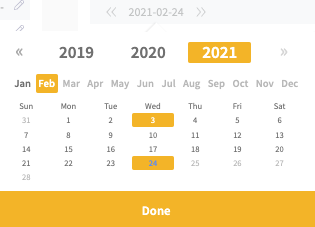
NOTE: Remember to select the correct date of the final meter reading.
On your next round, simply register the new meters meterstand. Mestro Portal reasons that the dip from a very high meterstand to a low one means that a new meter has been installed. The system will calculate the correct usage for the month of change using the two meterstands!
...
It's sometimes desirable to change basic meter information in Mestro Portal. Perhaps you wish the meter to have a correct meter-ID or other information to simplify manual reading or to ensure that correct information is stored in the portal. We recommend that you set a time relation on the old meter and create a new manual meter. By defining the meters time relation, the historic data is stored and will continue to be visualized in reports up until the end date.
Common questions
- How do I handle a meter change in Mestro?
- What do I do when my meter is replaced?
- What do I need to do when the grid company changes my meter?
- How do I register a meter replacement?