...
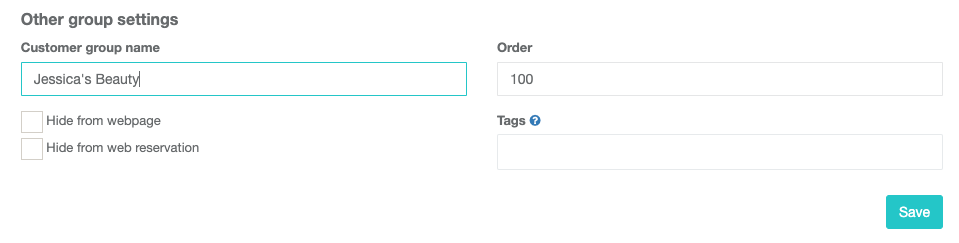
- Step 5: Remember to give a name to your group. Otherwise, the chain is not working correctly
- Step 5.1: When choosing a customer group name please select a name that fits all the salons (e.g. if salon is Hair Vantaa, Hair Helsinki, Hair Espoo, then choose Hair as the customer group name).
The main salon's customer group name is the only one that will show in online booking v3
Please make sure you edit the customer group name under the main salon (and not others).
- Step 6: Copy the main salon’s Company ID.
- Step 7: Go the the other salon’s Settings page and do the same thing you did with the main salon. Only now you just need to choose the other option “Join or change group” and paste the Company ID into the **field. You will see the name of the salon appear there as well.
...