Floor plan orders can be used to order a change to an existing floor plan or to order floor plans for an entirely new floor. Using floor plan orders requires the permission to order floor plans and a Space license.
Opening the order form
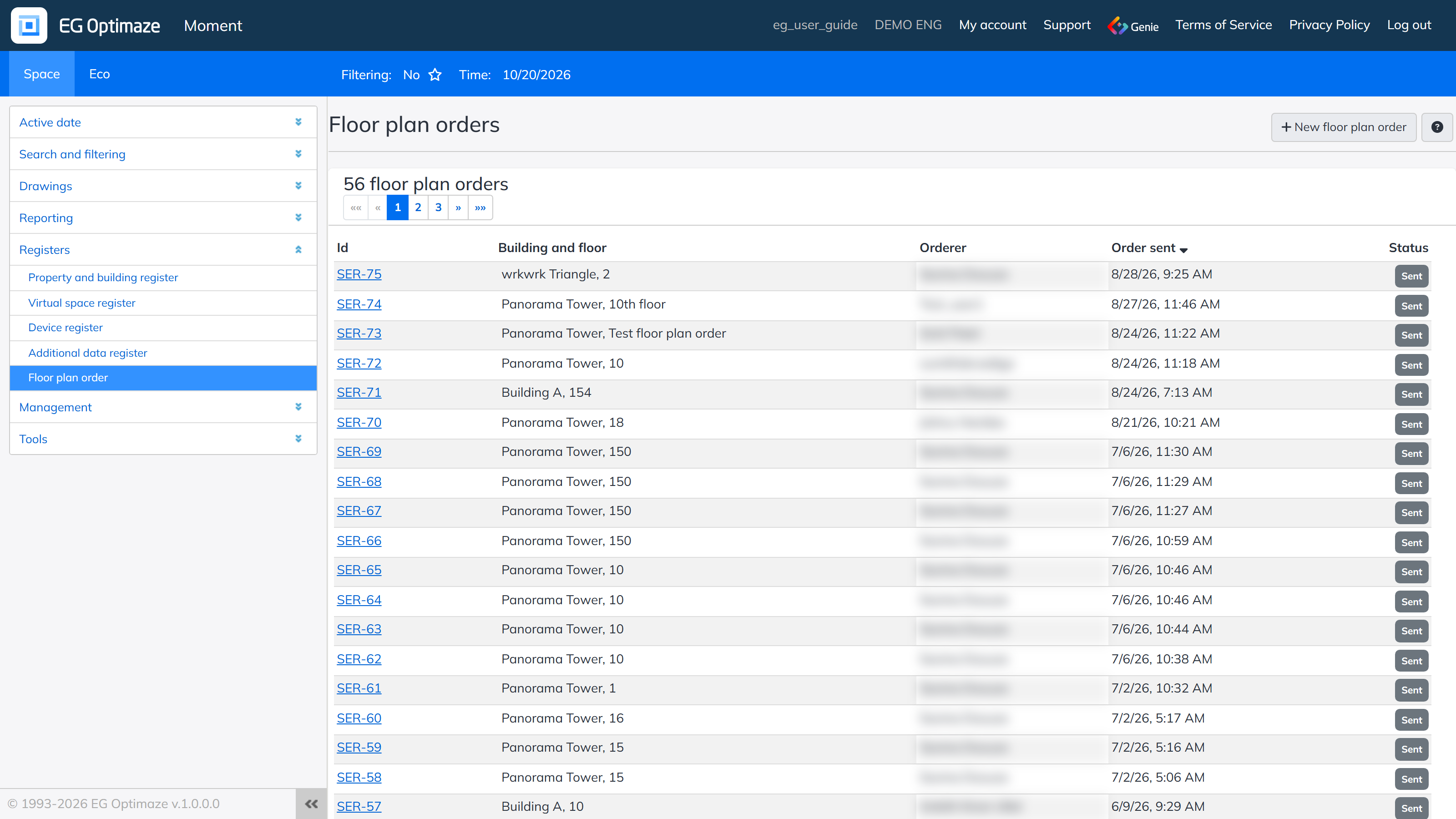
In Moment, on the Space tab, select Registers > Floor plan order in the left navigation. The Floor plan orders list opens. Select New floor plan order at the top right of the list to open the order form. The form and its fields are the same as in the Space application.
In the floor plan viewer, select Menu > Order floor plan.... The building and floor of the current floor plan are filled into the form automatically.
In the Space application's Floors view you can open the Floor plan orders list, where you can create a new order by selecting New floor plan order.


Creating a new order
Fill in the order form.
...