can be set up to lobby screens.Lobby screens
provided 1 - up 2 - 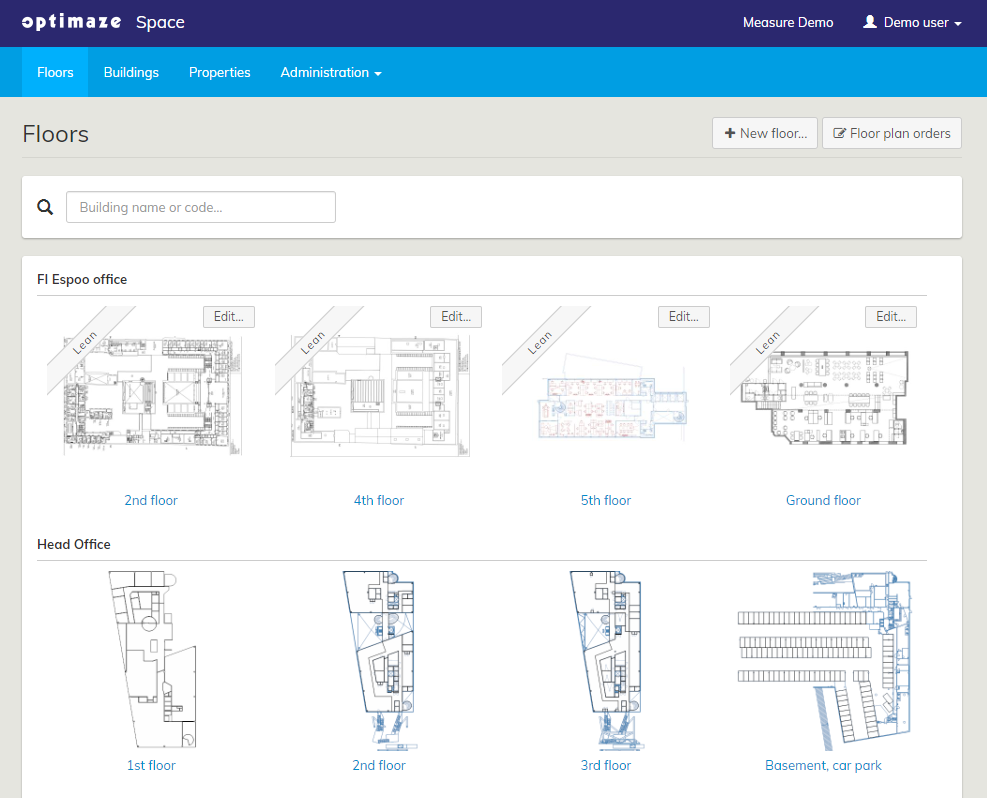 3 -
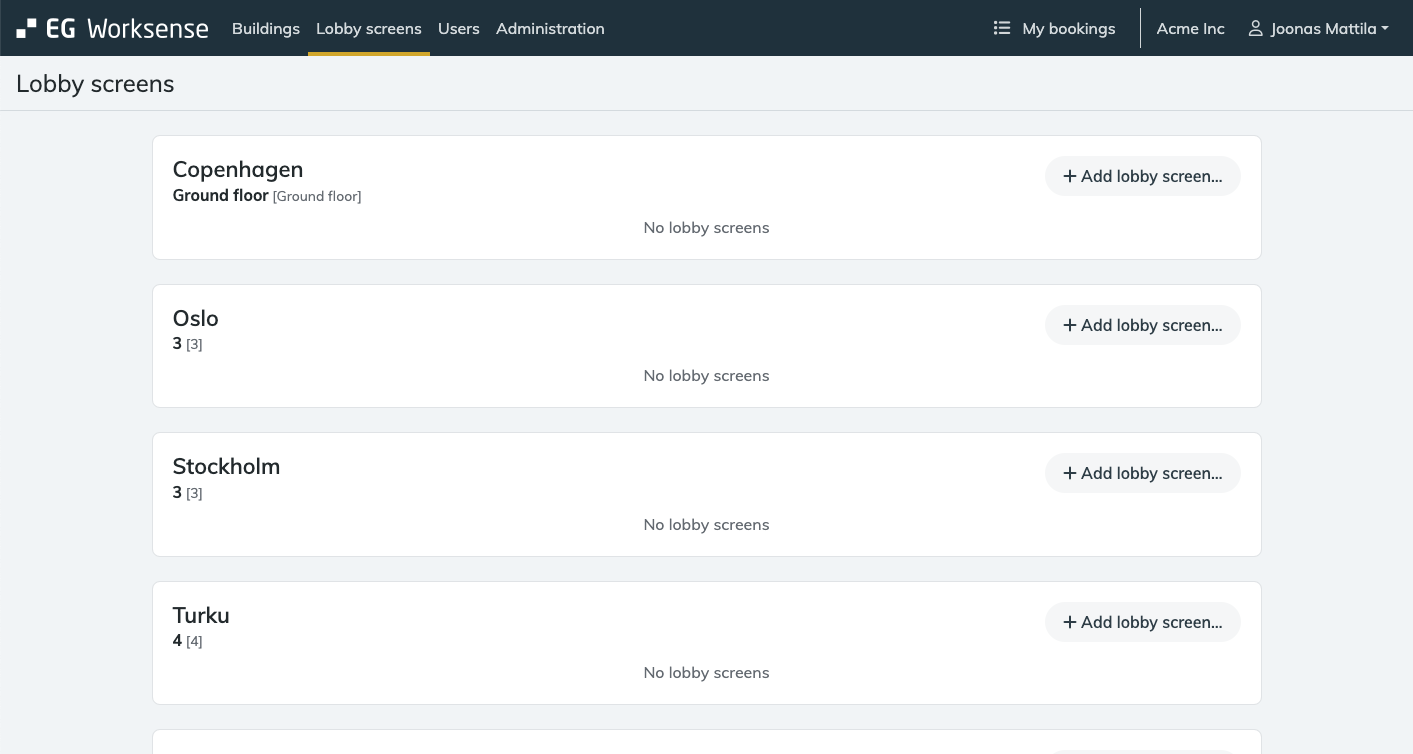
3 - 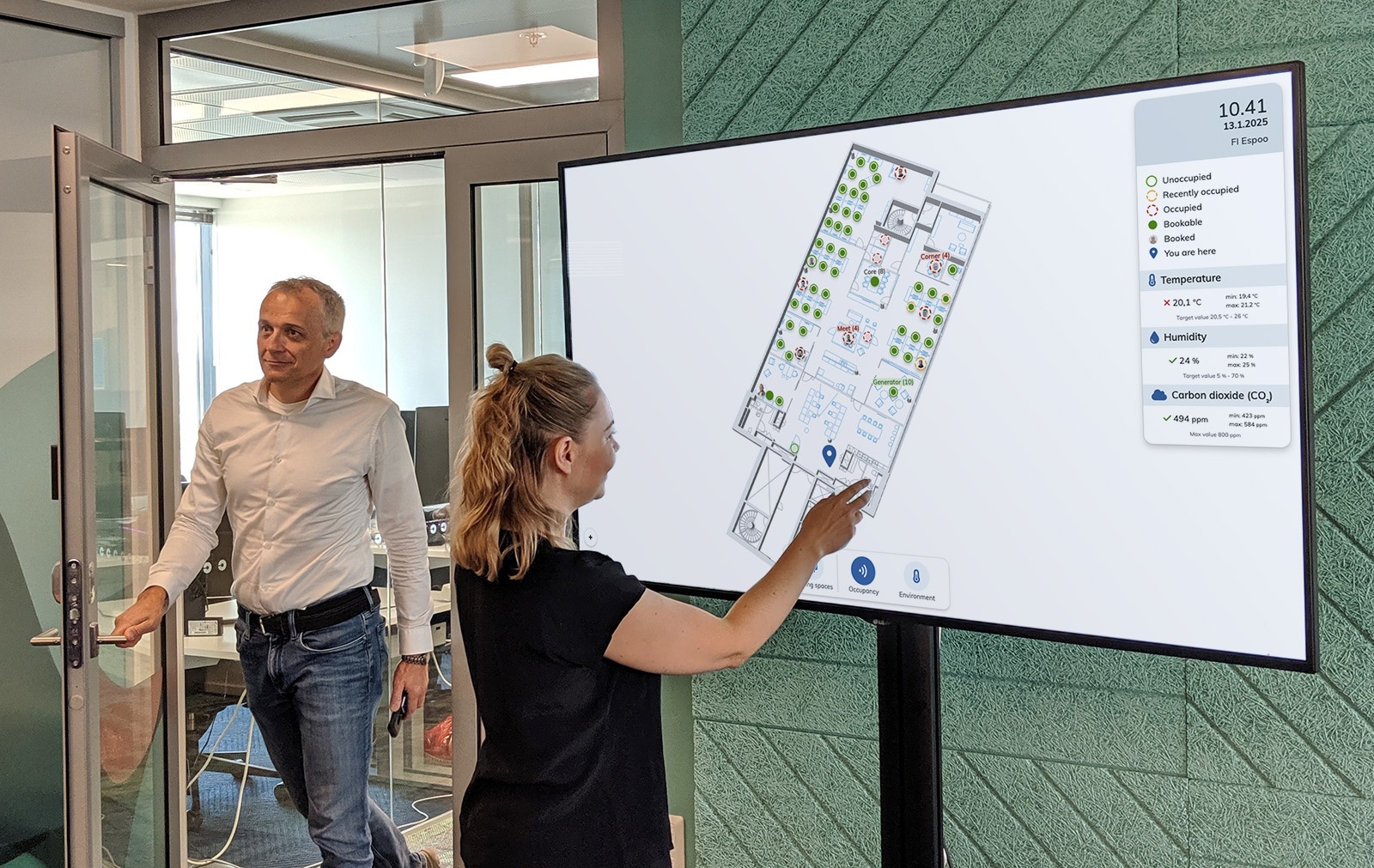 3. Click the Add lobby screen… button
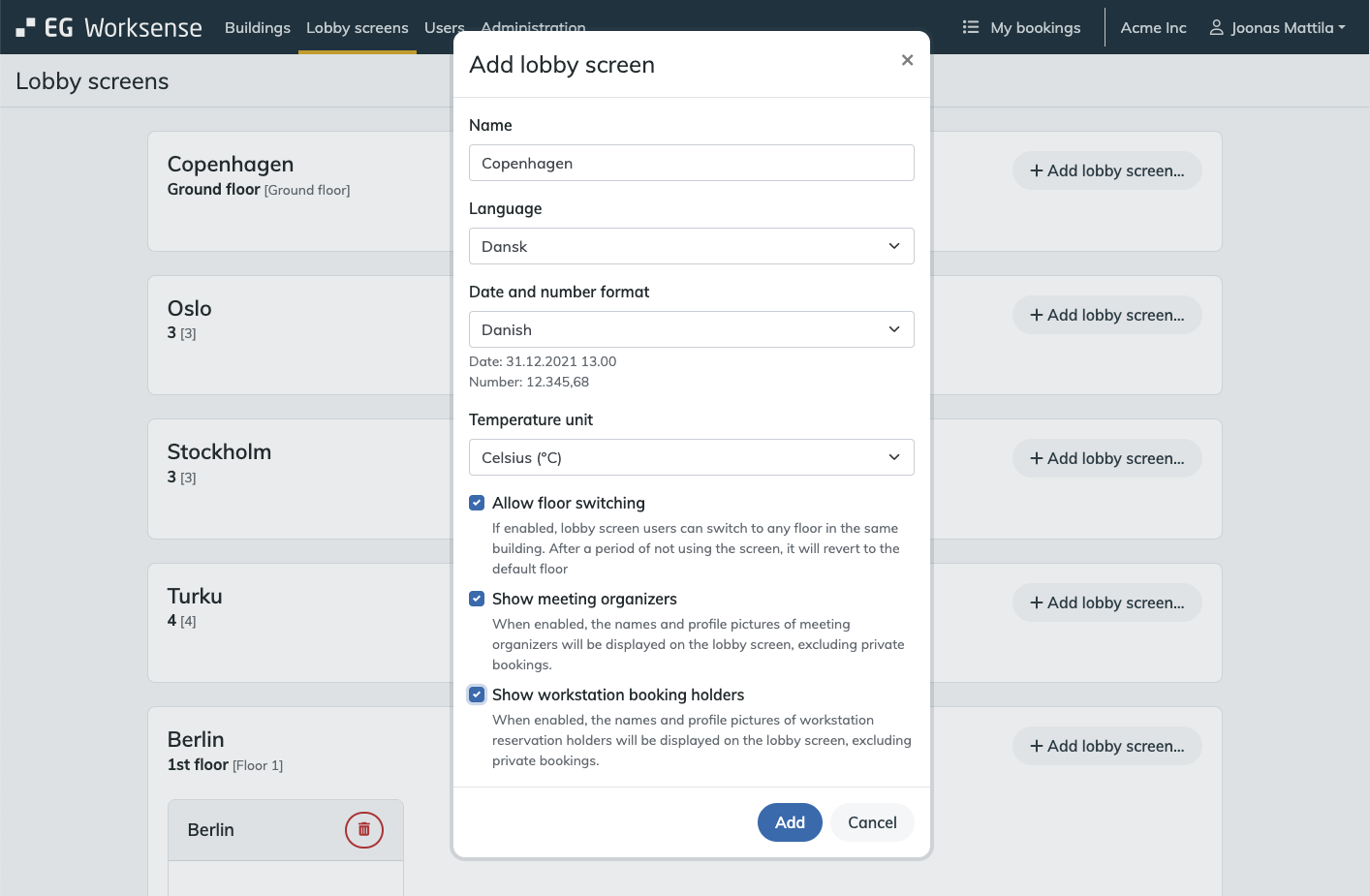
 4. a name 5. 6. Select if Select Select 7. booked
  is
is 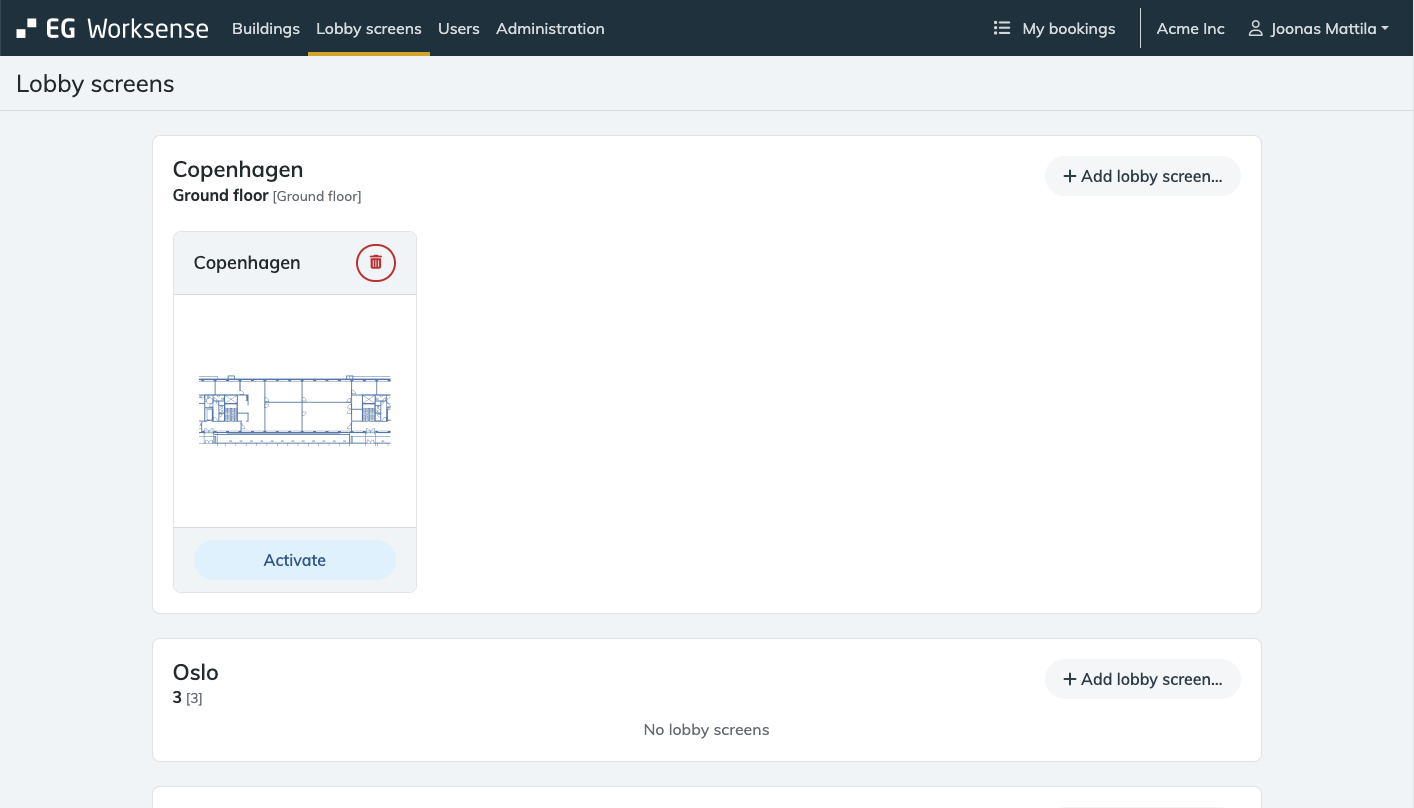 9 Click Activate to open the Open lobby screen modal a in running is .
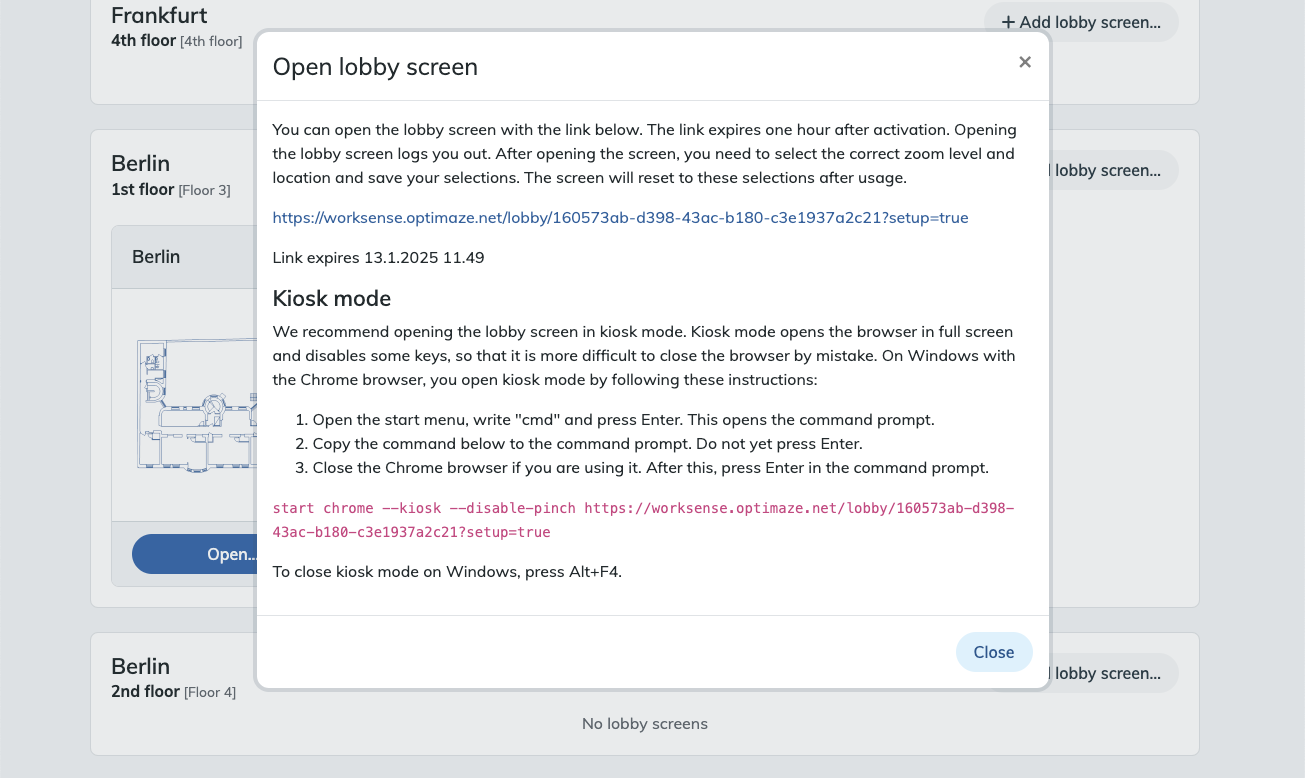 10. the if booking queue are open as default booking queue as clicking Save clicking 11. once
 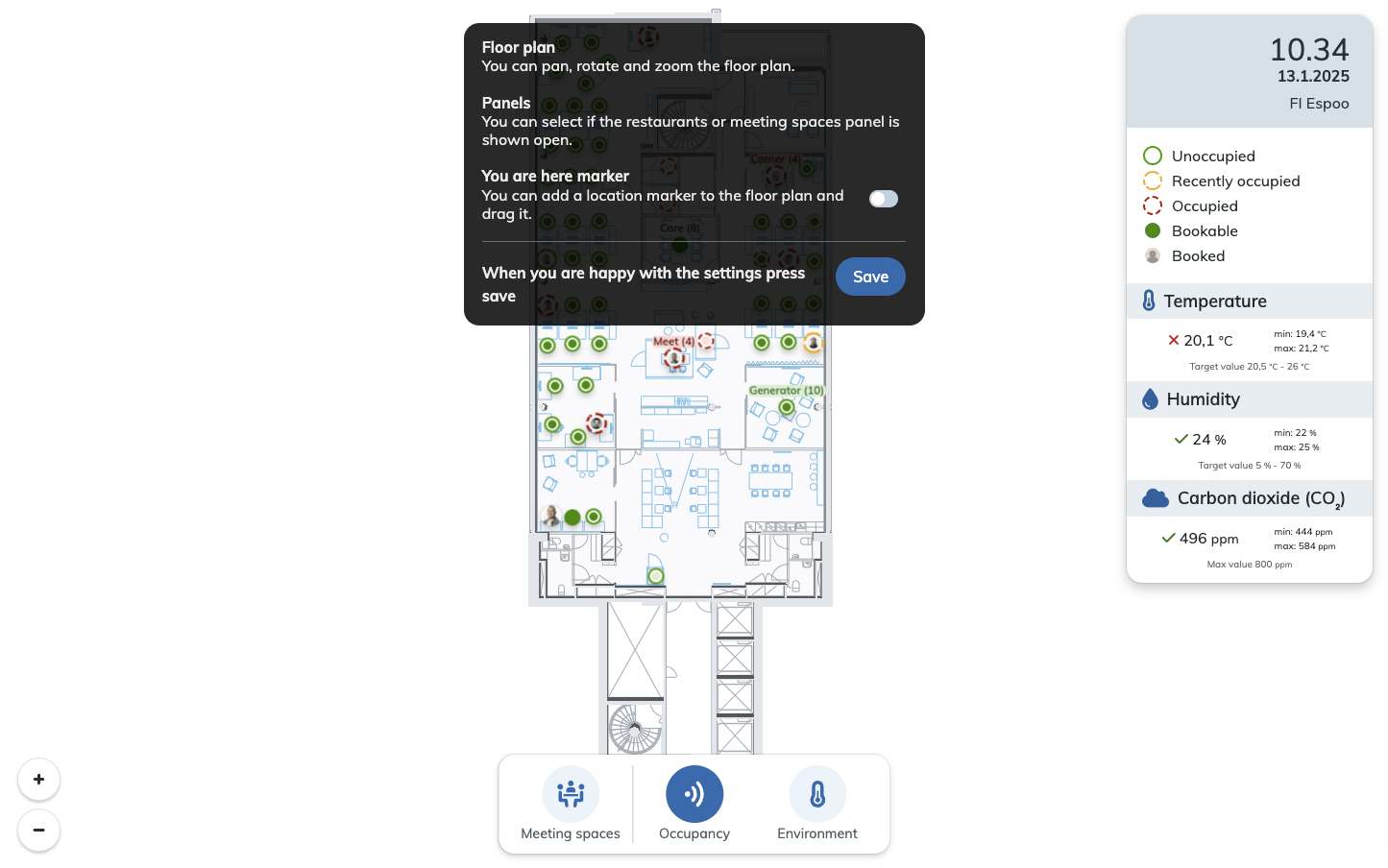 room bookings 1. to 2. blue ‘Save' Please note that because of screen size and resolution the floor plans devices 3. SaveTip: you can show the Meeting room bookings panel or the Restaurants panel by default by opening them in the Setup mode and clicking .
| . Lobby screens may not be available in all EG Worksense packages. |
EG Worksense can be configured for lobby screens, also known as interactive kiosk displays. Key benefits include:
- Locating meeting rooms and other spaces on the floor
- Checking the real-time availability of meeting spaces throughout the building
- Instantly booking available meeting rooms
- Finding colleagues who are currently in the building
- Viewing an overview of indoor air quality
For the lobby screen, installation and maintenance are
3 -
3. Click the Add lobby screen… button1. Login to Worksense
2. Open the Lobby Screens tab
first4. a name 5. 6. Select if Select Select 7. booked 8. Click the Activate button
By clickingPlease note that during the one hour active period the lobby screen can be opened by anyone who has the link.
When opening a Worksense lobby screen link, a cookie is saved to the web browser. The cookie enables the device to access the lobby screen.
If you want to show the lobby screen as part of a info display system, the system needs to have the ability to save the cookie10. the if booking queue are open as default booking queue as clicking Save clicking 11. once