
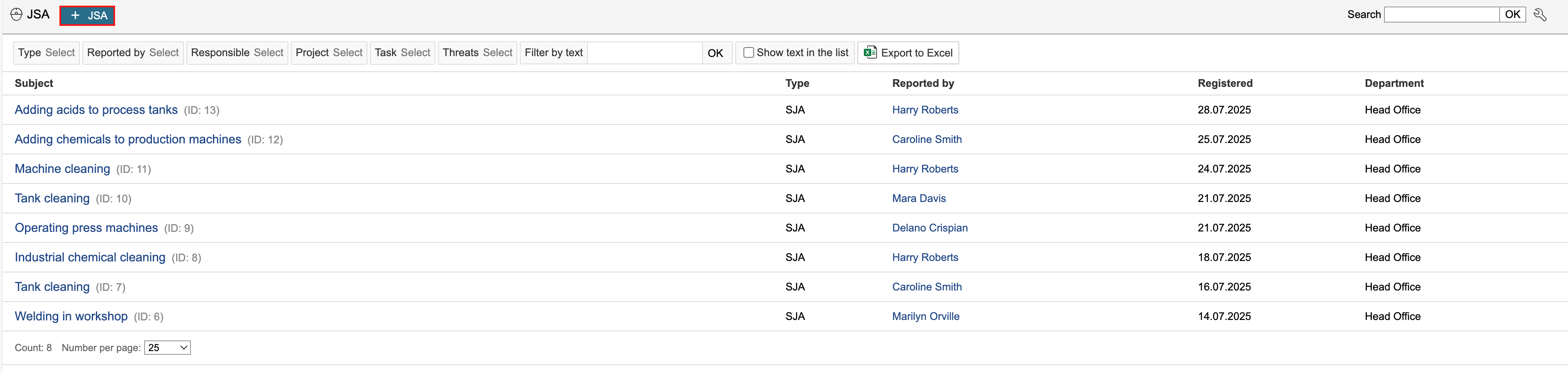
1. Go to the JSA module and click + SJAJSA.
| Info |
|---|
Info: '+ JSA' is a JSA type. Each type has its own 'Create new' button. Types can be edited under 'Configuration of basic data' on the JSA's page in the control panel. |
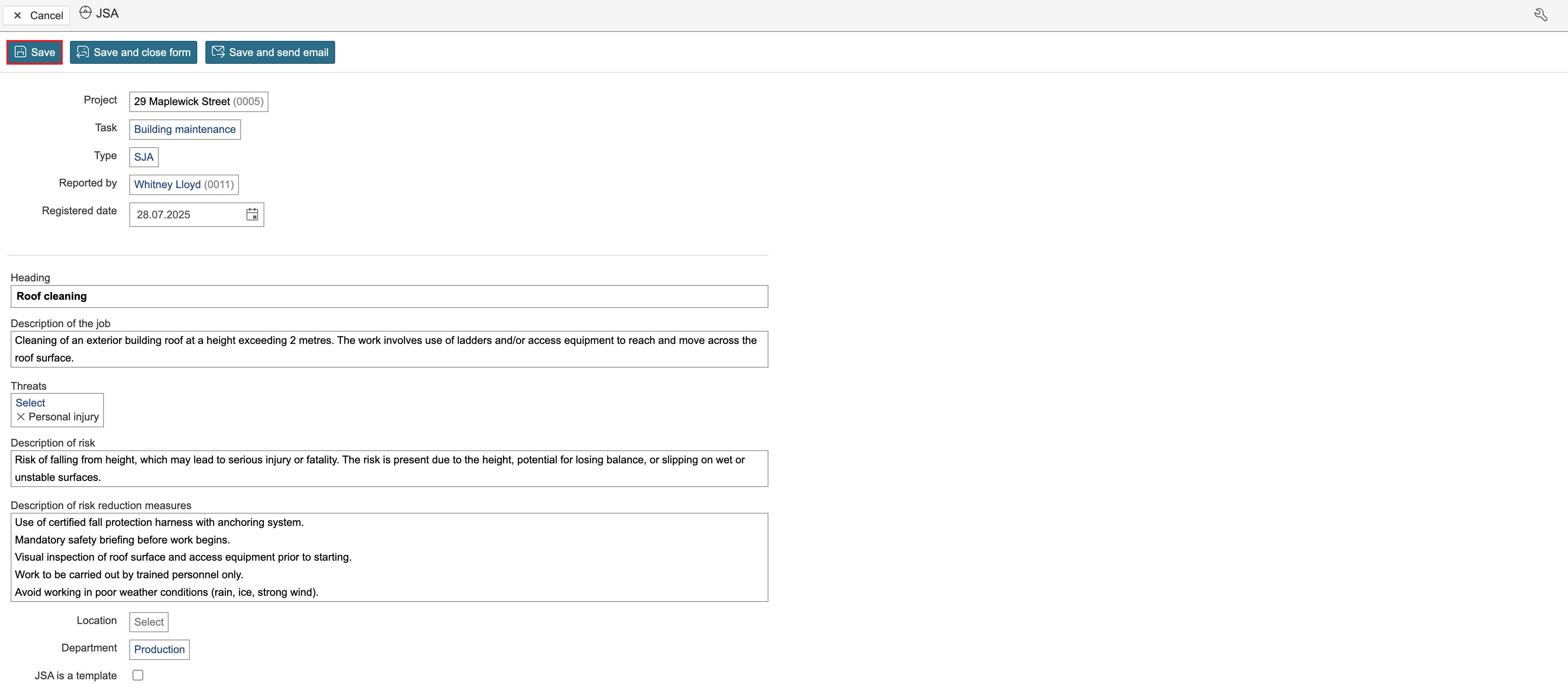
2. Enter the JSA details and click Save. To To create a template, check tick the checkbox in the 'JSA is a template' field.
| Info |
|---|
Info: 'Types' and 'Threats' are basic data. They are configured on the JSA’s page in the control panel. Activate configuration mode to edit the form. |
...
JSA template: Templates in the SJA JSA module can be used to predefine parts of the information in a JSA. When an a JSA is created from a template, the template is duplicated, and the content can then be adjusted and completed as needed.
...
Participants and signing
Participants can be added to the JSA and requested to sign it. The signature serves as confirmation that involved parties have reviewed and understood the contents.
...