...
Select
 Add annotations and measure in the toolbar.
Select the annotation type: Text, Line or Area.
Select further options for the type (these depend on the selected type).
Add the annotation by clicking in the floor plan.
To add a line or an area, click in the floor plan more than once.
To finish drawing a line or an area, click the last point again, or use the Finish line / Finish area button in the editor panel.
Repeat until you have added all the annotations.
Select Done Completed.
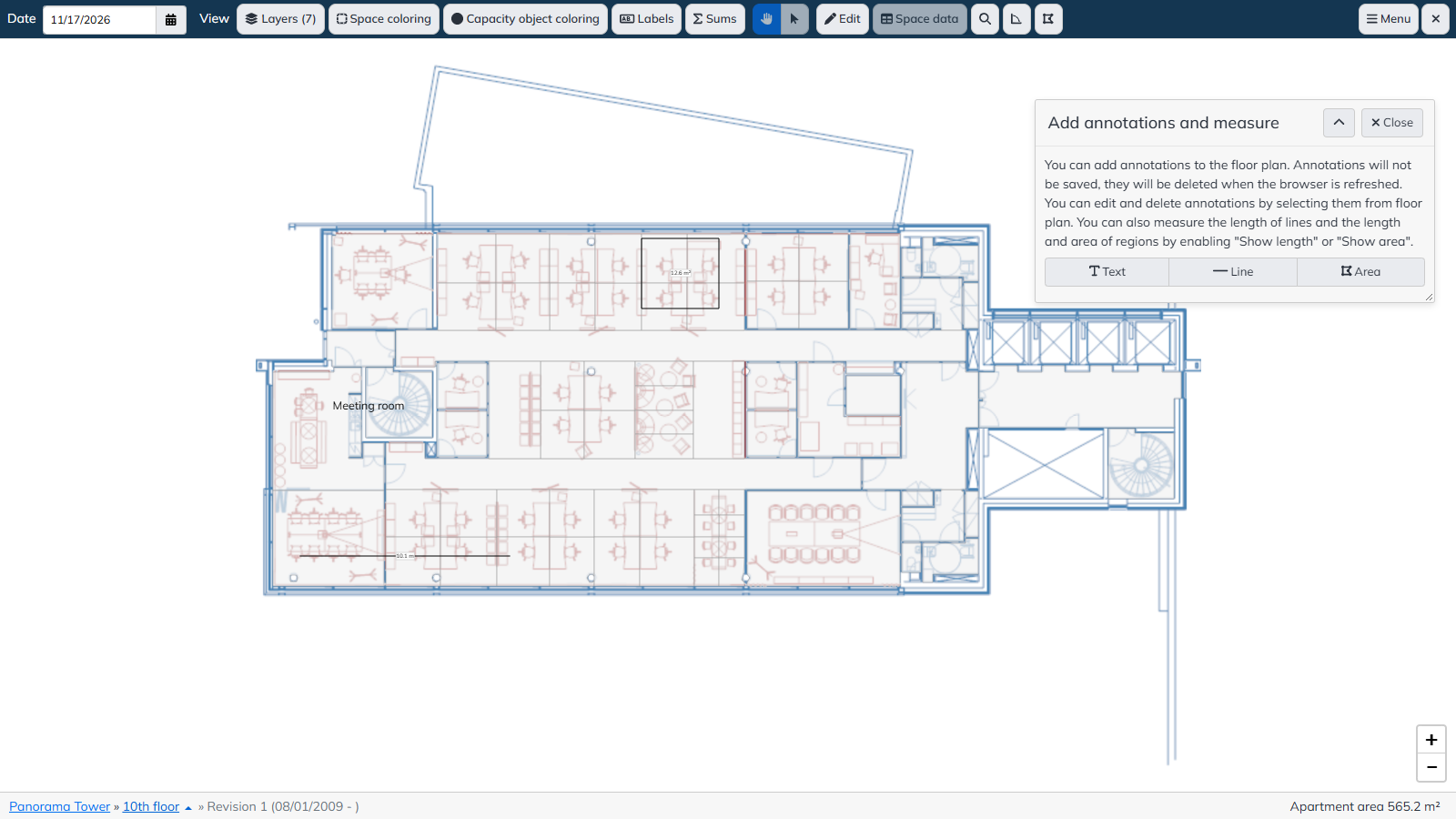
Showing length
For the line annotation type you can measure length by selecting Show length. Length is measured between the added points and also for the whole line. Length annotations are part of the Annotations layer and are shown in the floor plan print.
...