| Info |
|---|
| You must have Administrator role in EG Worksense to add lobby screens in EG Worksense. Lobby screens may not be available in all EG Worksense packages. |
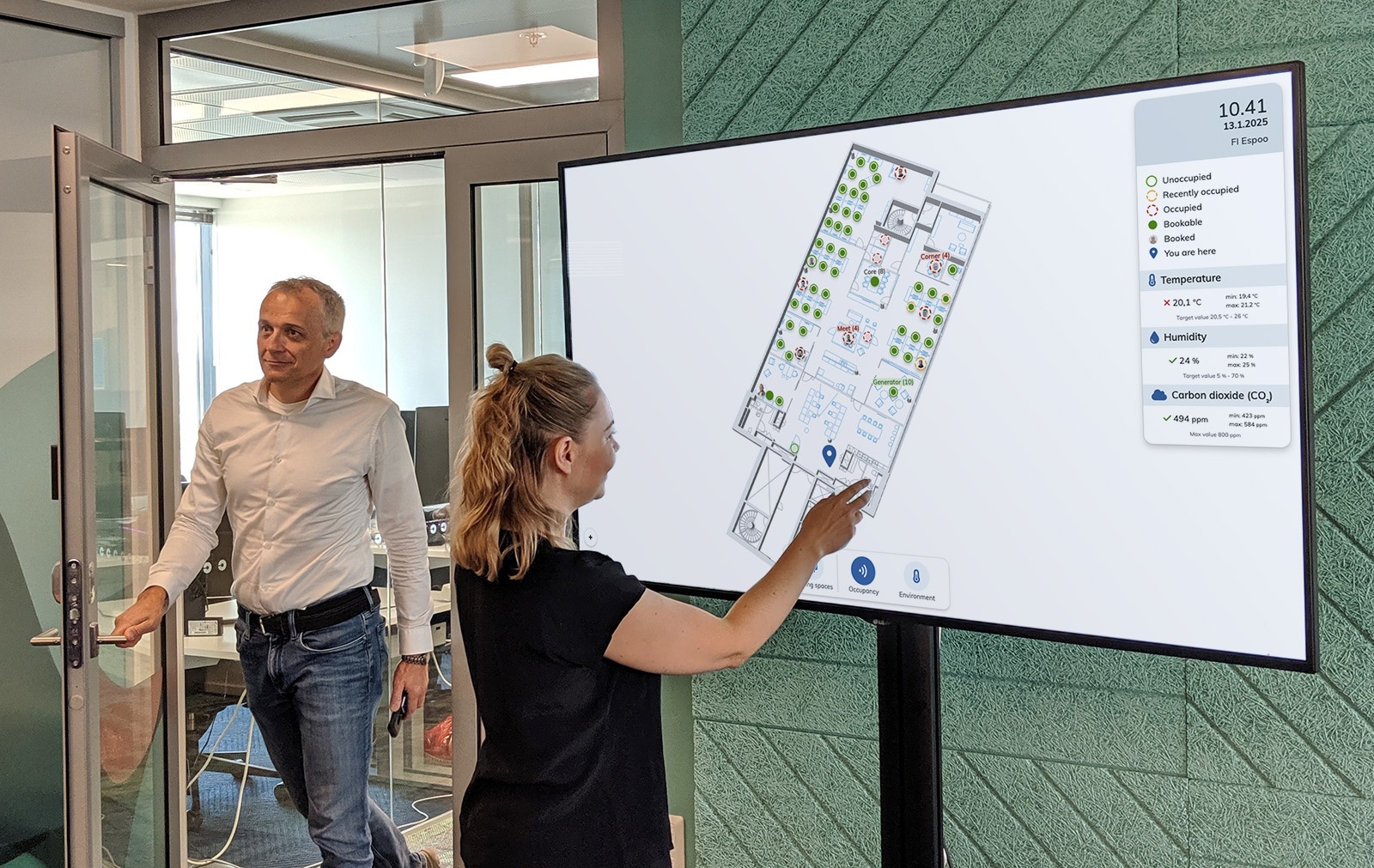
EG Worksense can be
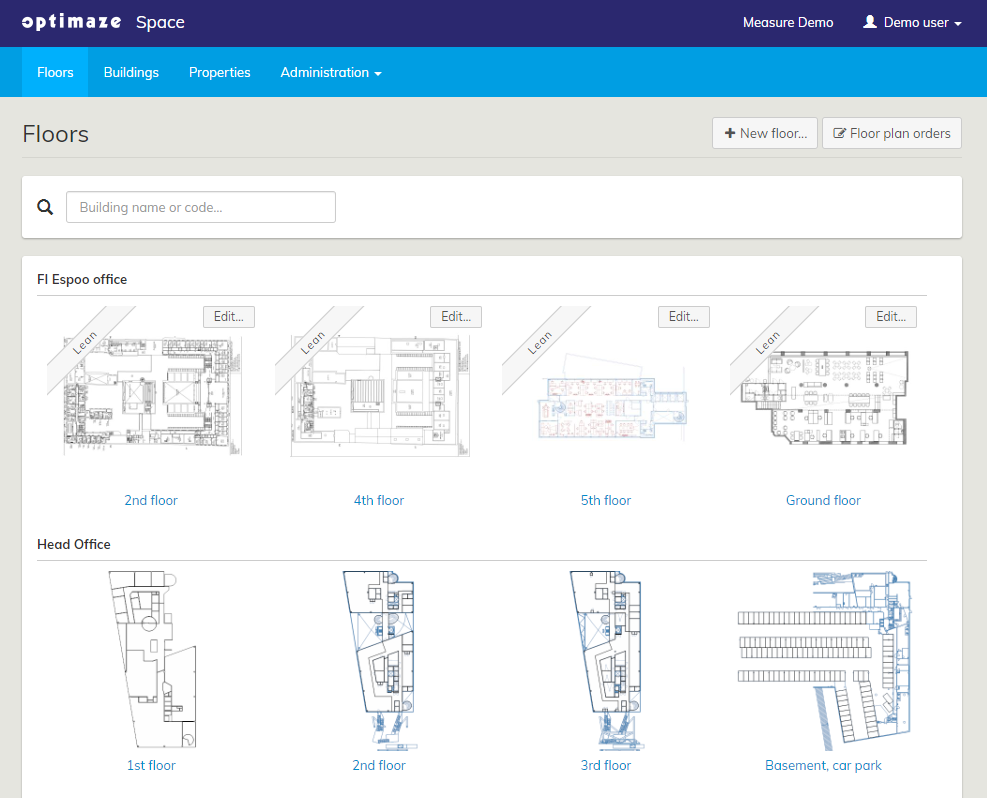 2 -
2 - 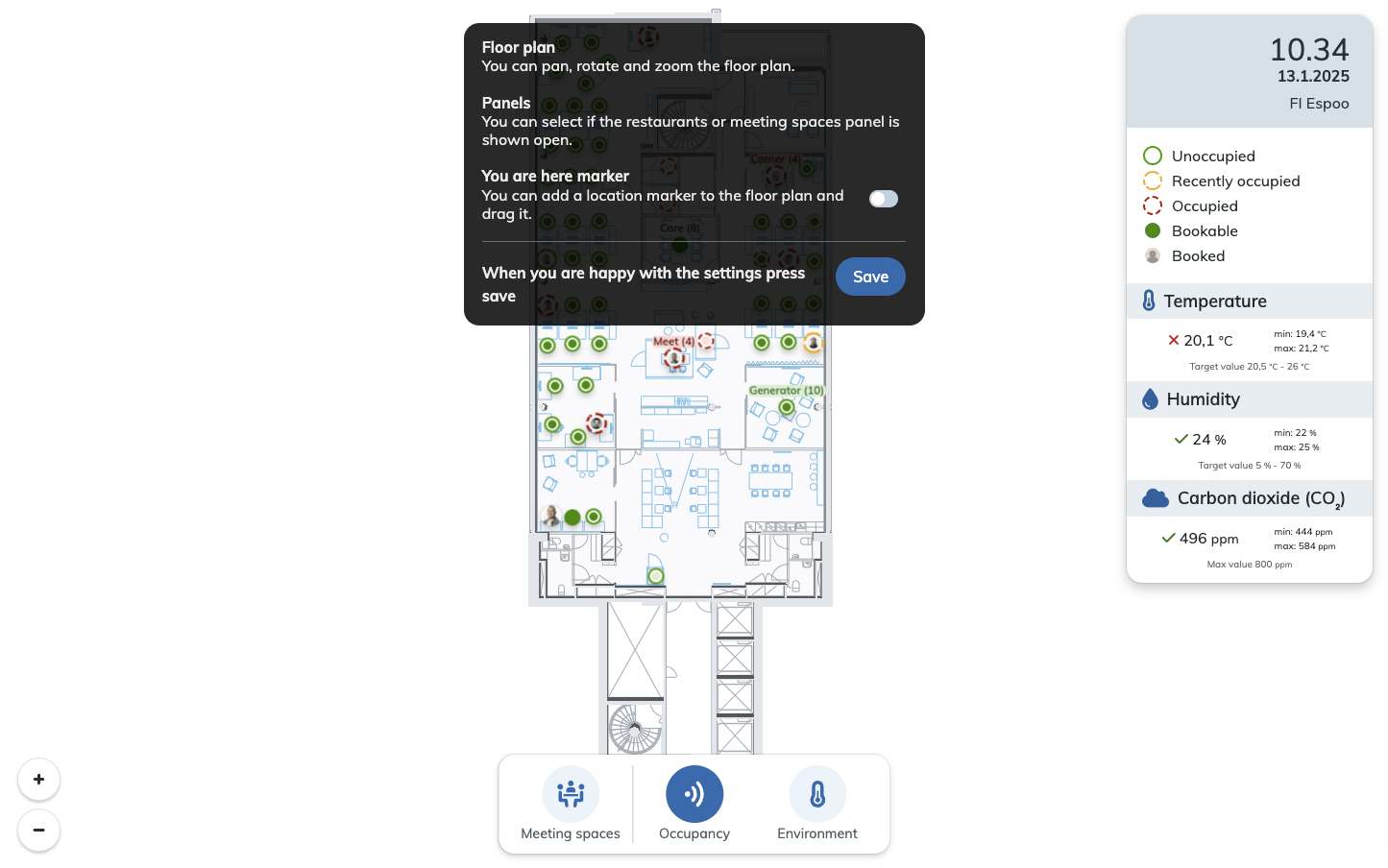 3 - 3. Click the Add lobby screen… button
1. Login to Worksense
2. Open the Lobby Screens tab
first 4. Give a name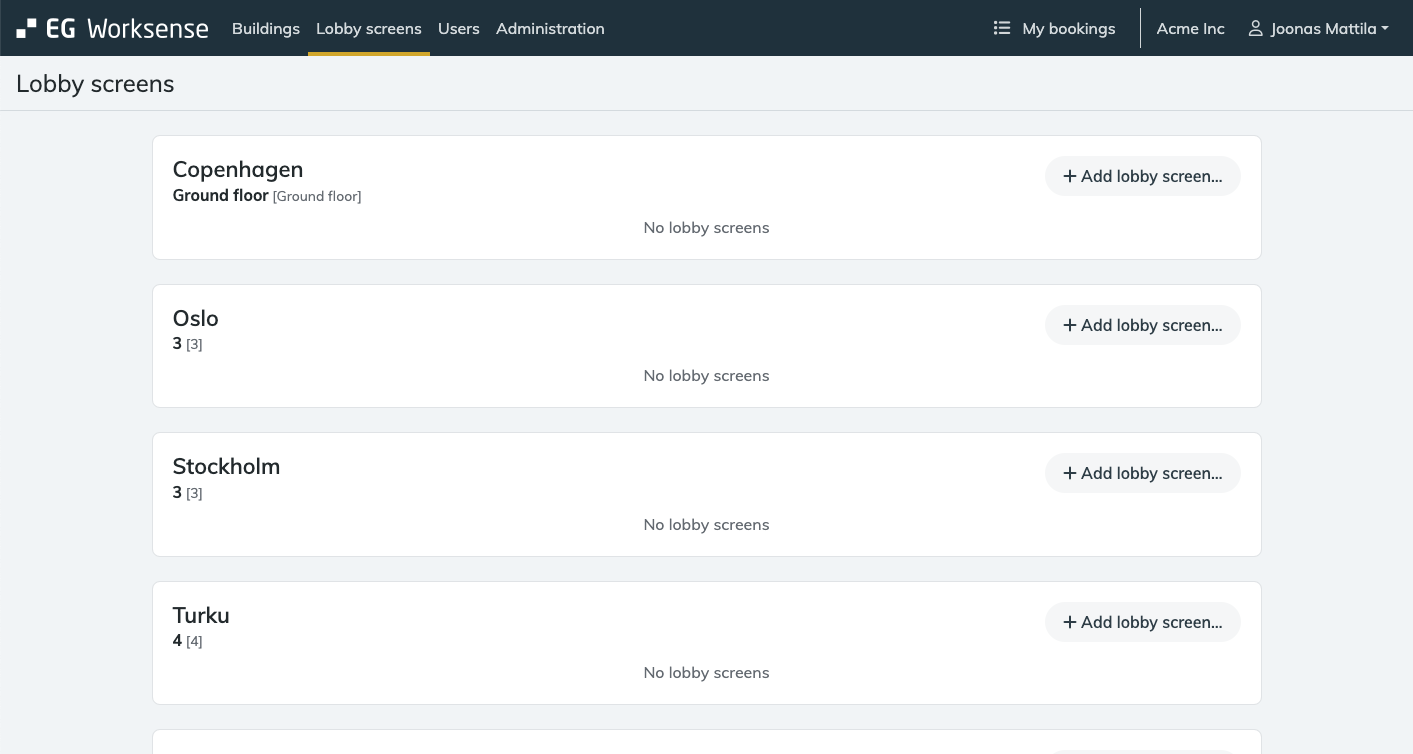
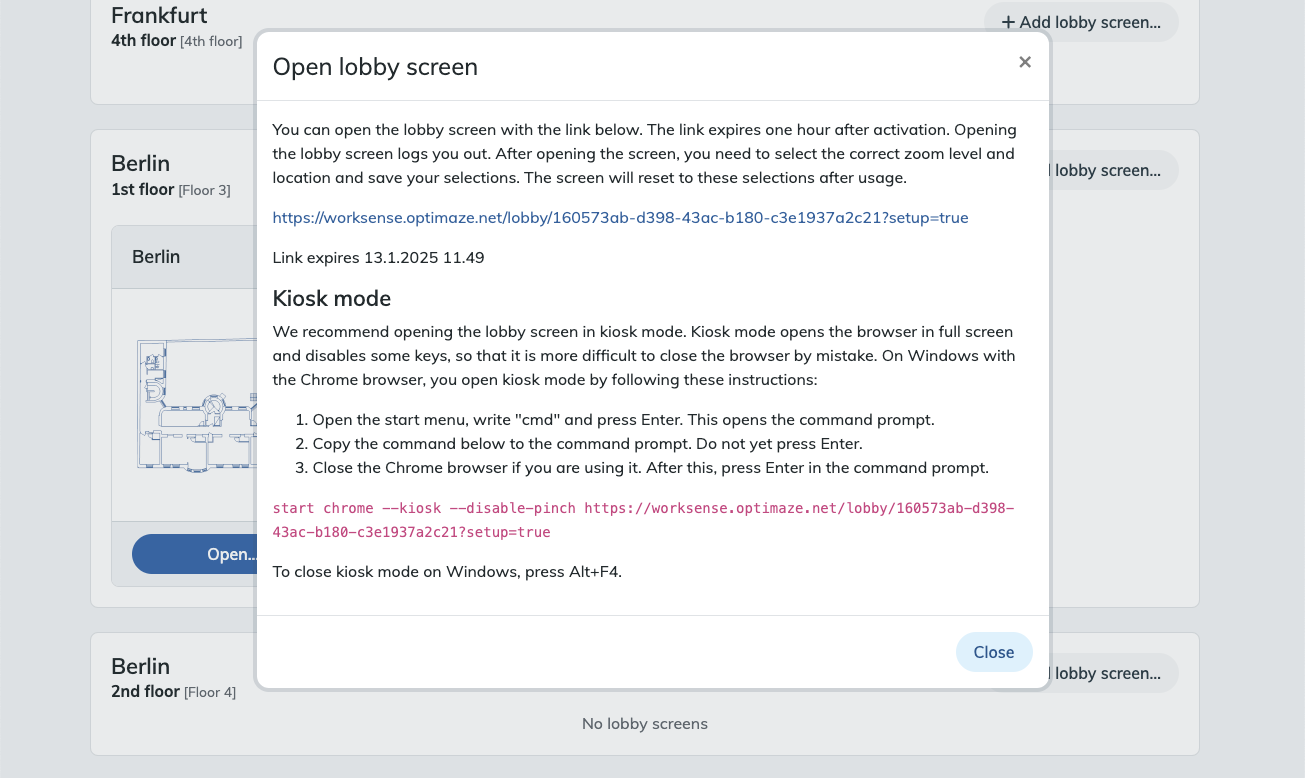
8. Click the Activate button
By clicking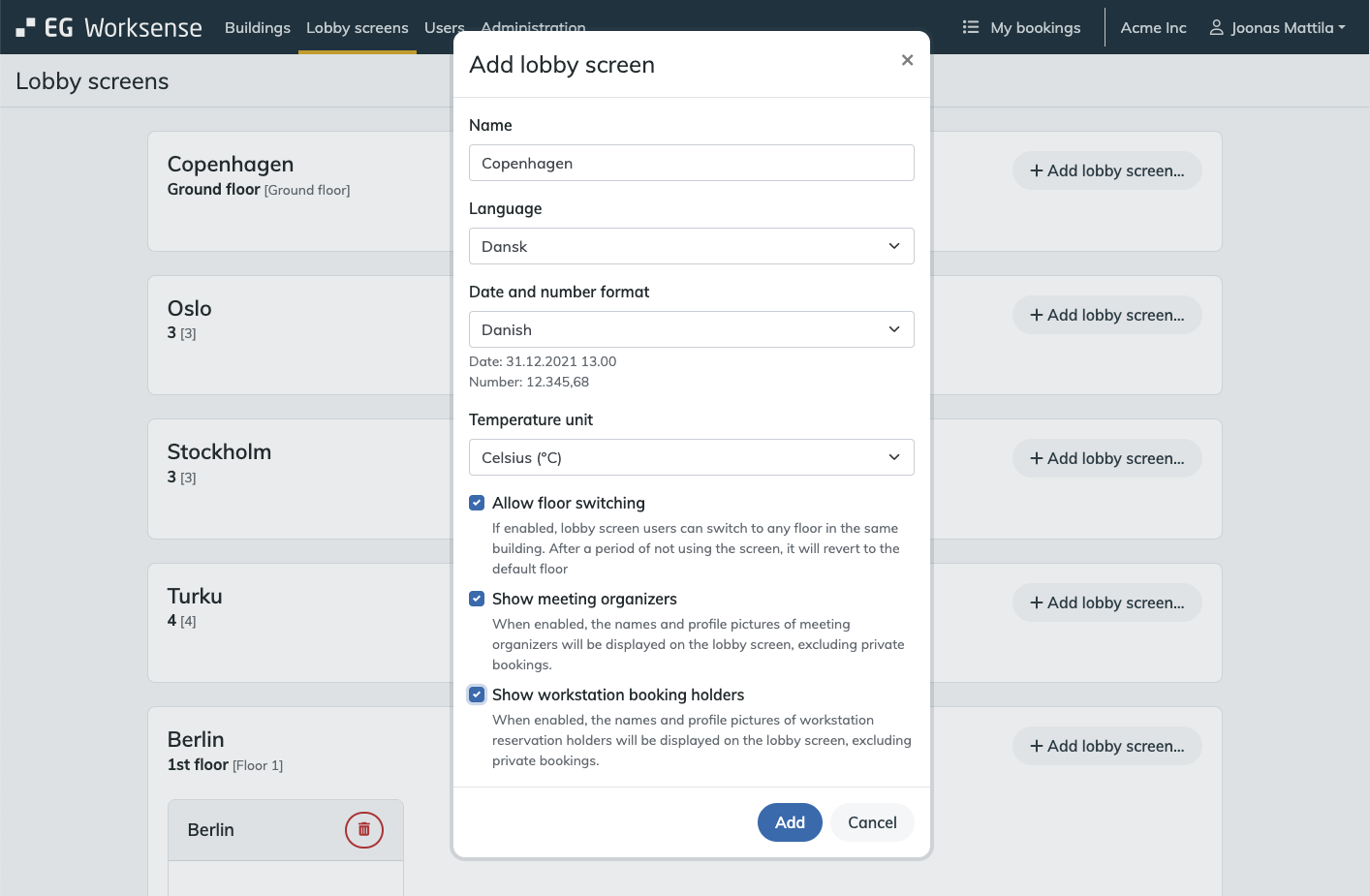
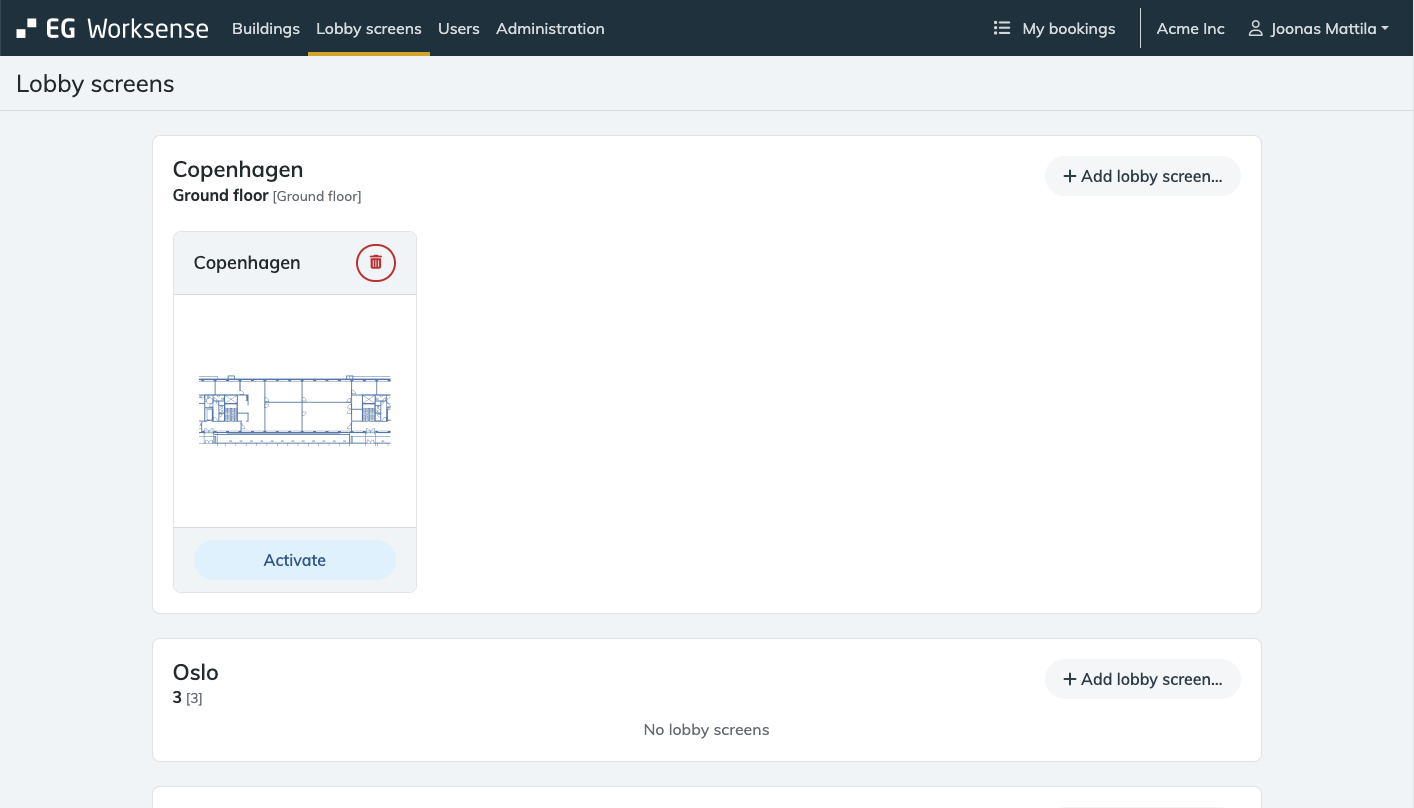
Please note that during the one hour active period the lobby screen can be opened by anyone who has the link.
When opening a Worksense lobby screen link, a cookie is saved to the web browser The cookie enables the device to access the lobby screen.If you want to show the lobby screen as part of a info display system, the system needs to have the ability to save the cookie.