
...
2. Select the type for the protocol template by clicking on it.
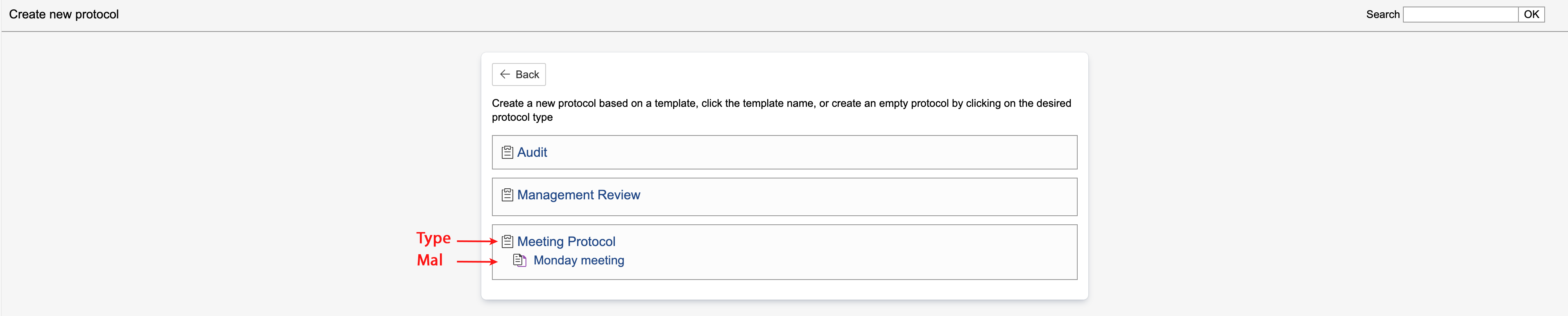
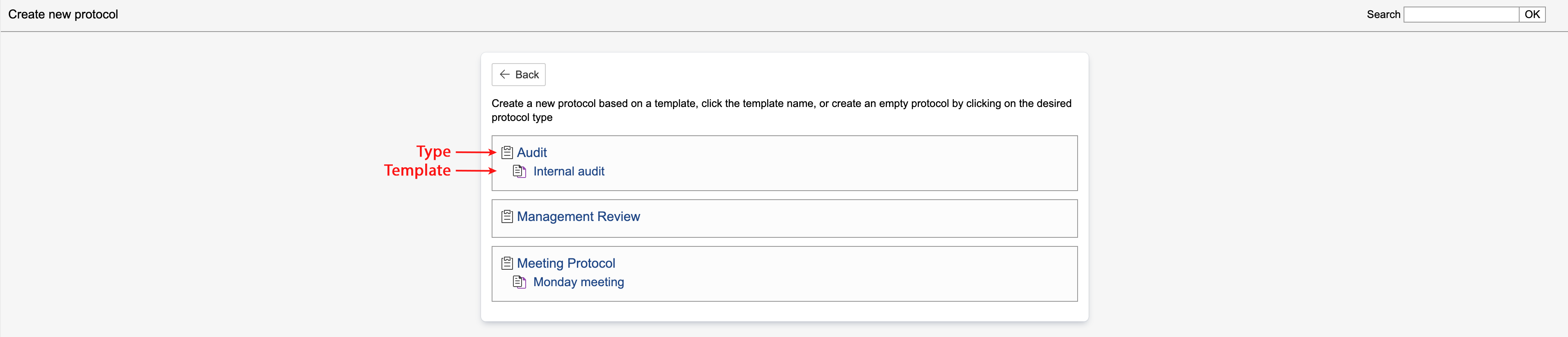
| Info |
|---|
Info: Protocol types are indicated by |


...
4. To create a new case in the protocol template, click Register click Create new case.
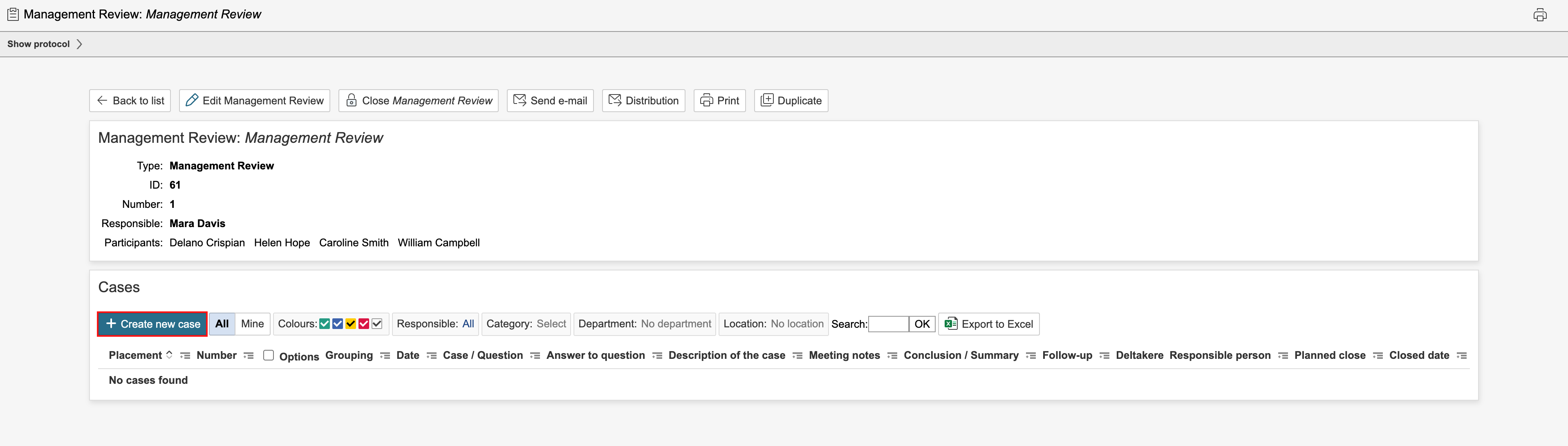
5. Complete the fields for the case and click Save. To save and create a new case, click New case.
...
| Note |
|---|
Note: The form for protocol cases may vary depending on the protocol type. Go to control panel or enable configuration mode to change the field settings. Categories and groupings groups are set up in the the control panel for each type. |
...