
About
In this page, it is described how to add teh project to your sollution and how to use the functionality in it.
Adding the project to your sollution
To use the project functionality, you need to first add the library to your sollution.
It is done in Visual Studio by following those steps:
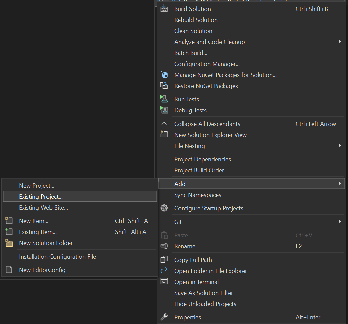
- Right click the sollution explorer on the top level sollution
- Choose Add→Existing project
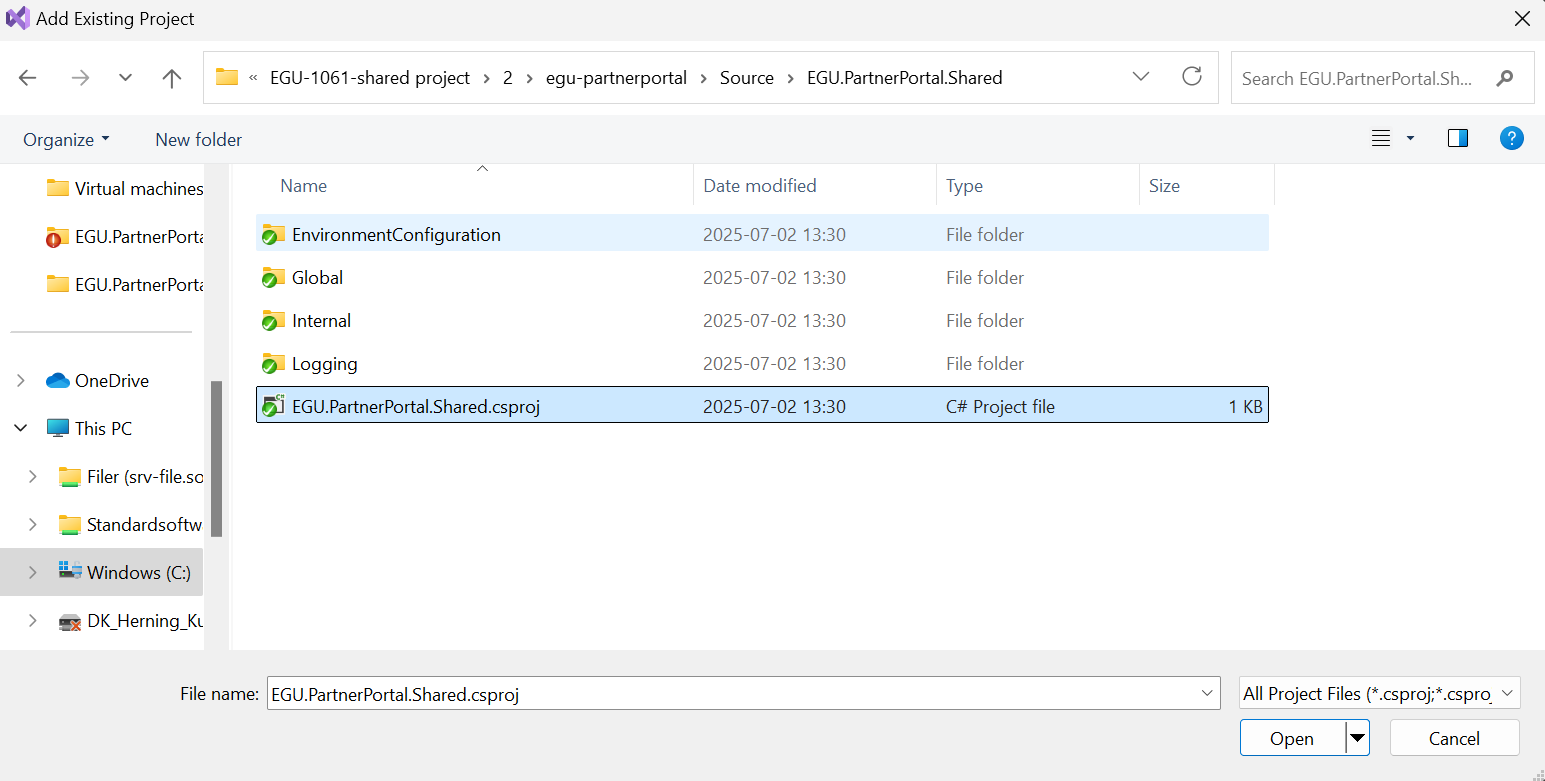
- Navigate to EGU.PartnerPortal.Shared project
- Double click the csproj file
The project is now ready for use.