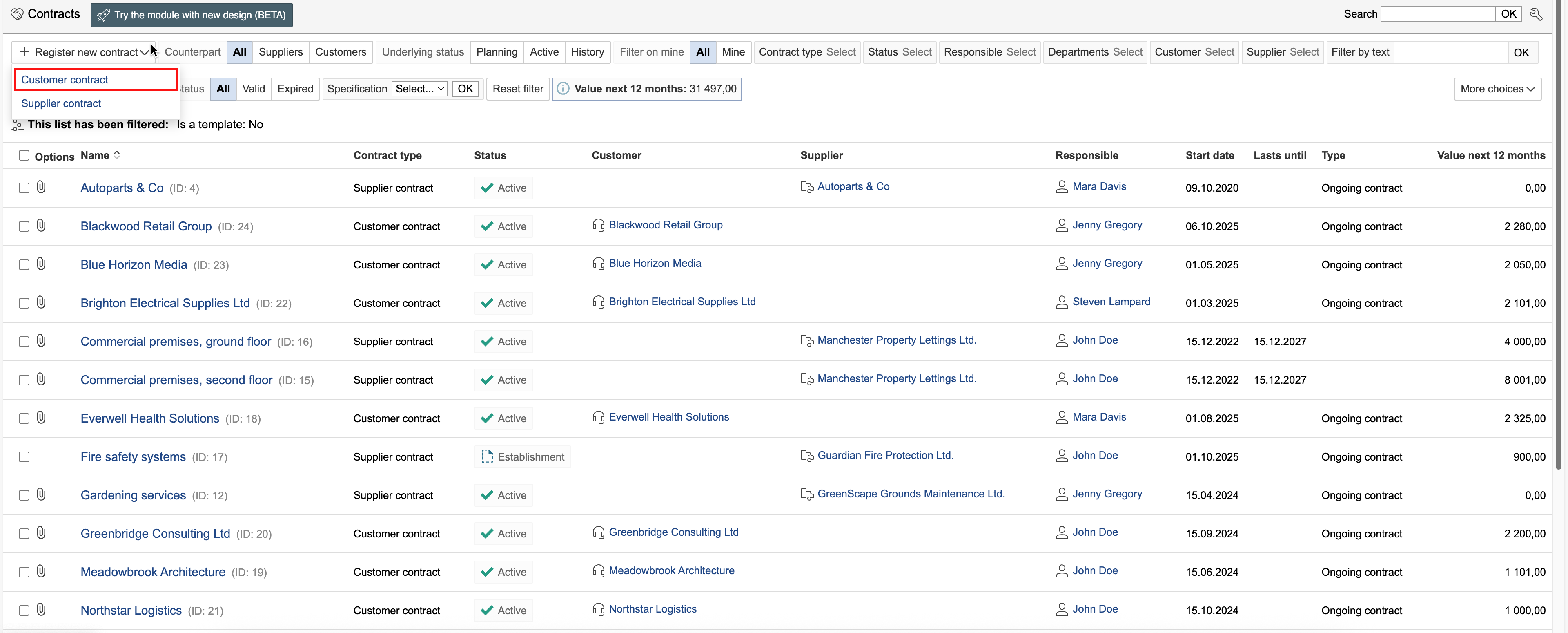
1. Go to the Contracts module, hover the mouse pointer over "Register new contract", and select the contract type.
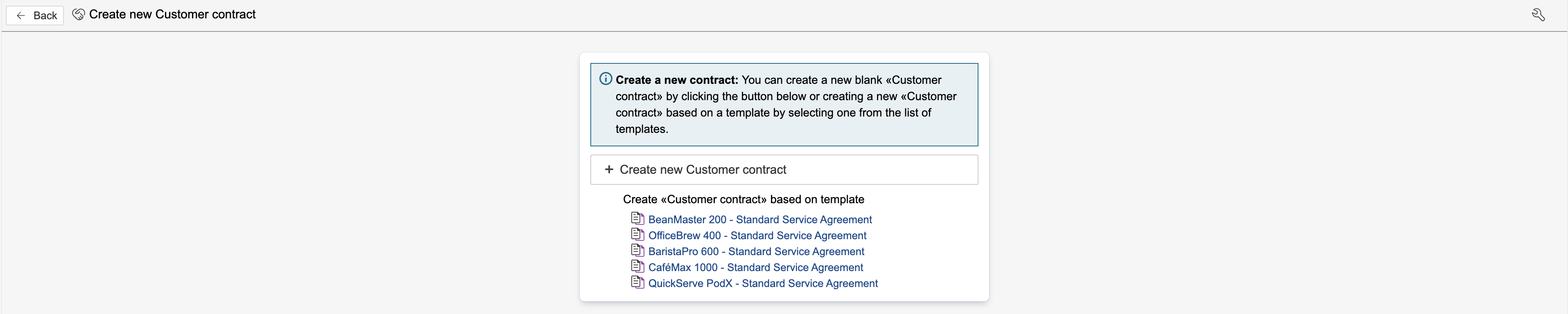
2. If templates exist for the selected contract type, you can either select a template or create a new contract without using one. Click on a template to select it, or click Create new [type name] to create a new empty contract.
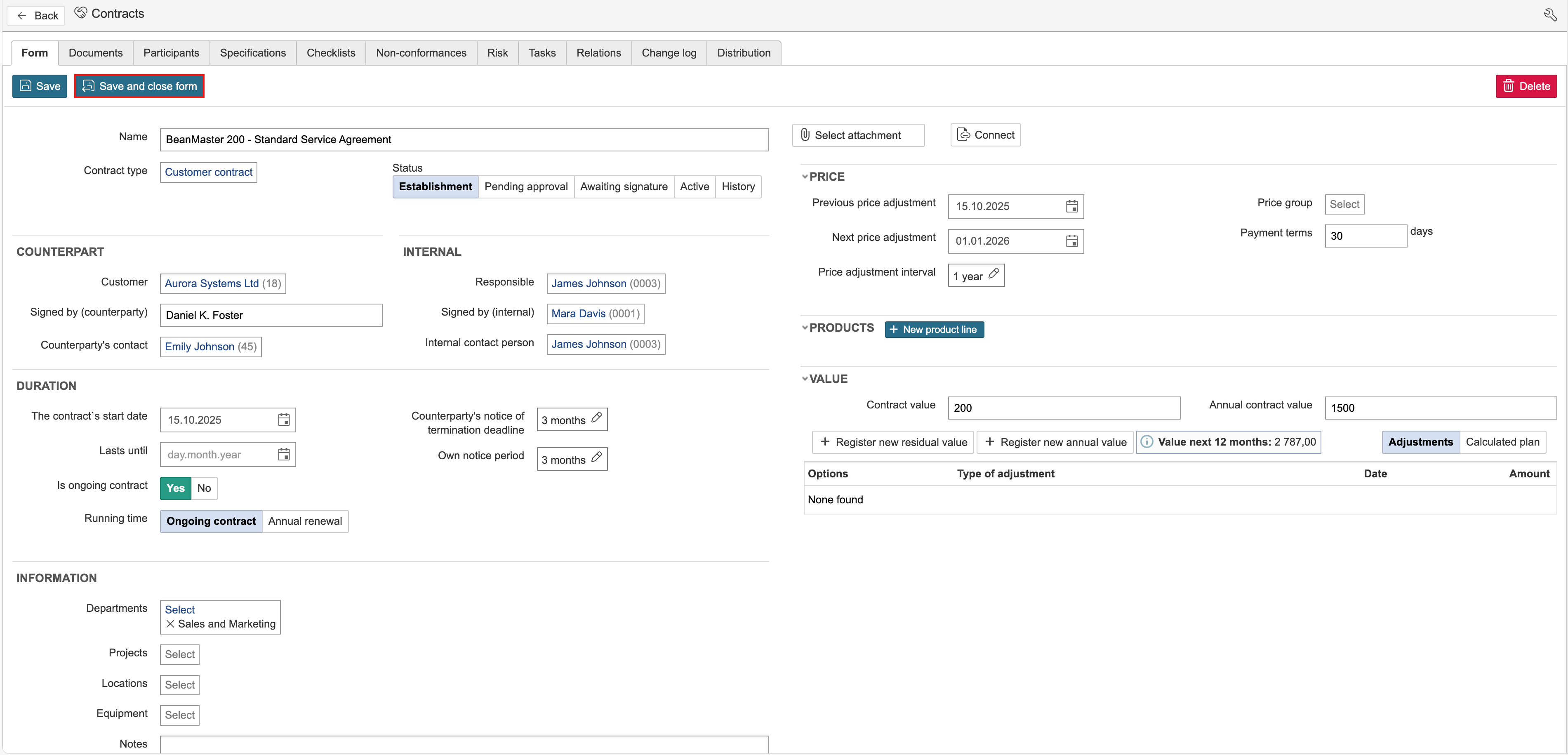
3. Enter the contract information and click Save and close form.
Enter any additional contract information that is not included in the template, and click Save and close form.