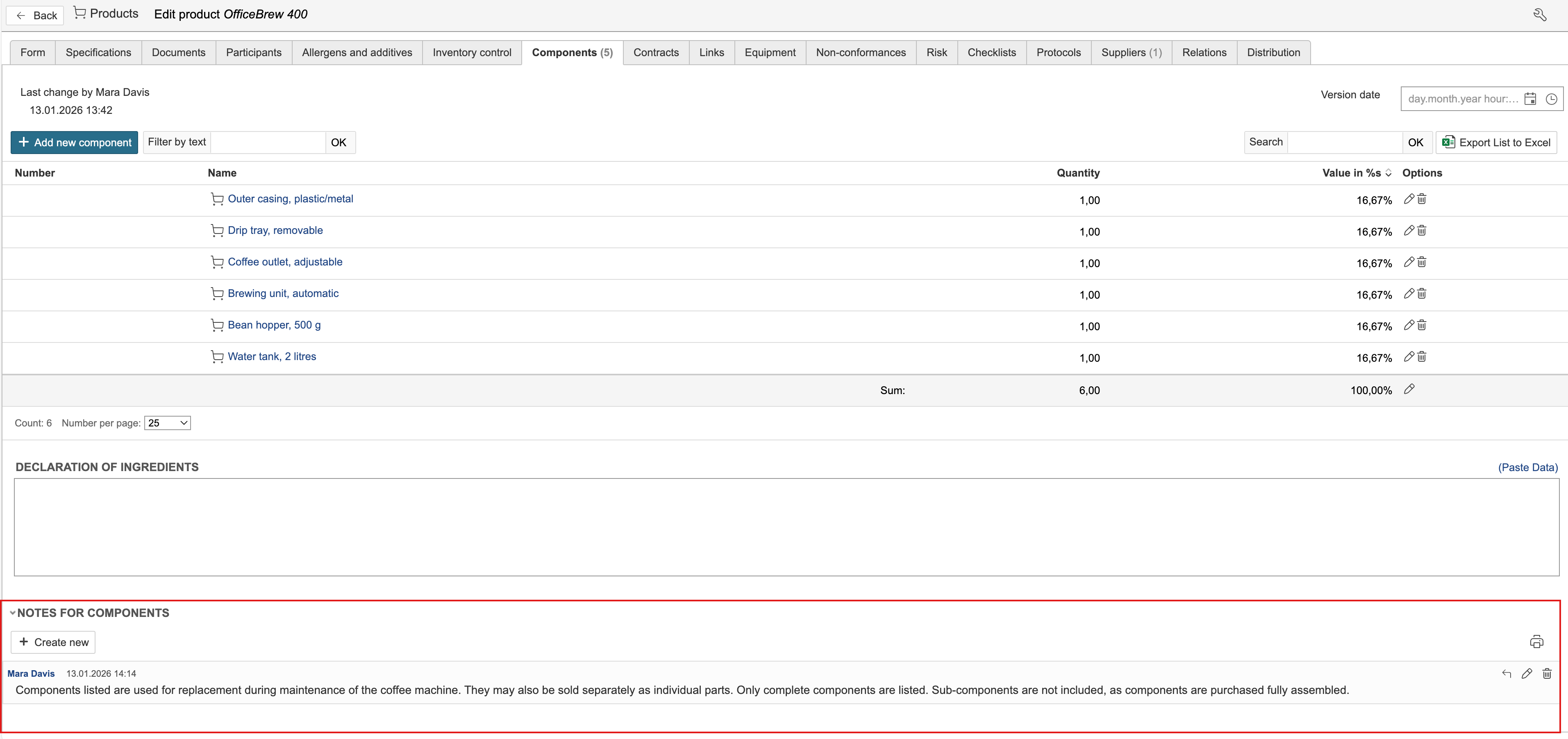
A product can consist of multiple components. The components are registered as products and linked to the products they are part of. The components linked to a product are displayed under the Components tab on the product.
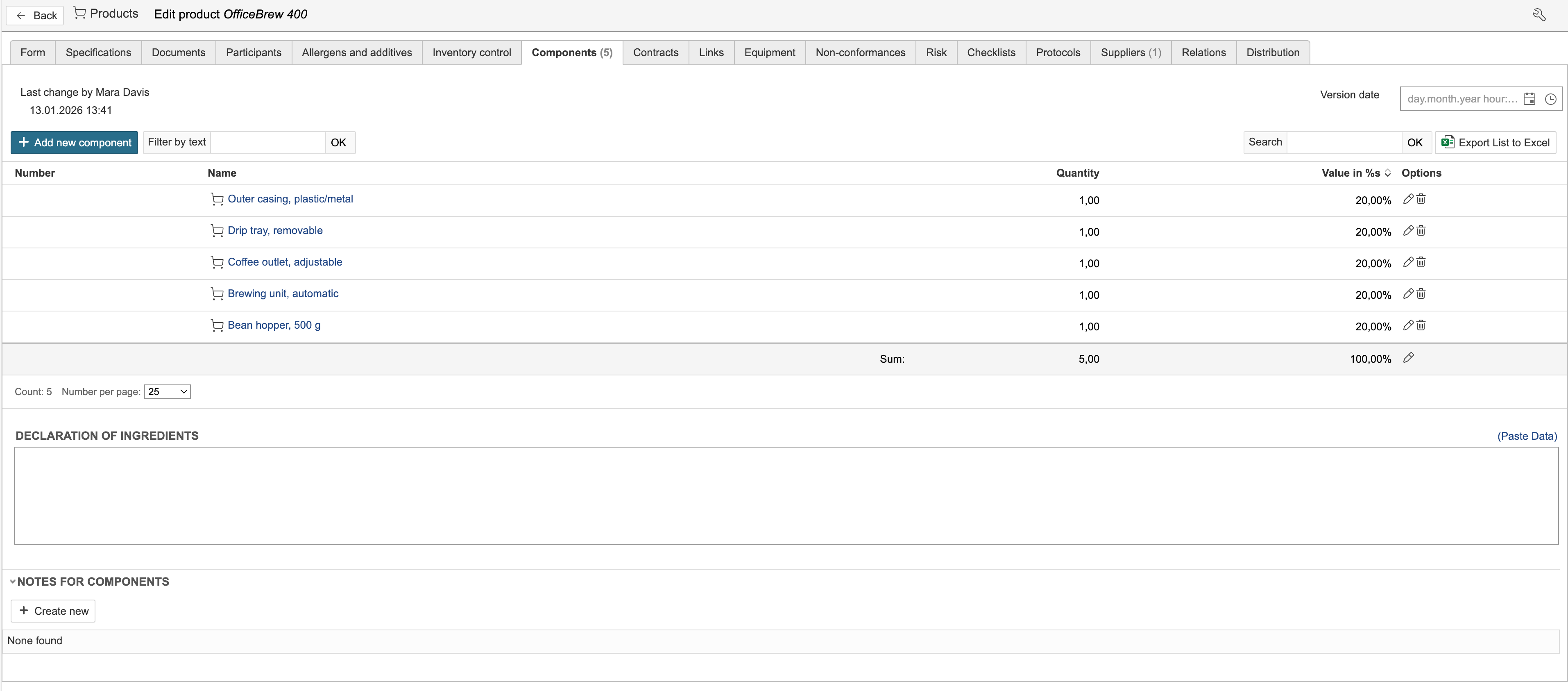
1. Create the components by registering new products.
Tip: Larger quantities of components can also be imported from an Excel or CSV file.
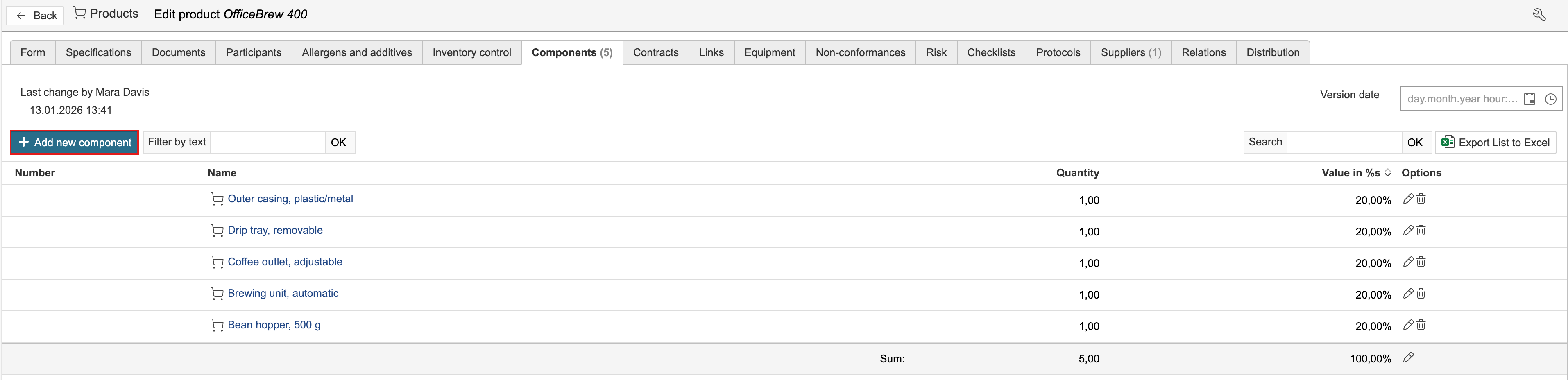
2. Go to the Components tab and click Add new component to link a new component.
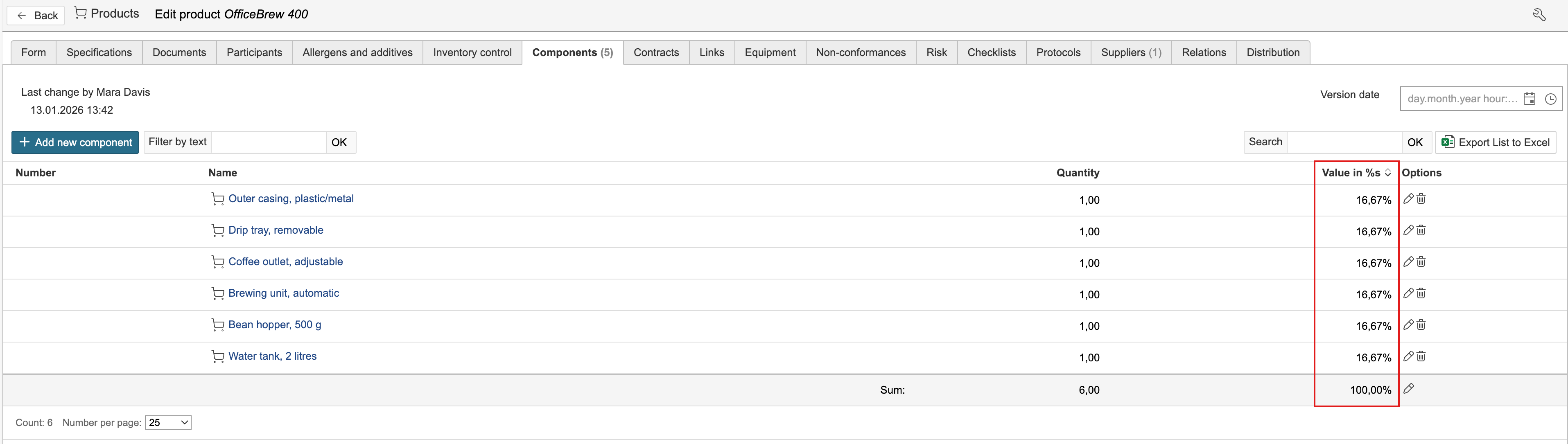
3. Select the product to be added, adjust the quantity if required, and click Save and close the form.

The percentage value of the components is calculated based on the quantity specified for each component.
Notes can be added for components. These may include information for users or other data that needs to be documented.