Select Menu > Print floor plan. The print preview opens in a new tab. The print shows the selected layers, colorings and labels of the floor plan, as well as your own annotations.
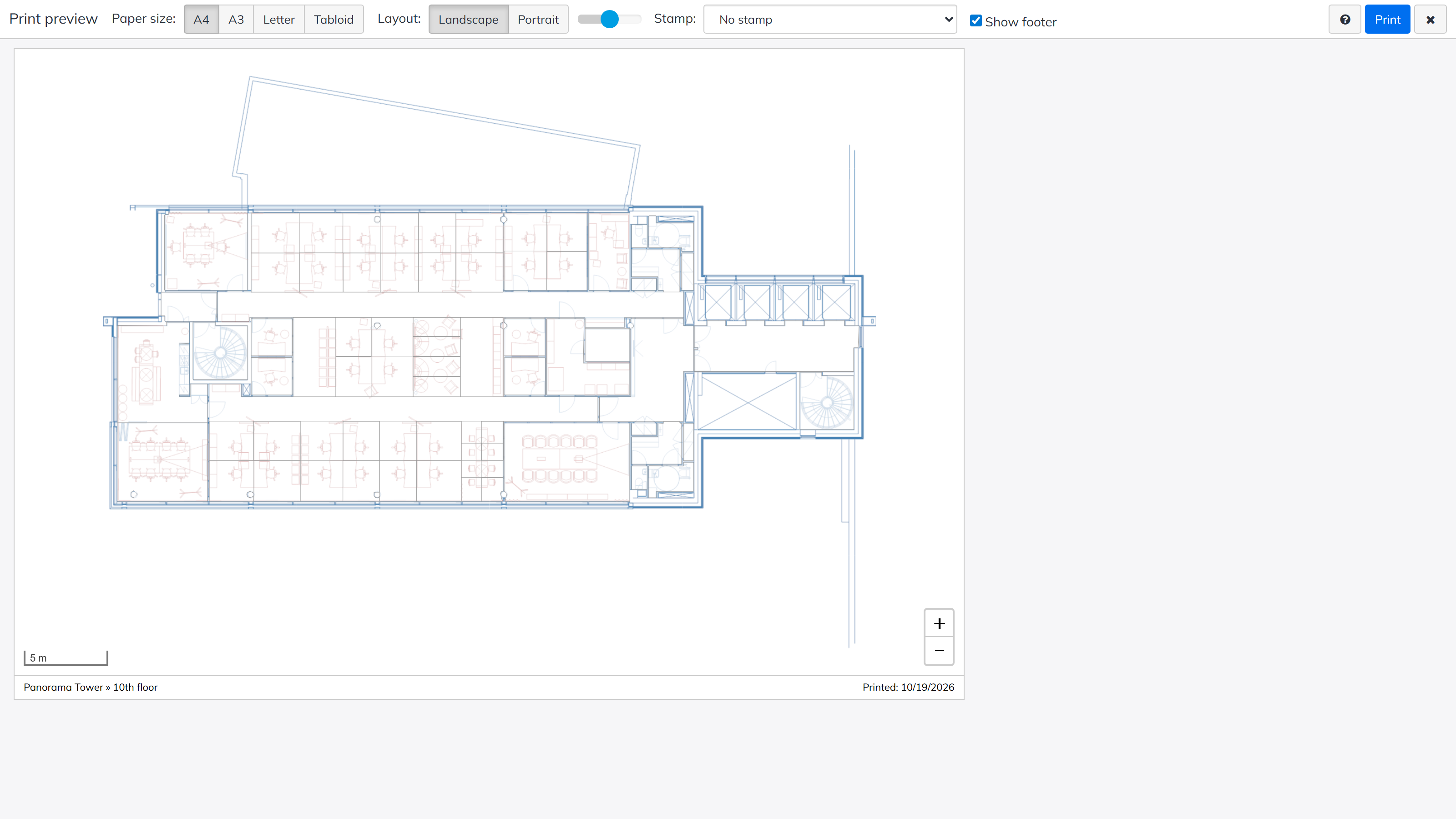
| Setting | Description |
|---|---|
| Paper size | A4, A3, Letter or Tabloid. |
| Layout | Landscape or Portrait. |
| Legends | Select which legends are included in the print. |
| Stamp | Select the stamp to add to the print, or No stamp. |
| Show footer | Shows or hides the footer in the print. The footer also shows the print date. |
Start printing with the Print button.
