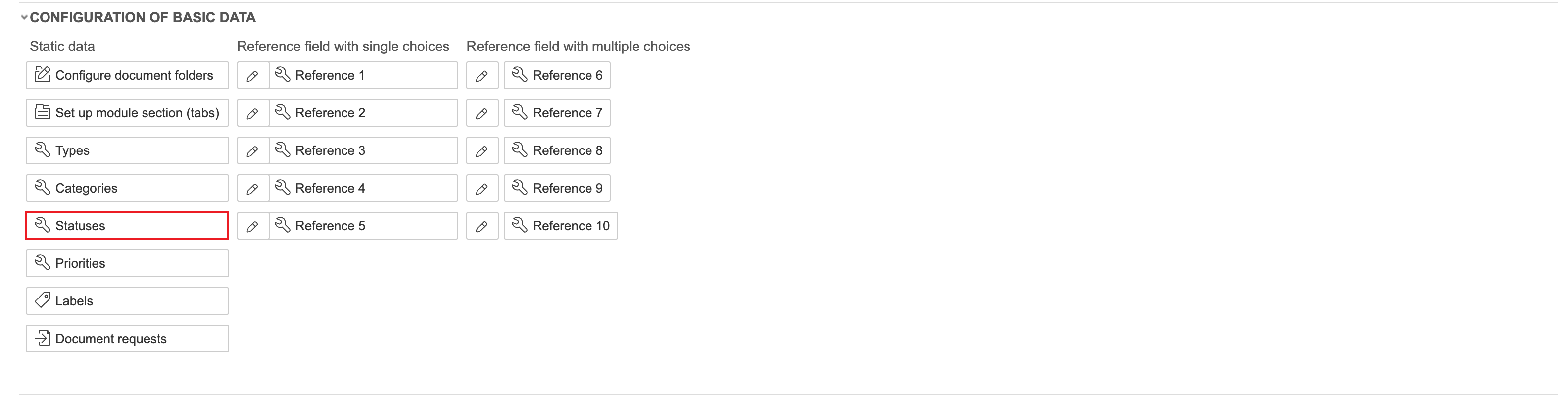
1. Select Statuses under configuration of basic data to view and set up task statuses.
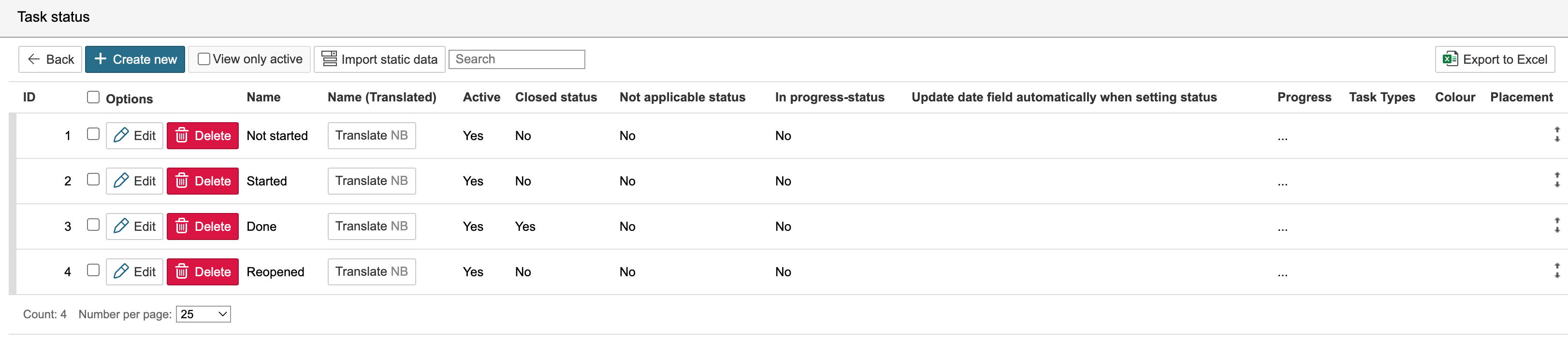
2. To create a new status, click Create new. To edit an existing one, click Edit.
2. Enter a name and select an underlying status. If a status should only be available for selected task types, you can select those task types here. Click Save and close form when you are finished.
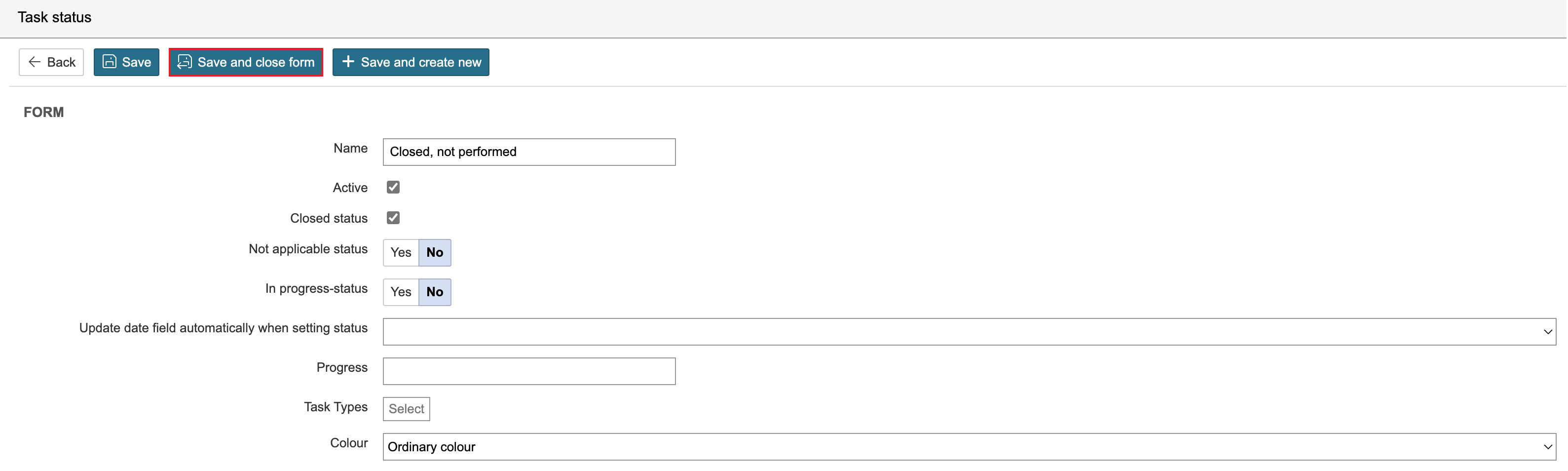
If the status is a 'Closed' status, tasks are closed when they are assigned this status.
Tip: If there are existing records with a status, it is recommended to deactivate the status rather than delete it. |
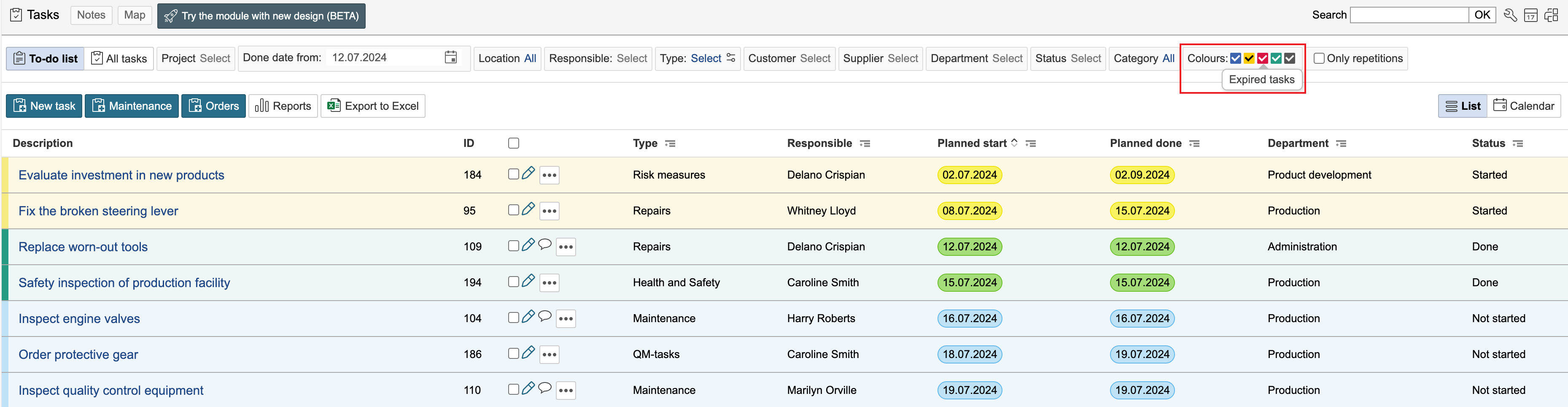
The statuses and planned done date for the tasks control the colour of the tasks in the list. Hover the mouse pointer over the colours for an explanation.