Supplier evaluations can be registered in two places in the system: either in a document registered on the supplier or by using a checklist linked to the supplier. If a document is used, a template can be created in the document library and then used to generate new documents when carrying out an evaluation. If the checklist module is used, an evaluation can be created and completed internally, or a checklist response can be requested from the supplier. The supplier does not need to log in to the system to complete the response.
Document
Go to the Documents tab on the supplier and hover the mouse pointer over "Create new document". Click Create from template and then select the template to be used.

Note: It is also possible to upload files from your computer in this tab.
Checklist
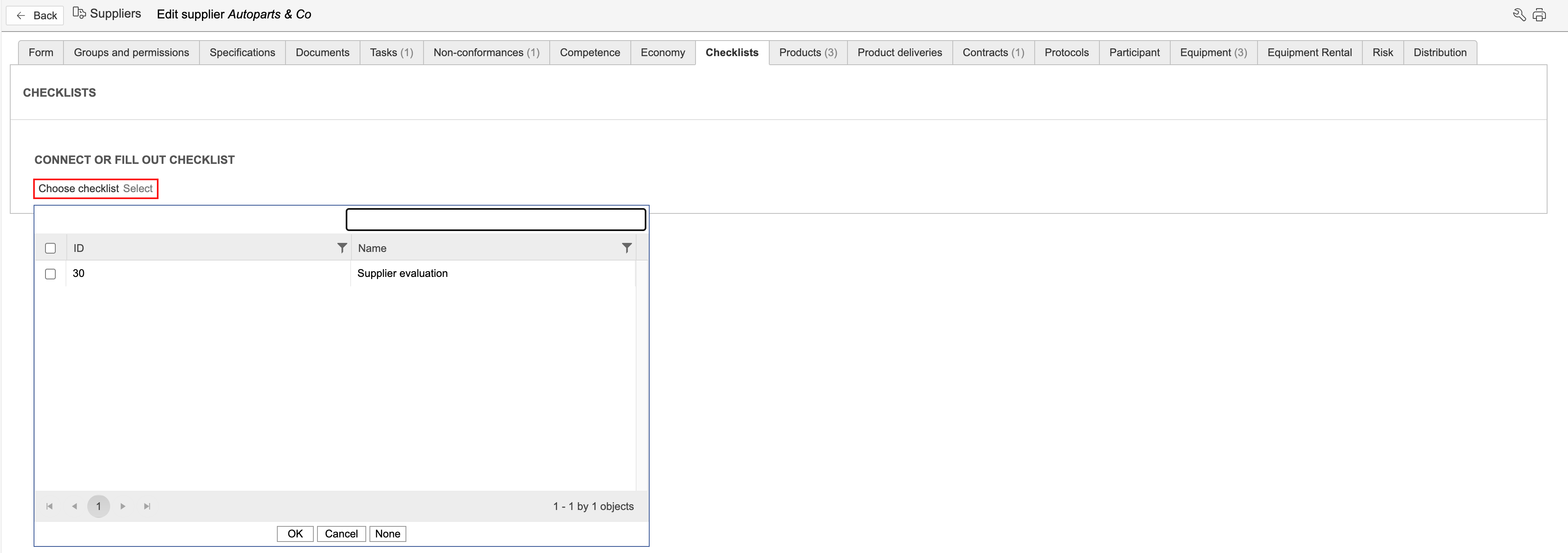
Internal
Internal means that the checklist response is created by a person with a user account in the system. Internal responses are created differently from external requests, and the checklist may include additional question types that cannot be used when requesting responses from persons without a user account.
External
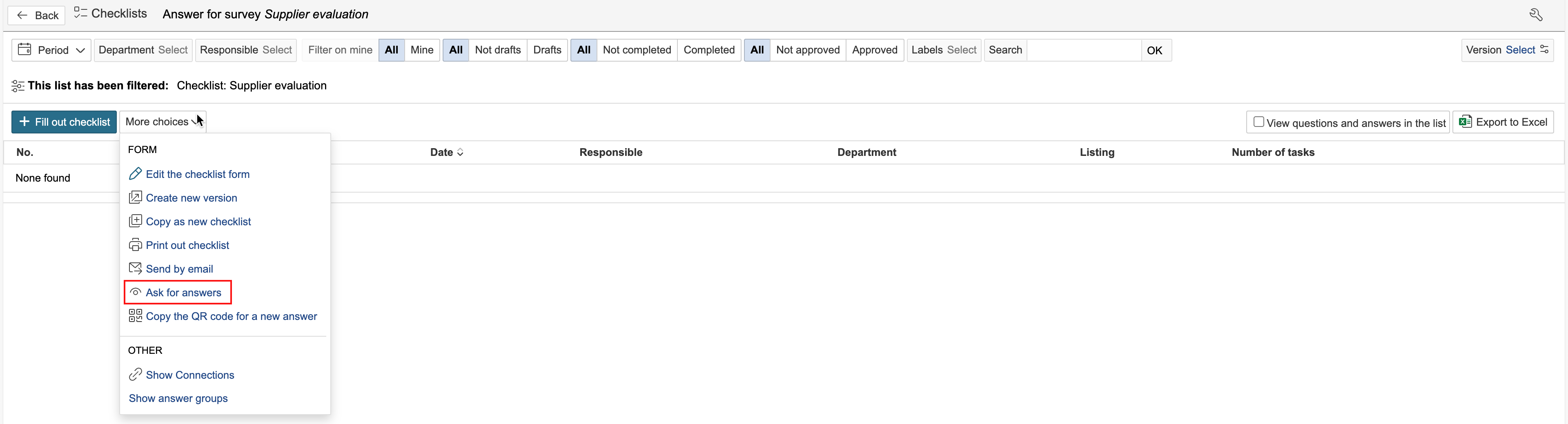
External means that the checklist can be completed by persons without login access to the system. To send a checklist to someone without a user account, open the overview of the checklist, hover the mouse pointer over "More choices" and click Ask for answers.