
This function is only available to users with Administration level
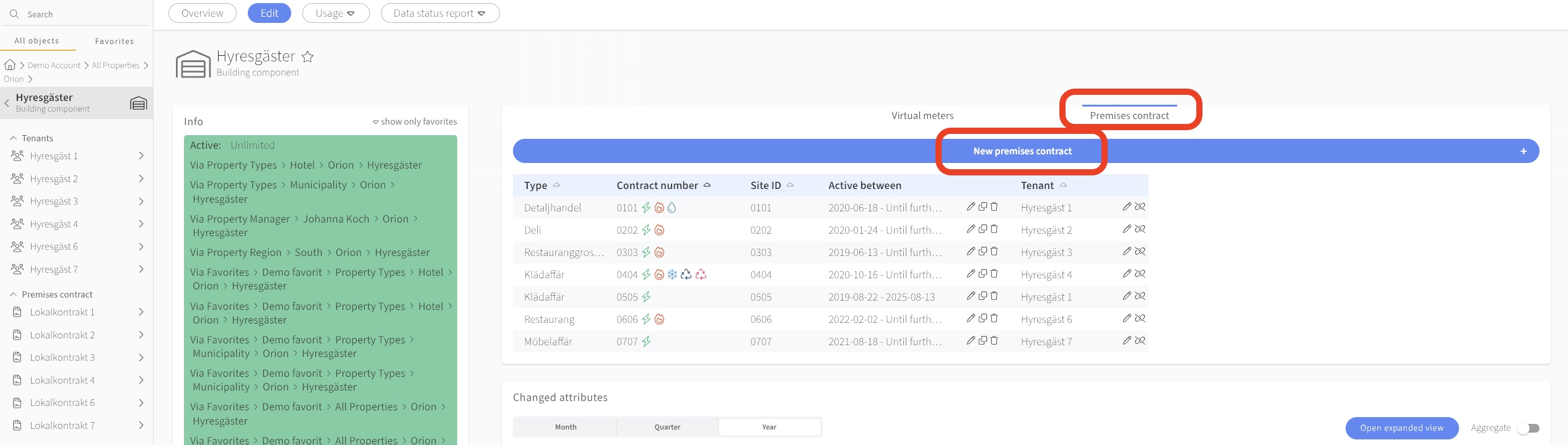
Navigate to the property or building where you want to add a tenant or a premise contract.
Click on "+ New Object".
Click on "Section".
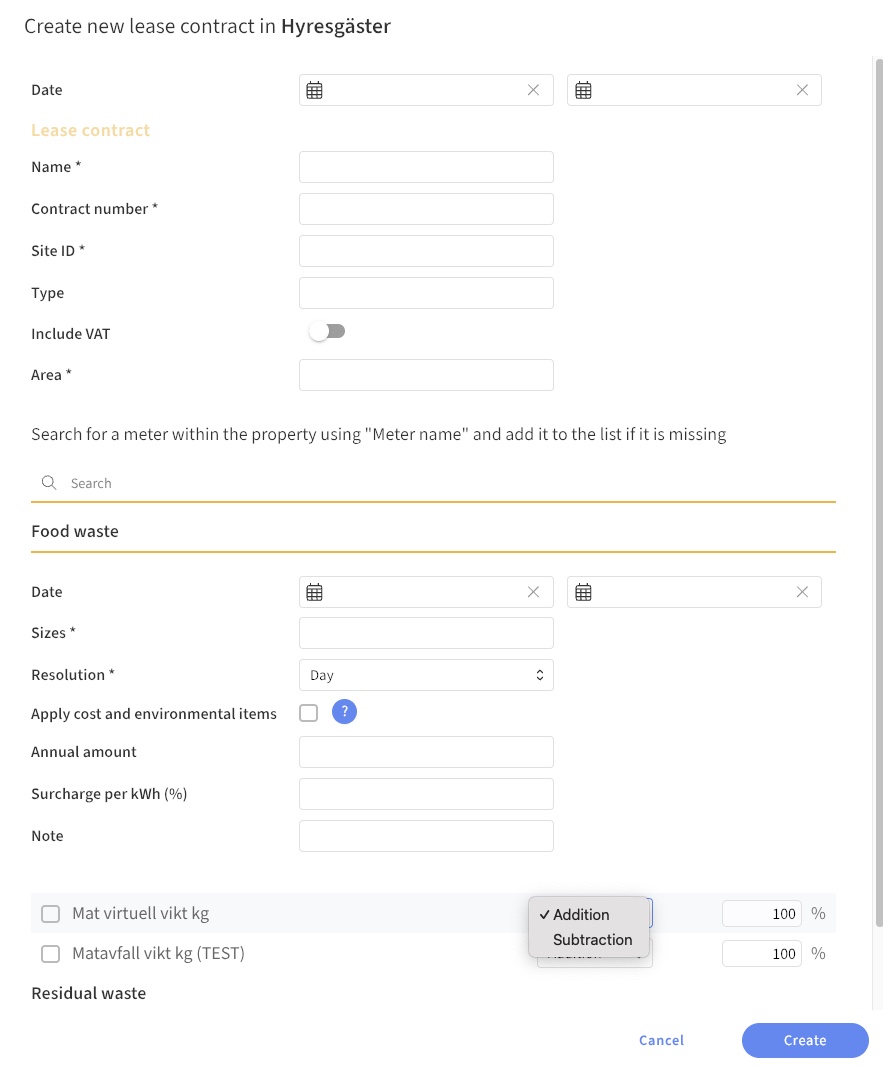
If possible, specify the start date (when was the section built or when did the tenant move in?).
Name the section/tenant and add the relevant area.
Finish by clicking "Create"
Common questions
- How do I create a tenancy agreement?
- How do I add a new tenant?
- How do I create a lease in Mestro?
- What do I need to do to register a tenant?