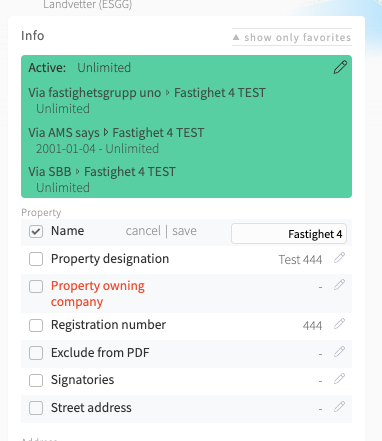
Tip: All information with a pencil icon to the right of the text can be edited Jesper Stenberg
Go to the property, meter or other object where you want to change information.
Choose the Edit mode in the top boarder
Click on the pencil icon to the right of the information you want to change.
Fill out the new information.
Click "save"