
Default work descriptions with separate fields for Utilities and Description can be created here. After saving, you can also link sub-activities (checkpoints), parts lists (articles) and documents. For details regarding the creation of sub-activities, adding articles and documents, see separate description under work orders, since this is the same procedure.
Rich text editor (HTML) is available in the description field. Here you can enter links, images (can also be pasted via the clipboard), video links, tables, formatted text, etc.
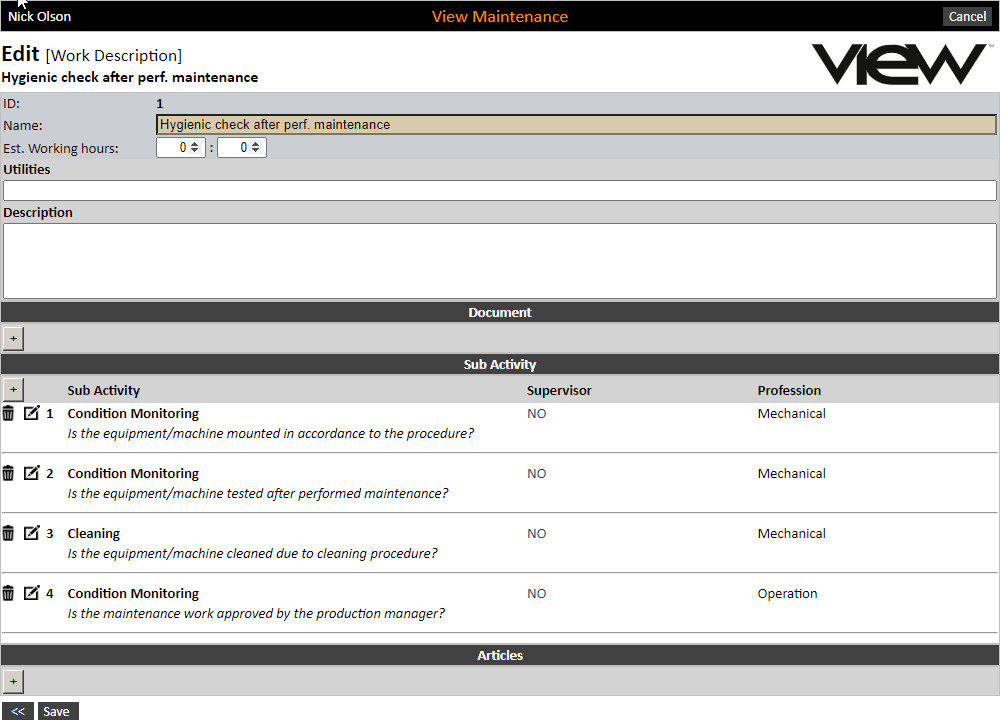
Using sub-activities on a work description will make it easy to maintain the work orders that are linked to it, i.e. make amendments here, with the change applying to all the work orders when the job description is retrieved again on the work order.