Purpose
If you get an error message or saving something does not work, you can get an X-request-ID (error ID) which will then help our developer team to figure out the error faster when you post some problem or error to dev_support on Slack.
Scope
This is for internal use only.
Definitions/Acronyms
- X-request-ID: A kind of error ID that helps to identify the problem or what goes wrong
Procedures
- Step 1: Go to the page where the problem occurs
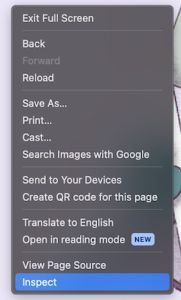
- Option 1: Click the right button from the mouse/touchpad
- Choose “Inspect”
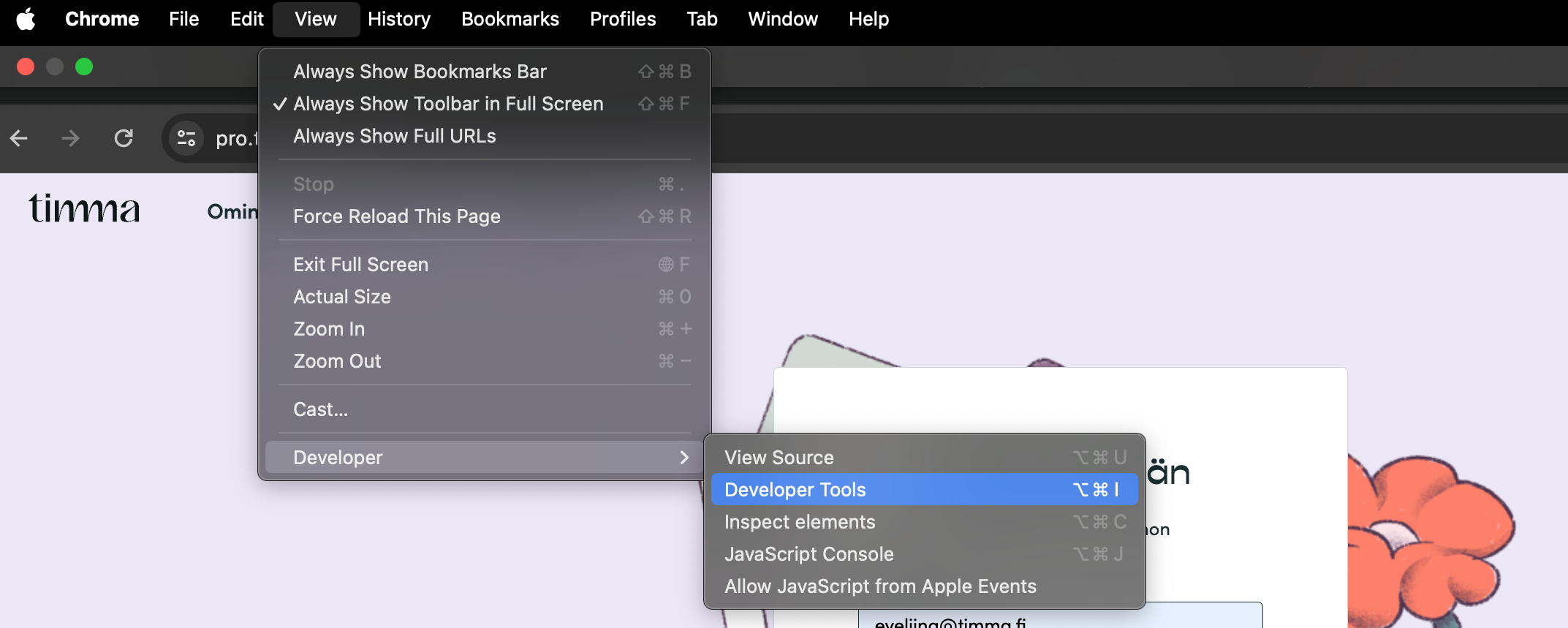
- Option 2: Go to the upper bar on your browser and choose “View”.
- Go to “Developer” → “Developer Tools”
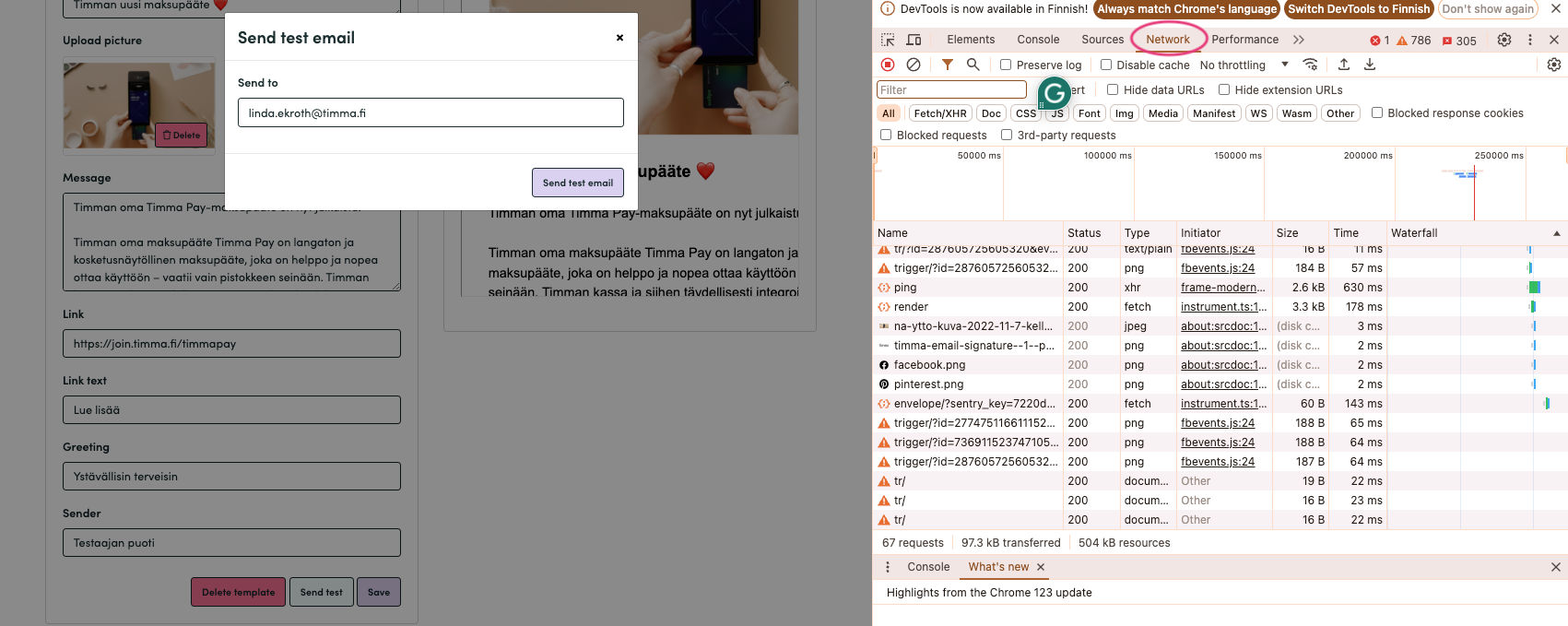
- Step 1.2: Click “Network” from the new window that opens
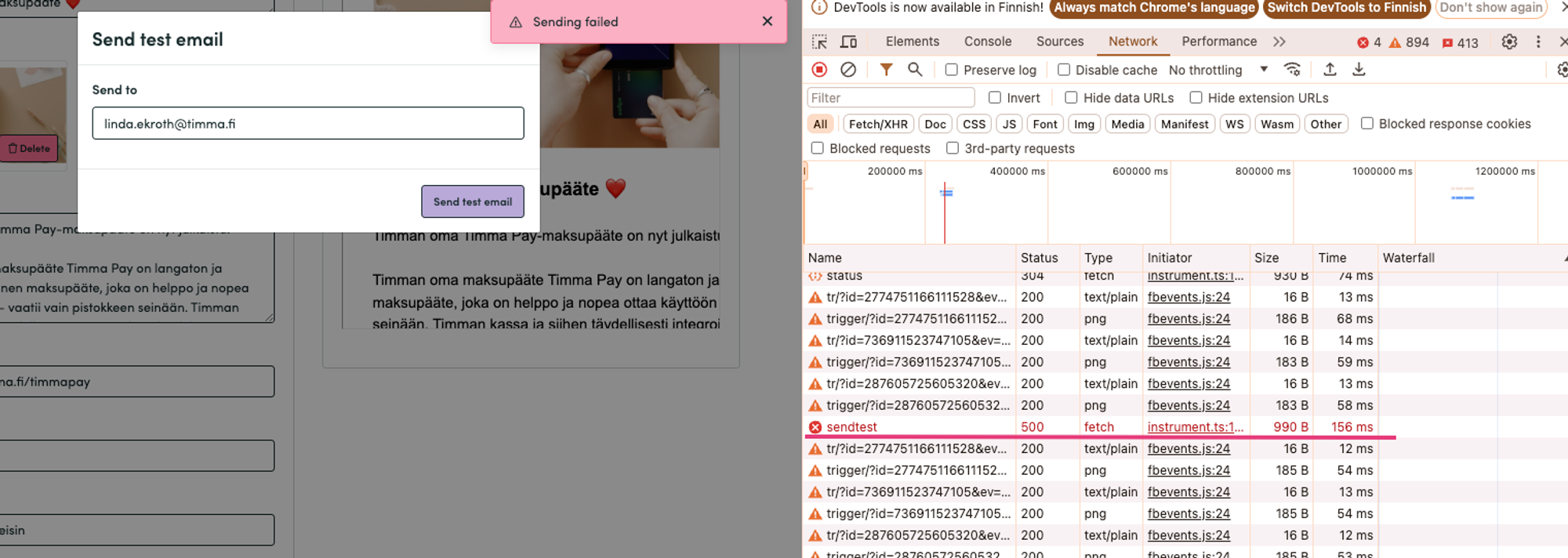
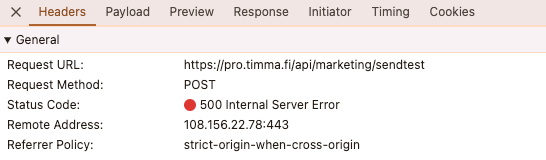
- Step 1.3: Now repeat the action that caused the error, for example in the picture above we tried to send test message with the marketing tool.
- Step 1.4: Error will be shown on red text on the list which is displayed. Click the red text.
- Step 1.5: Under “Headers” it shows the status which can give you some hint of what goes wrong.
- Step 1.6: Scroll down the list to see the X-Request-ID.
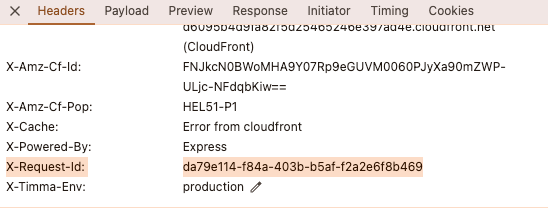
- Copy the X-Request-ID and add that to the problem you are posting to dev_support.