Tax rates define the tax percentages used in invoicing. Payment types refer to a tax rate, so the rates maintained here determine the tax applied on invoice rows.
Opening the view
Open Administration → Computation details → Tax rates.
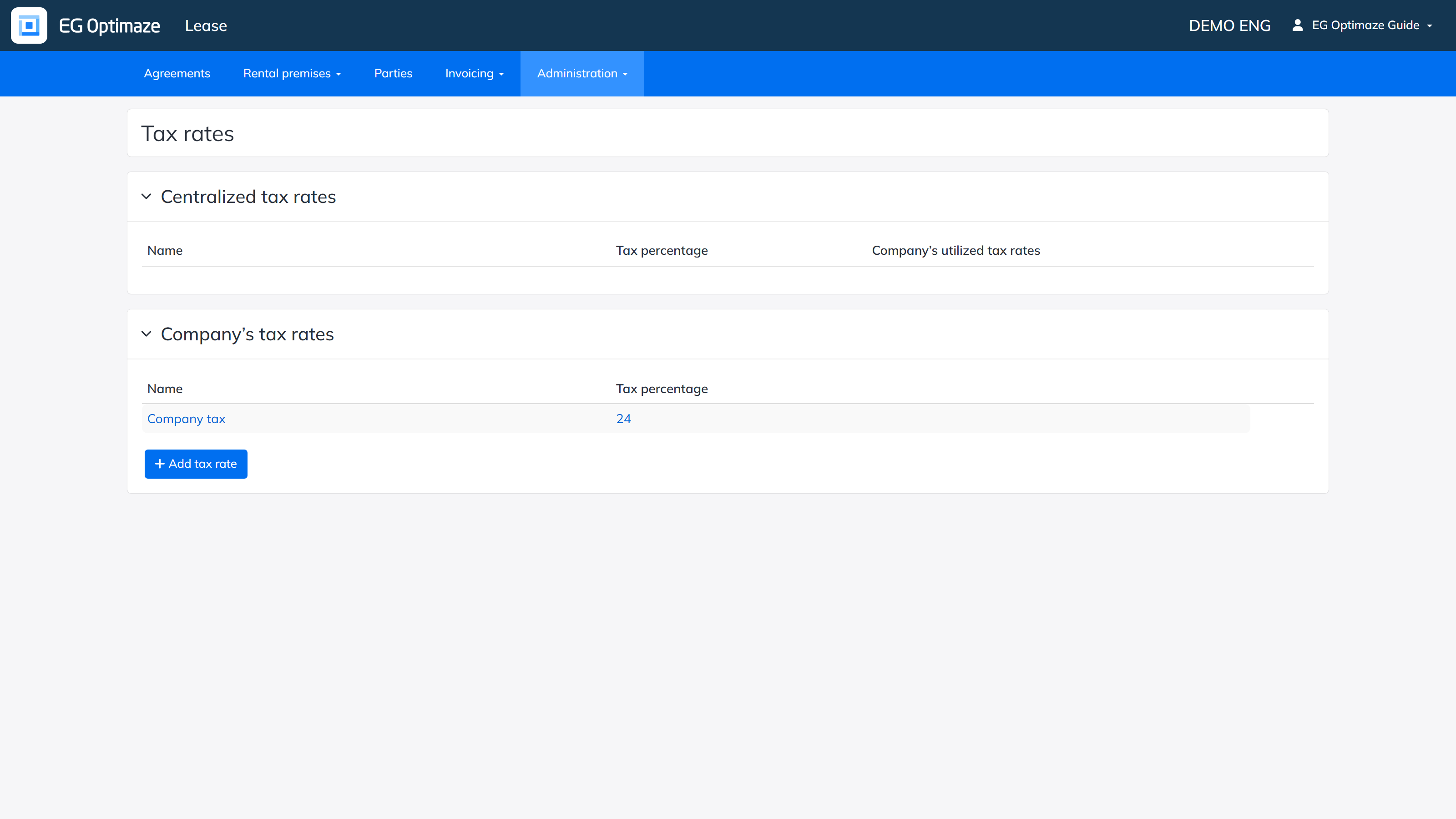
The Tax rates view
The view contains two lists:
- Centralized tax rates — tax rates maintained centrally by EG; typically ones used by everyone. Check the box in the Company’s utilized tax rates column to enable a centralized rate for your own company.
- Company’s tax rates — tax rates maintained by your own company.
Each row shows the Name and Tax percentage. Open a tax rate for editing by clicking its name. Add a new rate with Add tax rate.
Editing and rate history
Click a tax rate’s Name to rename or delete it; deleting asks for a confirmation. Click the Tax percentage value to open the rate’s percentage history: a new percentage can be added together with the date it takes effect, and the list view always shows the percentage that applies today based on these effective dates. Note! Use a period, not a comma, as the decimal separator for the tax percentage.
