A single party is opened by clicking its name in the parties list. The party view has three tabs: Basic information, Invoices and Appendices.
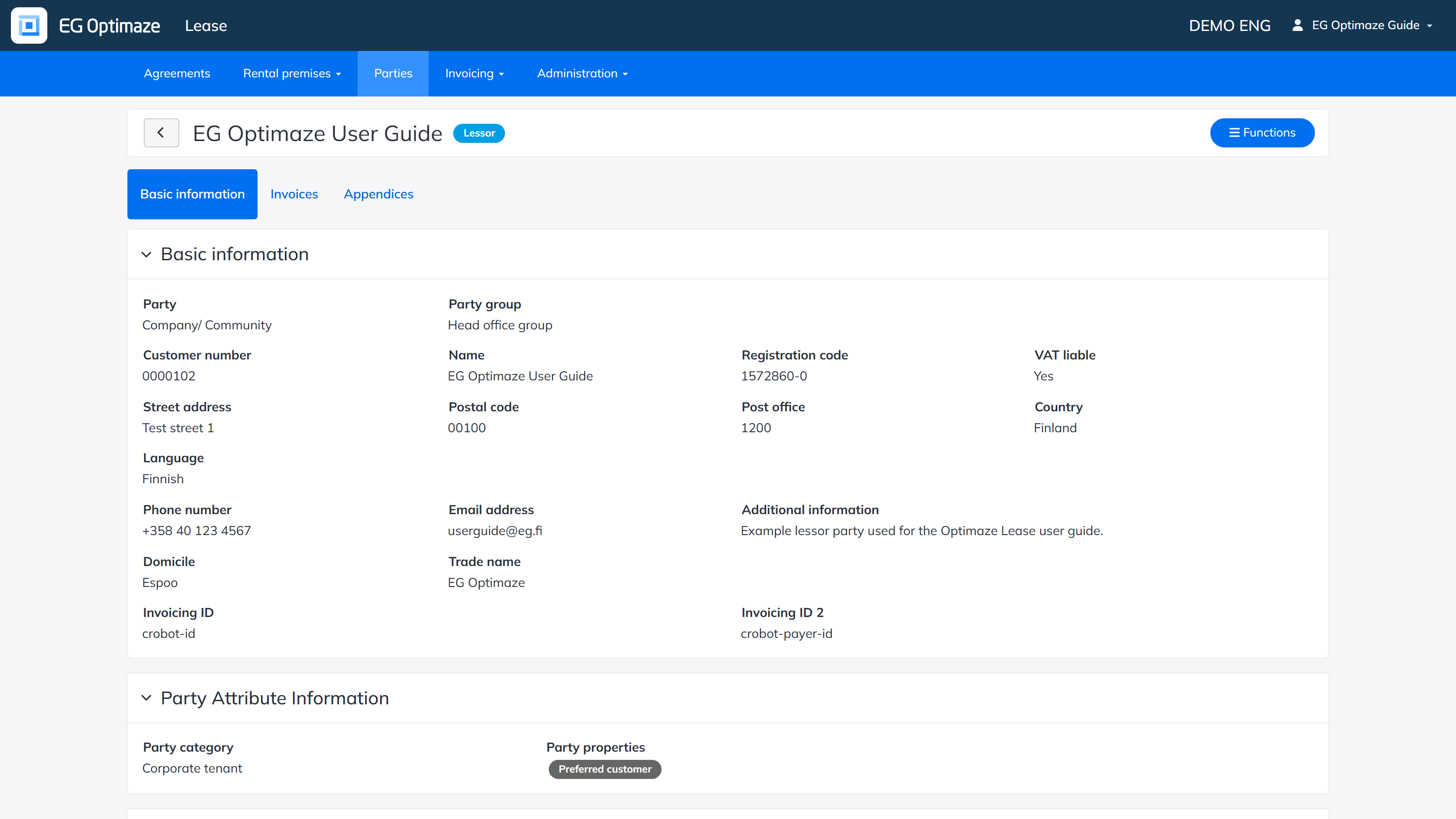
Basic information
The Basic information tab shows the details saved for the party in more detail. A party can have a comprehensive set of contact details; you can also see the agreements related to the party and the signatory details saved in advance for agreements.
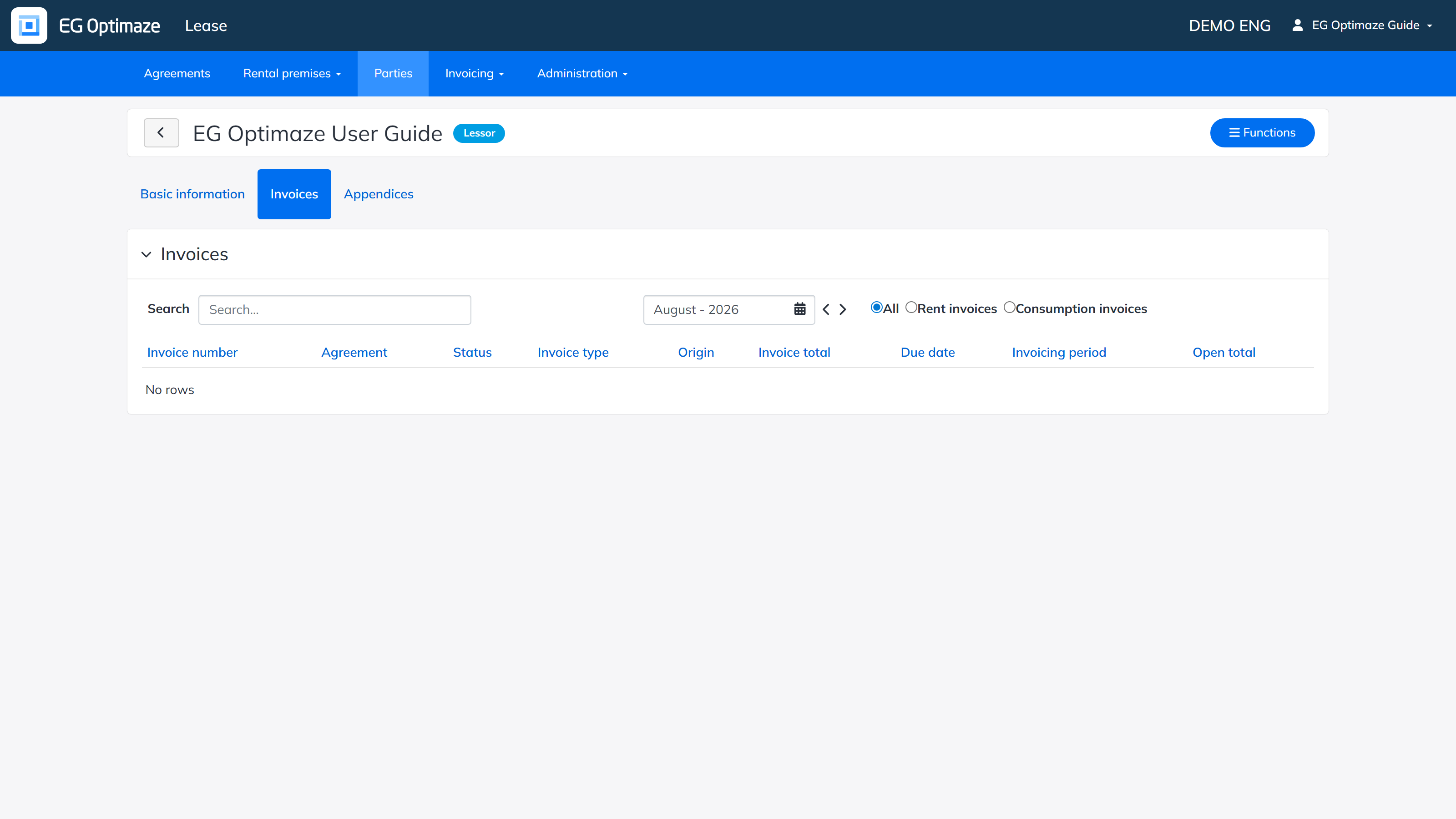
Invoices
The Invoices tab shows the invoices related to the party.
Note! Invoices that have been created without an agreement are visible only in this view.
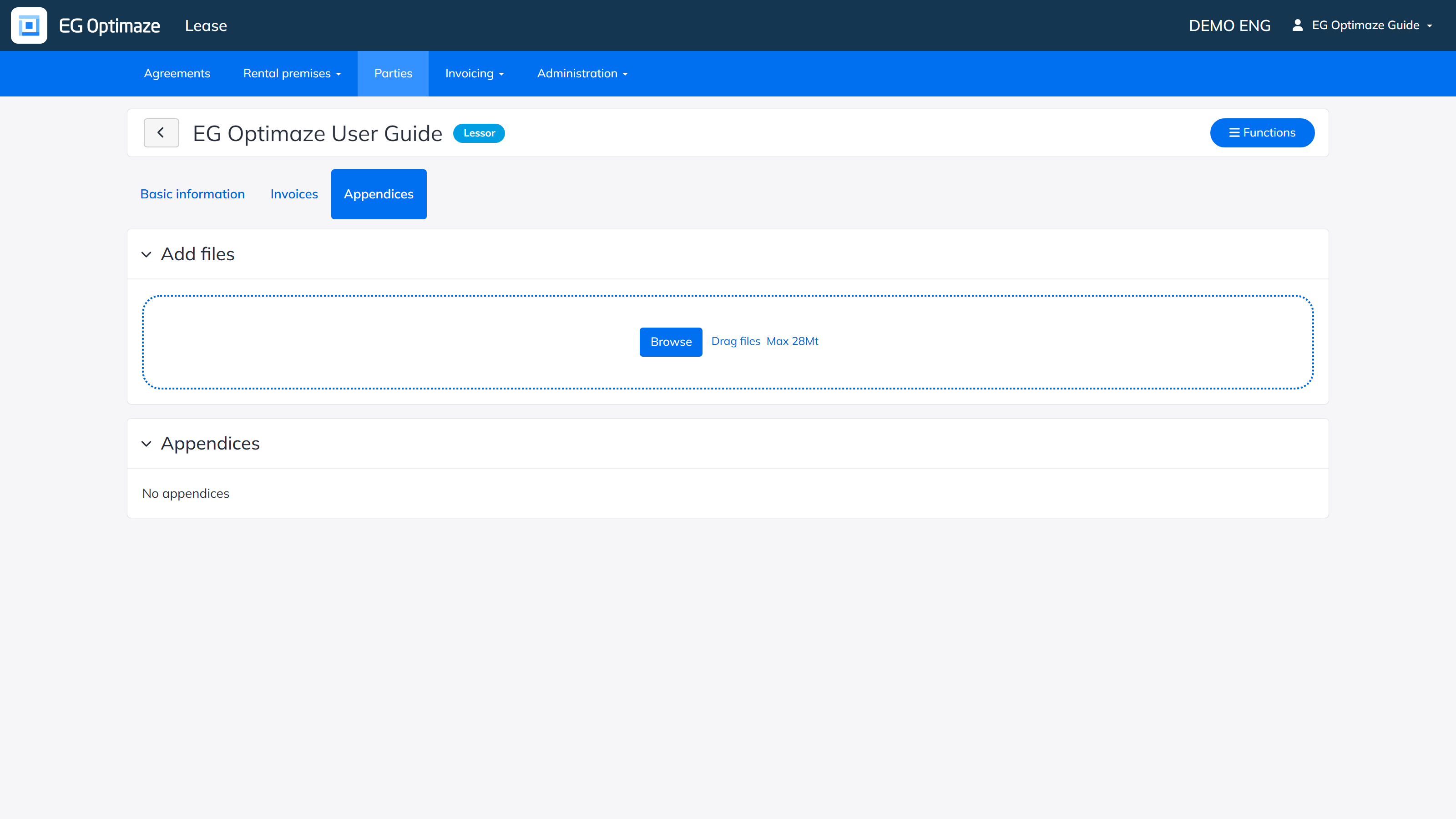
Appendices
On the Appendices tab you can store attachment files for the party that you do not necessarily want to store on an agreement.