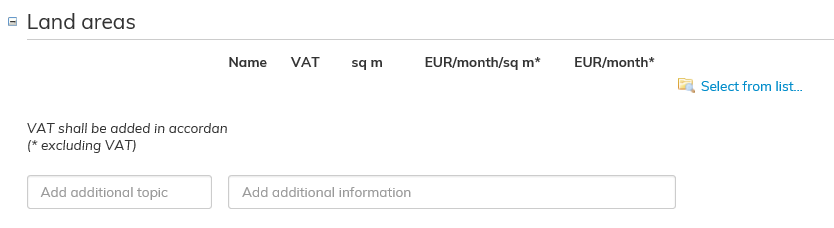
Add the land area that you wish to add to the lease agreement. Click on the blue Select from list... on the right-hand side next to the Land areas field.
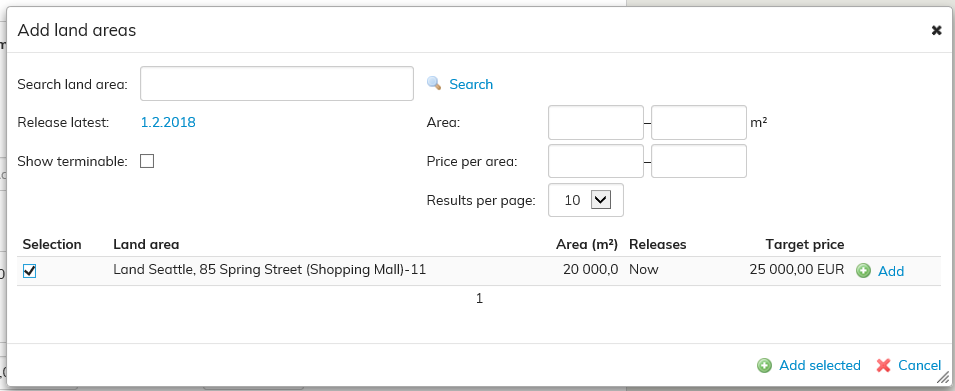
Add land areas will open up.
You can search for a land area either by its name, or by the ending or termination date of the agreement. Select the appropriate land areas and click Add selected.
Lägg till det Landområde, som du vill lägga till i hyresavtalet. Klicka på den blåa texten Välj i lista till höger i punkten Landområde.
Ett Lägg till Landområde-fönster öppnas.
Du kan söka landområden enligt namn, när de blir lediga eller enligt uppsägning. Välj de landområden som ska läggas till och välj Lägg till valda.
Ifall ett landområde i avtalet inte har lagts till i Optimaze, kan du lägga till det i enlighet med instruktionen i punkten Administration av hyresområden, Landområde.
If a land area included in the agreement has not been added in Optimaze, you can add it according to the instructions given under Land area section in Rental area management.